Slow
Standard
Fast
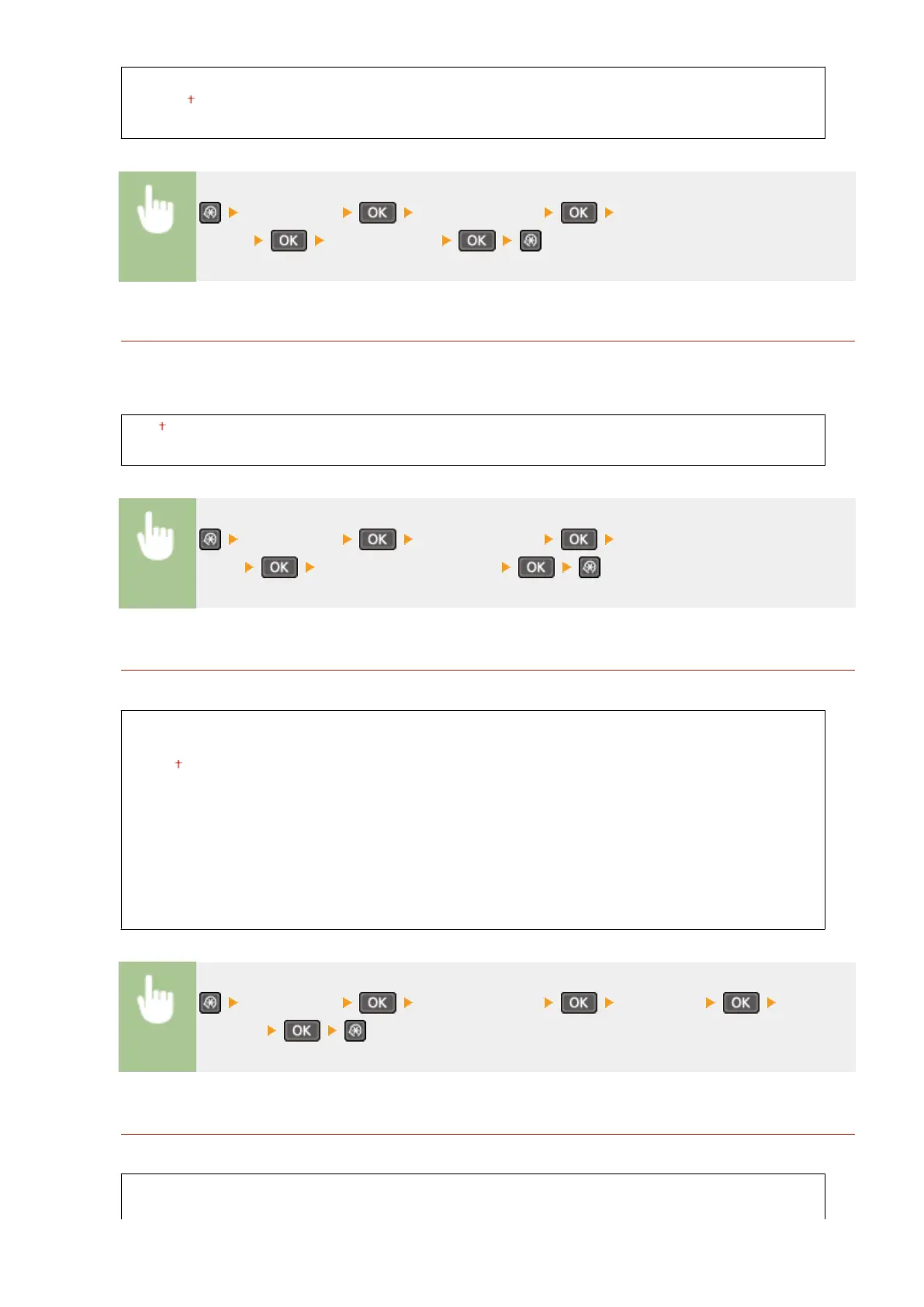
<Preferences> <Display Settings> <Scrolling
Speed> Select the speed
Cursor Movement Type
Congure how the cursor moves after a character is entered on the screen. Select <Auto> to automatically move
the cursor to the right of the entered character. Select <Manual> to manually move the cursor to the right of the
entered character.
Auto
Manual
<Preferences> <Display Settings> <Cursor Movement
Type> Select <Auto> or <Manual>
Language
*1
Select the display language used for the display, reports, and lists.
Chinese (Simplied)
Chinese (Traditional)
English
French
German
Italian
Japanese
Korean
Portuguese
Spanish
<Preferences> <Display Settings> <Language> Select a
language
Remote UI Language
*1
Select the display language used for the Remote UI screens.
Chinese (Simplied)
Chinese (Traditional)
Setting Menu List
295












 To Next Page