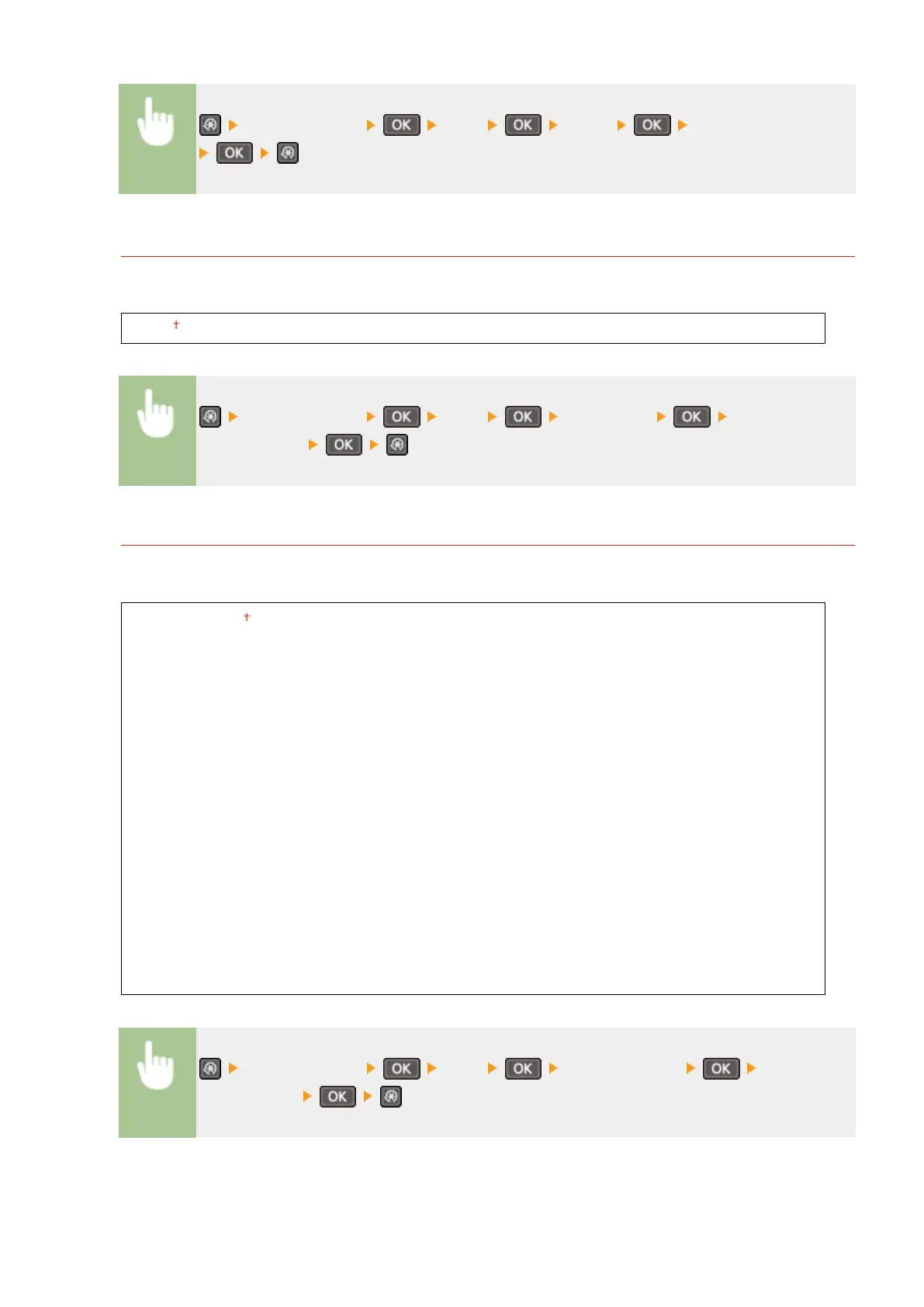
<Printer Settings> <PCL> <Pitch> Specify the pitch value
Form Lines
*
Set the number of lines printed on one page from 5 to 128. This setting is automatically changed according to
the settings specied in <Default Paper Size> and <Orientation>.
5 to 60 to 128 (lines)
<Printer Settings> <PCL> <Form Lines> Specify the
number of lines
Character Code
Select the character code that is most suited for the computer you send print data from. The specied setting is
ignored when the character code is controlled by the font specied in <Font Number>.
DESKTOP
ISO4
ISO6
ISO11
ISO15
ISO17
ISO21
ISO60
ISO69
ISOL1
ISOL2
ISOL5
ISOL6
LEGAL
MATH8
MCTEXT
MSPUBL
PC775
PC8
PC850
PC852
PC8DN
PC8TK
PC1004
PIFONT
PSMATH
PSTEXT
ROMAN8
VNINTL
VNMATH
VNUS
WIN30
WINBALT
WINL1
WINL2
WINL5
<Printer Settings> <PCL> <Character Code> Select the
character code
Setting Menu List
313


 To Next Page
 Loading...








