The default paper size of the machine is set to Letter. Change the paper size setting when using a
different size of paper.
Specifying Paper Size and Type(P. 47)
◼ Paper Type and Paper Source Capacity
Chlorine-free paper can be used with this machine.
Paper Type
Paper Capacity for Paper
Drawer
Paper Capacity for
Manual Feed Slot
Plain paper
*1
16 to 21 lb Bond (60 to 80 g/m²) 250 sheets 1 sheet
22 to 23 lb Bond (81 to 89 g/m²) 170 sheets 1 sheet
Heavy paper
*2
24 to 28 lb Bond (90 to 105 g/m²) 170 sheets 1 sheet
28 lb Bond to 60 lb Cover (106 to 163
g/m²)
100 sheets 1 sheet
Recycled paper
*1
16 to 21 lb Bond (60 to 80 g/m²) 250 sheets 1 sheet
22 to 23 lb Bond (81 to 89 g/m²) 170 sheets 1 sheet
Color paper
*1
16 to 21 lb Bond (60 to 80 g/m²) 250 sheets 1 sheet
22 to 23 lb Bond (81 to 89 g/m²) 170 sheets 1 sheet
Bond paper
*3
16 lb Bond to 60 lb Cover (60 to 163
g/m²)
100 sheets 1 sheet
Label 100 sheets 1 sheet
Envelope 20 sheets 1 sheet
*1
Automatic 2-sided printing is available without replacing paper.
*2
Automatic 2-sided printing is available for heavy paper 1 (24 to 32 lb Bond (90 to 120 g/m²)).
*3
Automatic 2-sided printing is available for bond paper 1 (16 to 24 lb Bond (60 to 90 g/m²)) and bond paper 2 (25 to 32 lb Bond (91 to
120 g/m²)).
◼ Paper Type and Setting for the Machine
Loading Paper(P. 36)
◼ Printable Area
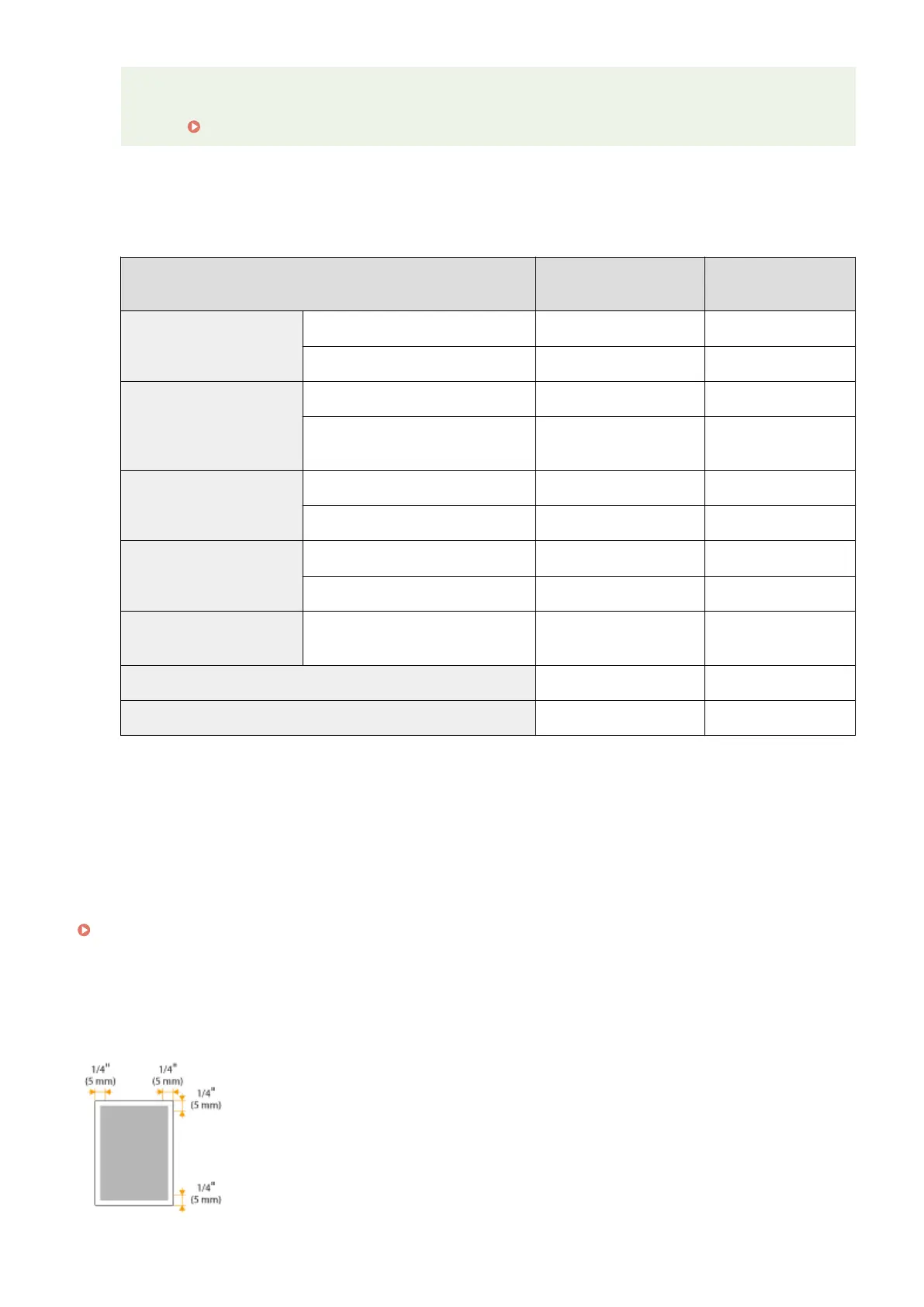
The shaded areas in the image below indicate the printable area of the document.
Appendix
409












 To Next Page