When loading envelopes or paper with a logo, see Loading Envelopes(P. 43) or Loading Preprinted
Paper(P. 45) .
4
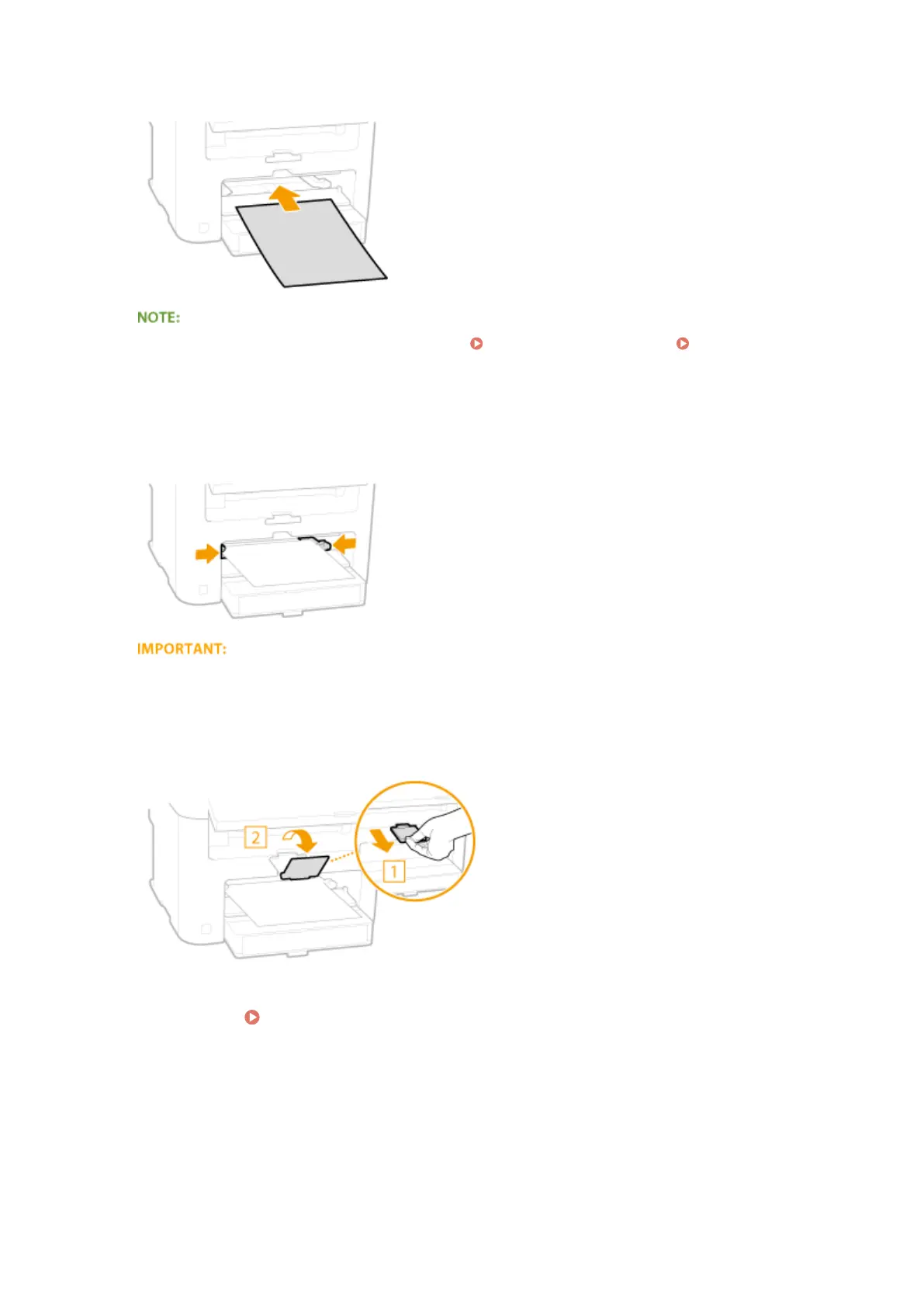
Align the paper guides against the edges of the paper.
● Slide the paper guides inward until they are aligned securely against the edges of the paper.
Align the paper guides securely against the edges of the paper
Paper guides that are too loose or too tight can cause misfeeds or paper jams.
5
Pull out the paper stopper to open.
Continue to Specifying Paper Size and Type(P. 47)
Basic Operations
42












 To Next Page