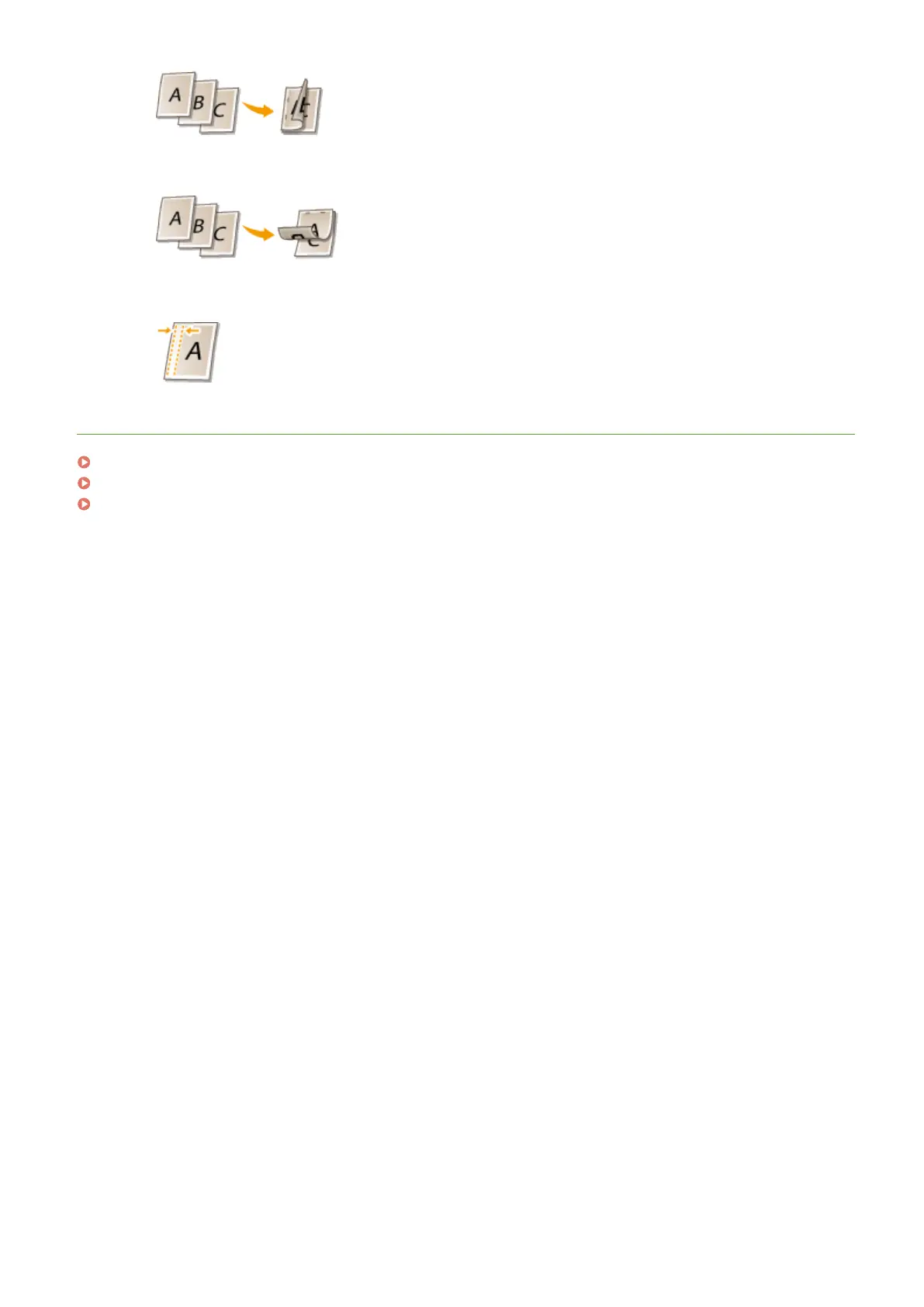
[Short Edge [Top]]
Prints images in such a way that the printed pages are opened vertically when bound.
[Gutter]
Specify a binding margin.
LINKS
Printing a Document(P. 80)
Printing Multiple Pages onto One Sheet(P. 96)
Printing Booklet (P. 100)
Using the Machine as a Printer
93












 To Next Page