Chapter 5
5-42
5.6.5 ROM Management (ROM)
5.6.5.1 ROM 0006-5838
Information such as ROM (program software) version number is displayed on the display.
This mode is for confirmation only, and any entry cannot be made.
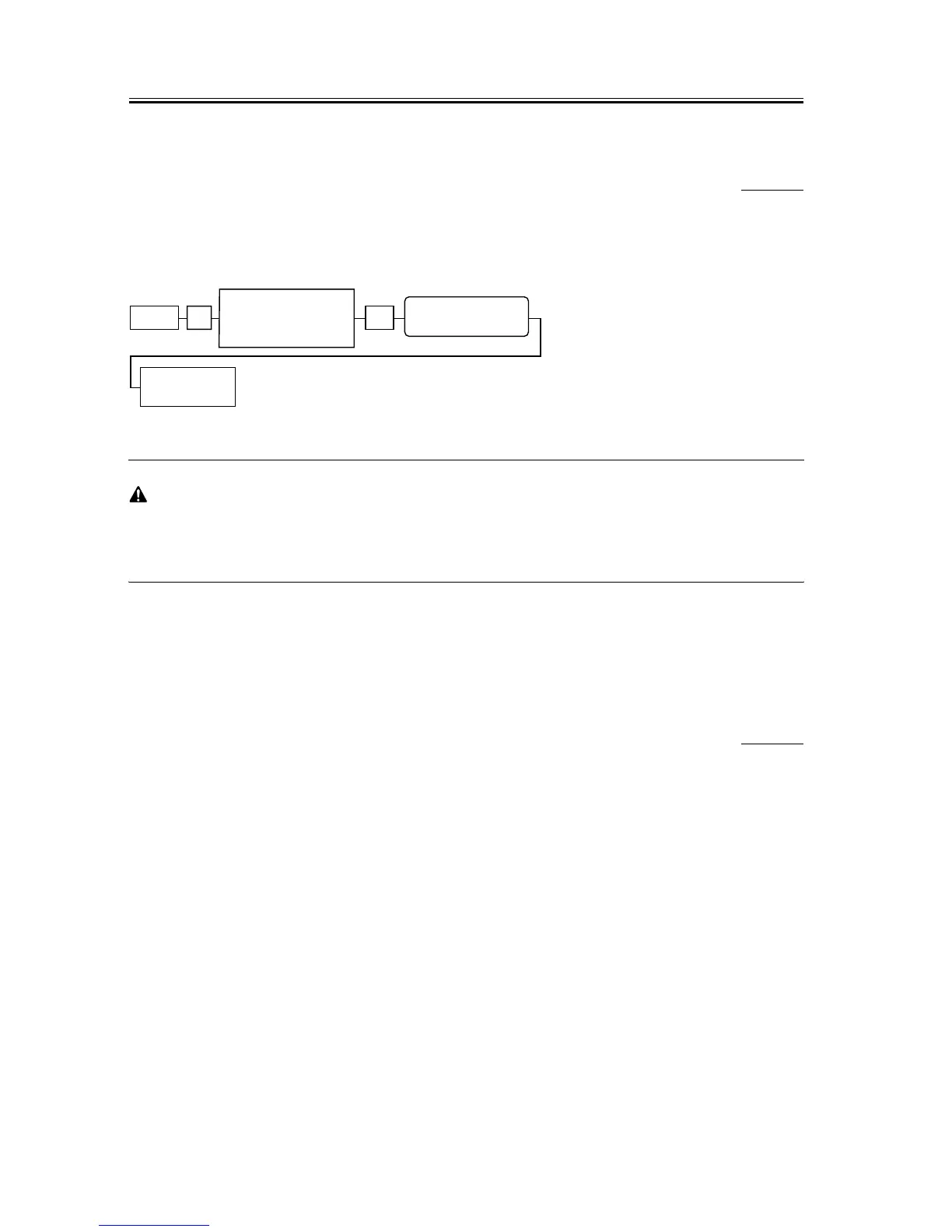
F-5-9
If the machine is returned to standby mode with the Menu key after a ROM version check, it fails to be reset,
leading to malfunction during communication.
Therefore, be sure to turn OFF and back ON the power after checking ROM version.
5.6.6 Test Mode (TEST)
5.6.6.1 Overview
5.6.6.1.1 Test Mode Overview
0006-5849
The following test modes are available from the menu on the display.
D-RAM tests
Writes data to DRAM image storage areas and reads that data to check operations.
Print test
Printing a test pattern in the printing area.
Modem, NCU tests
The frequency test, G3 signal transmission test, and V.34 G3 signal transmission test.
FACULTY test
Testing the sensors and functions of the operation panel.
Menu # OK
Display TEST
MODE by pressing
cursor button
TEST MODE
pressing
cursor button














 To Next Page