Note
• When you select Add user, the service first checks whether the maximum number of users has
been reached. If new users can be added, the user registration screen appears.
• The maximum number of users that can be added for 1 printer is 20.
3. Enter the e-mail address of the user to be added, and then select OK
The URL for completing the registration is then sent to the entered e-mail address.
Note
•
If you enter an e-mail address that is already registered, you will receive notification that the
address is registered. To specify another e-mail address, follow the displayed instructions.
4.
Access the URL reported in the e-mail
The procedure that follows describes what to do if you receive a notification e-mail.
5.
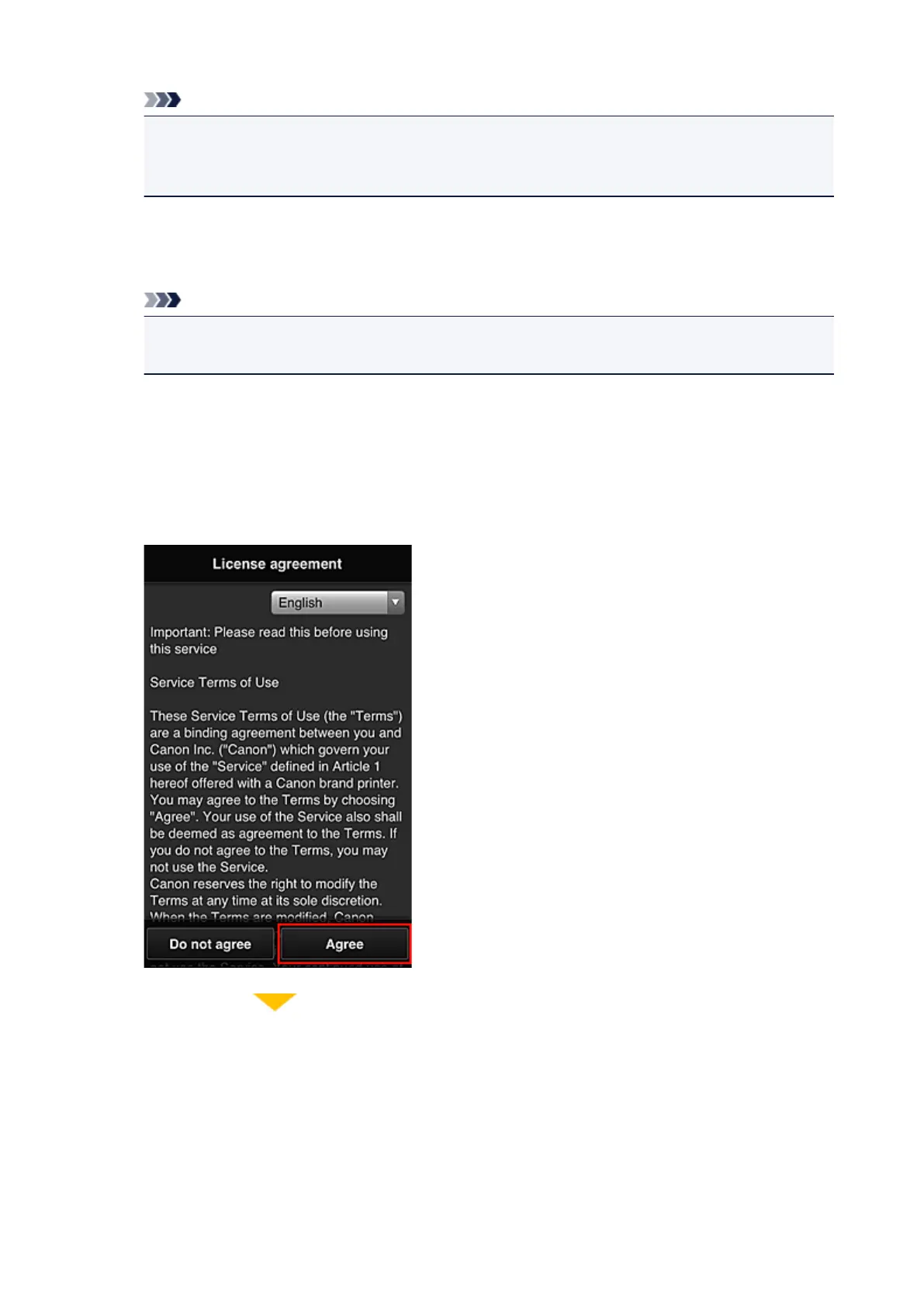
Read the terms displayed in the License agreement and Privacy statement screens. If
you agree to the terms, select Agree.
160









 To Next Page