6.
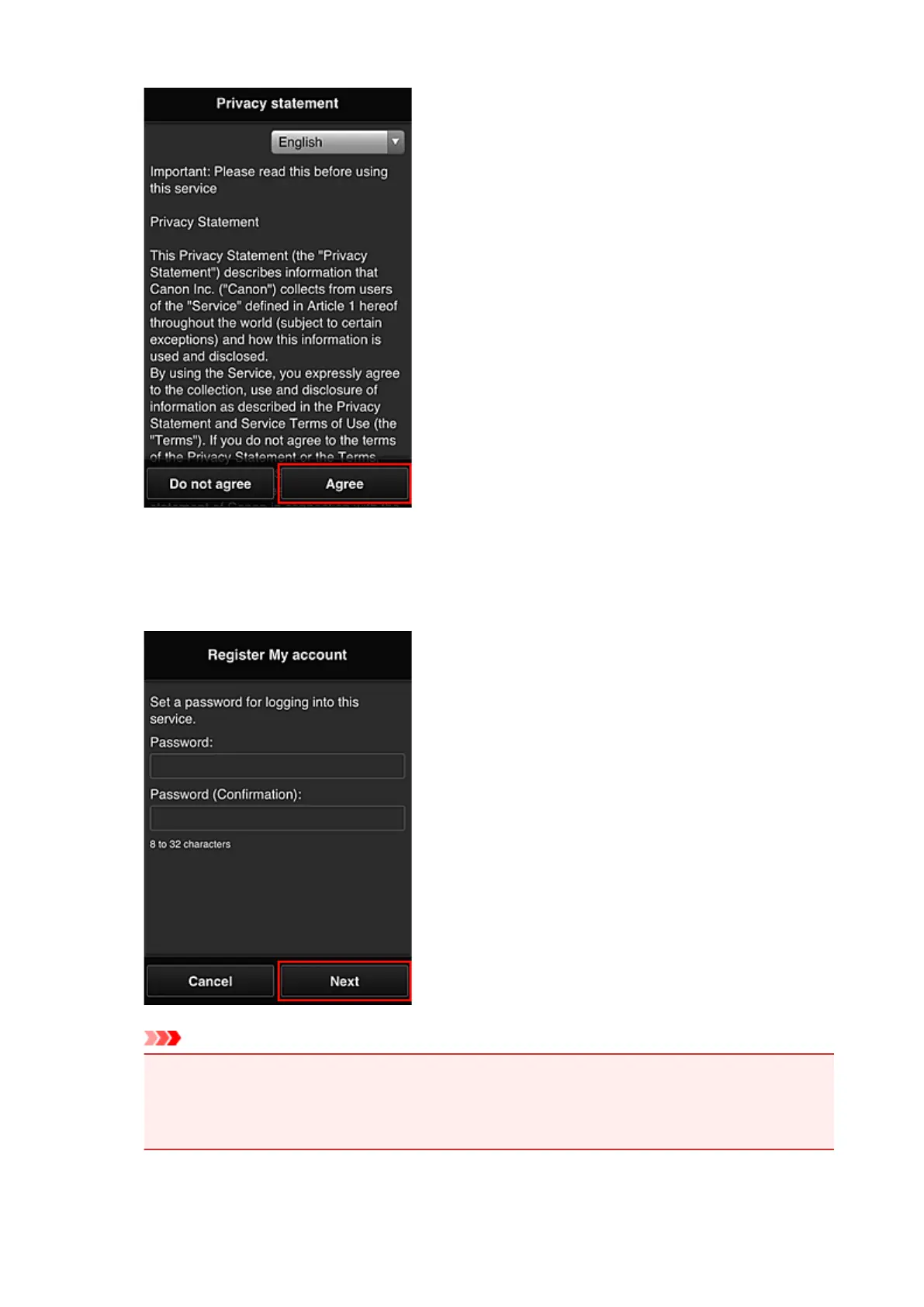
Register a password for logging in to the Canon Inkjet Cloud Printing Center.
On the My Account Registration screen, enter you desired password into Password and Password
(Confirmation) and select Next.
Important
•
There are character restrictions for the Password, as shown below.
•
The password must be between 8 and 32 characters long, using single-byte alphanumeric
characters and symbols (!"#$%&'()*+,-./:;<=>?@[¥]^_`{|}~). (Alphabets are case-sensitive)
161









 To Next Page