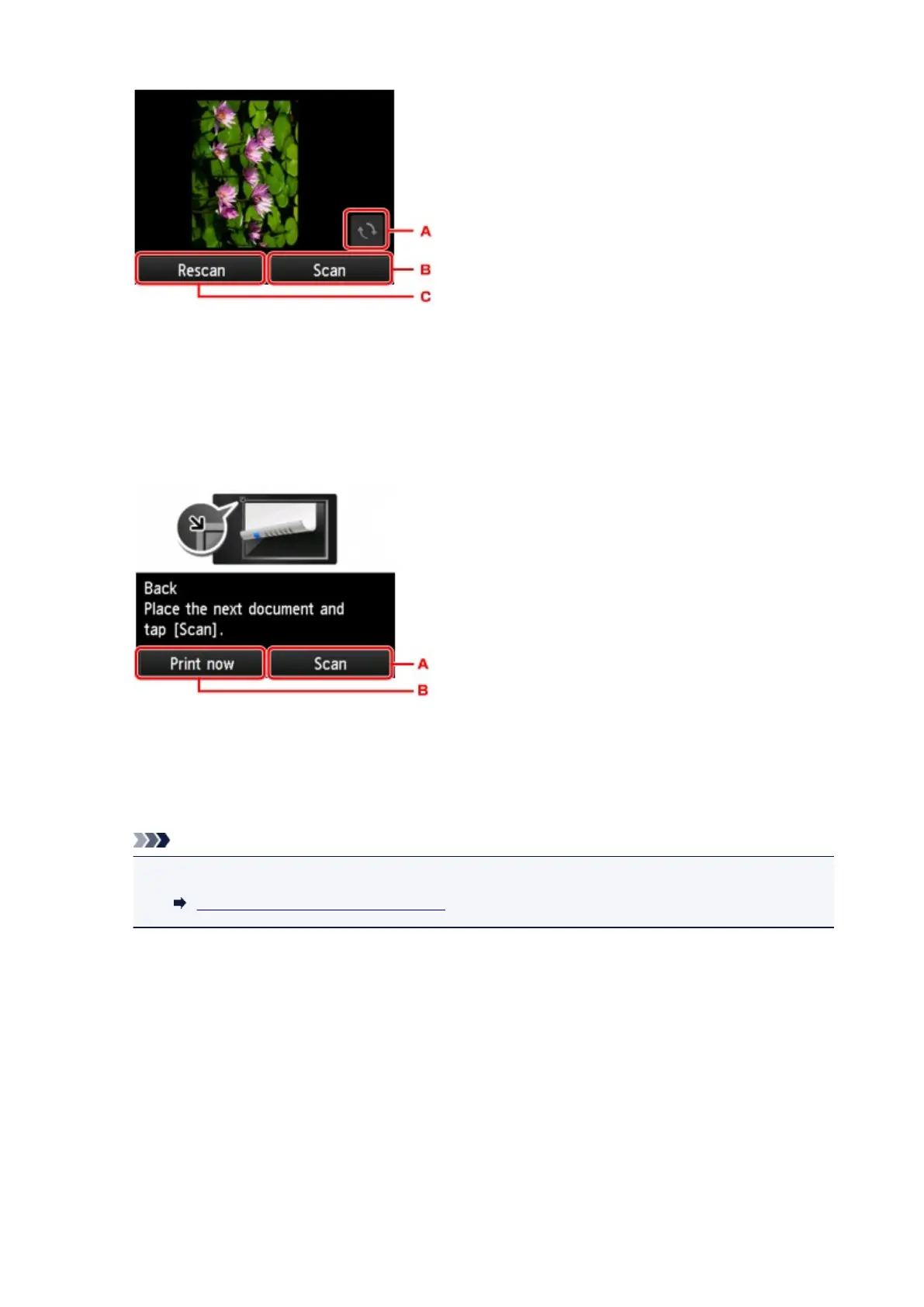
A. Tap to rotate the original by 180 degrees.
B. Tap to start scanning the original.
C. Tap to rescan the original.
• After scanning:
The screen below appears after scanning each sheet of original.
A. Tap to start scanning the original.
Remove the sheet of original from the platen glass after scanning and load the next sheet on the
platen glass and tap Scan.
B. Tap to start copying the original already scanned.
Note
• You can add the copying job while printing.
Adding Copying Job (Reserve copy)
651









 To Next Page