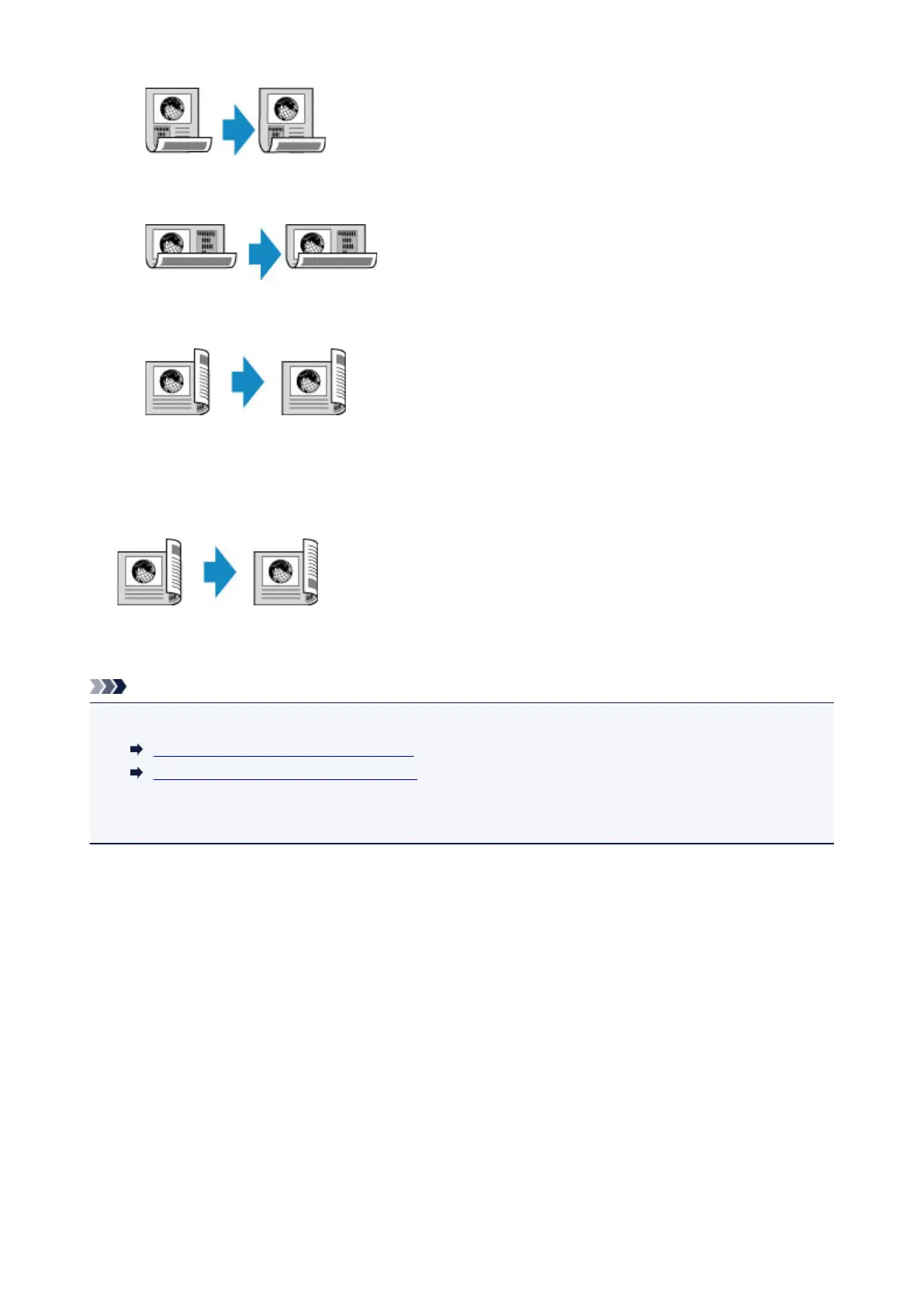
◦ When you select Orientation: Landscape for the orientation and Original: Long side bind and
Output: Long side bind for the stapling side:
◦ When you select Orientation: Landscape for the orientation and Original: Short side bind and
Output: Short side bind for the stapling side:
When the stapling sides specified for Duplex and 2-sided are different, the originals are copied so that
the page is flipped vertically.
Ex: When you select Orientation: Landscape, Original: Long side bind, and Output: Short side
bind:
After selecting the stapling side, you can select whether you use the preview screen. If you tap ON, the
preview screen is displayed so that you can check the orientation.
Note
• Two-sided copy setting can be used in combination with 2-on-1 copy or 4-on-1 copy.
Copying Two Pages onto Single Page
Copying Four Pages onto Single Page
• If you are copying in black & white, print intensity of the Two-sided copy may differ from that of a single-
sided copy.
When Loading the Original on the platen glass:
• Before scanning:
When you select 2-sided for 2-sidedPrintSetting and the preview function is activated, the printer
starts pre-scanning before scanning the original. When pre-scanning is finished, the screen below
(preview screen) the screen below (preview screen) appears on the touch screen.
650









 To Next Page