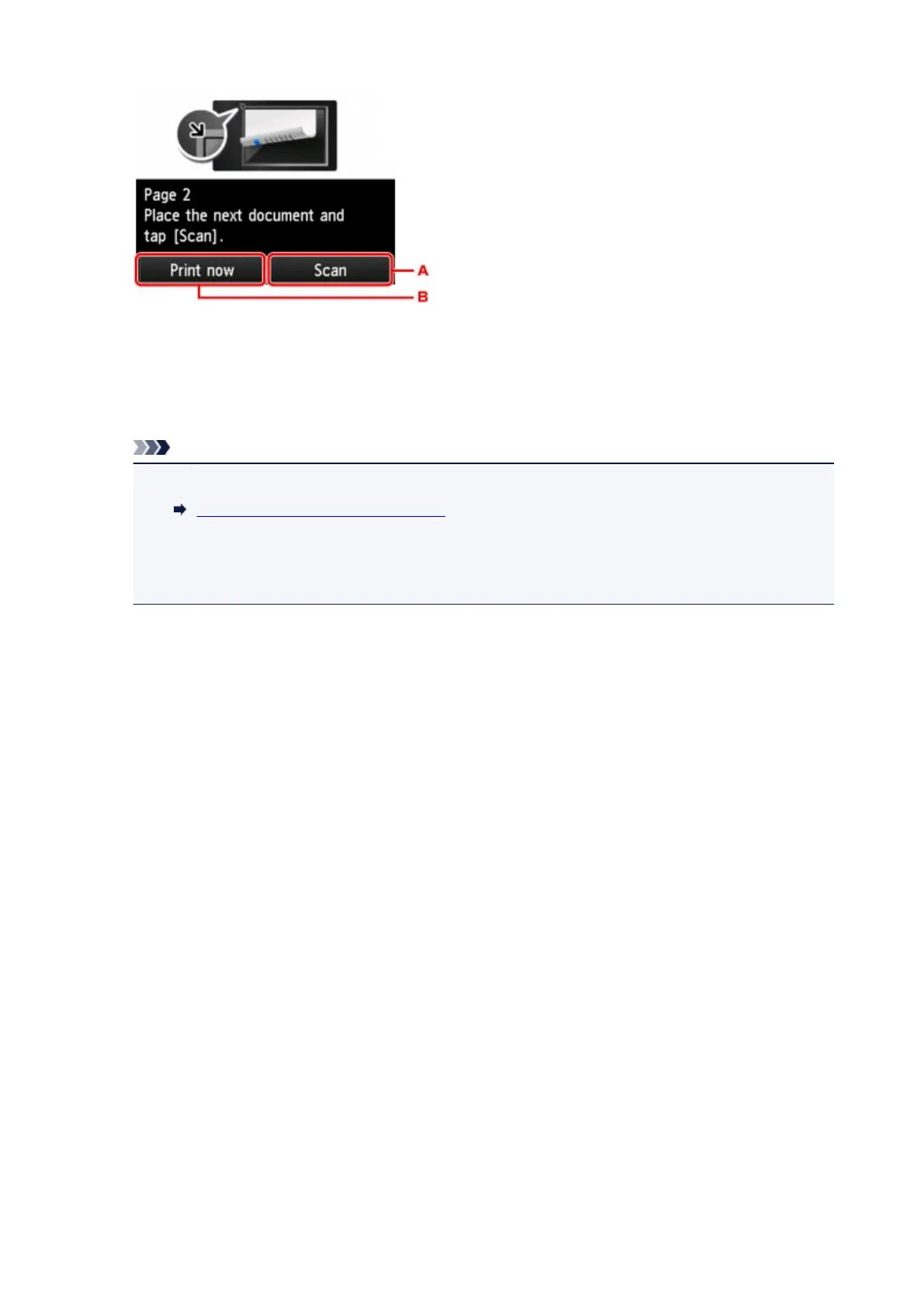
A. Tap to start scanning the original.
Remove the sheet of original from the platen glass after scanning and load the next sheet on the
platen glass and tap Scan.
B. Tap to start copying the original already scanned.
Note
• You can add the copying job while printing.
Adding Copying Job (Reserve copy)
• If you use this function in combination with Two-sided copy, the screen above is displayed after
scanning the fourth sheet of original is complete. Follow the on-screen instructions to scan the
rest of originals.
658









 To Next Page