3.
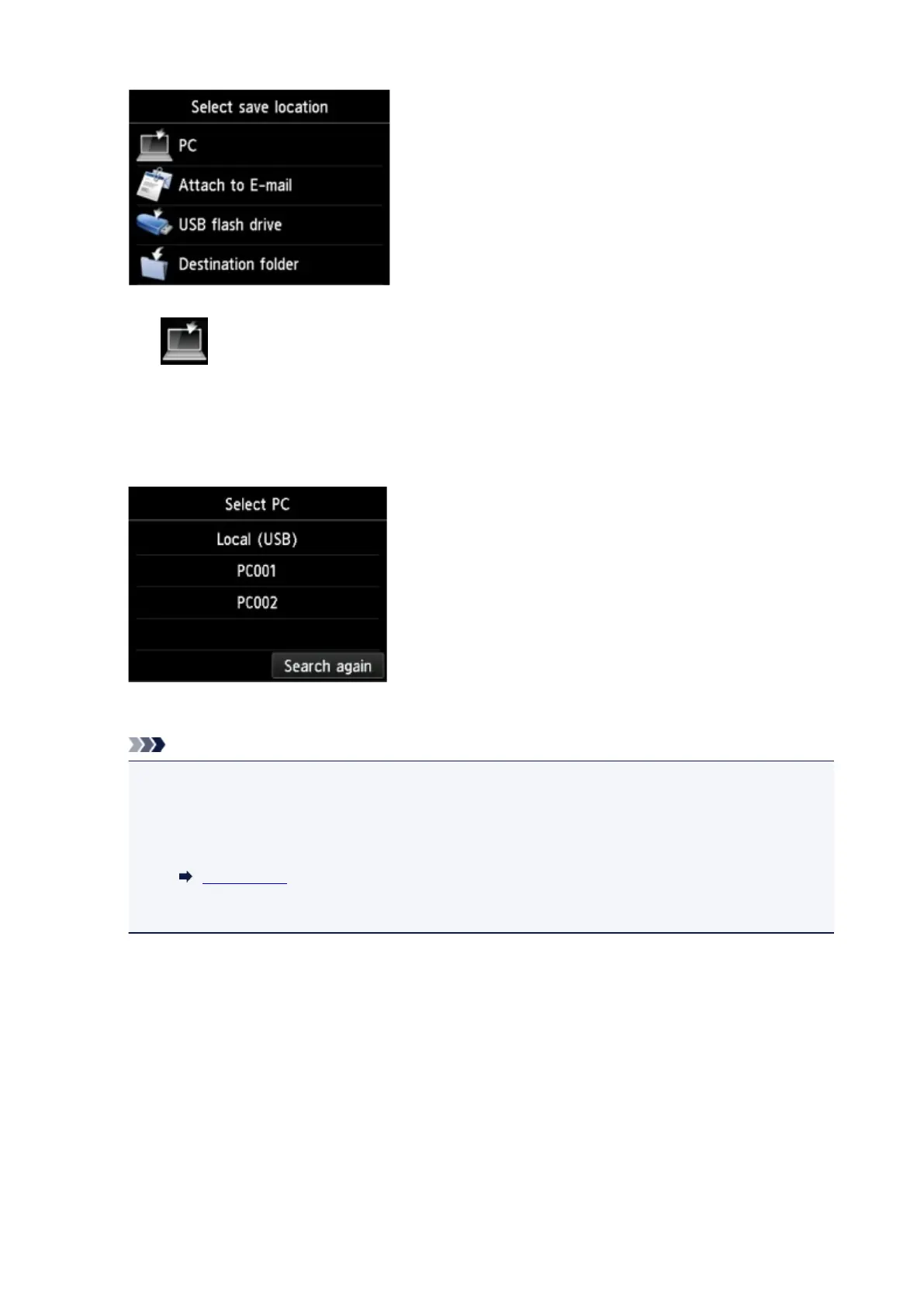
Tap PC.
4.
Tap the computer to forward the scanned data.
Tap Local (USB) for a USB-connected computer, or tap the computer to forward the scanned data for a
network-connected computer.
The Scan standby screen is displayed.
Note
• When you forward the scanned data to the computer using WSD (one of the network protocols
supported in Windows 10, Windows 8.1, Windows 8, Windows 7, and Windows Vista), select
Enable for WSD scan from this device on WSD setting on Other settings in LAN settings
under Device settings.
WSD setting
If you tap Search again, the printer starts searching for the connected computers again.
5.
Specify settings as necessary.
878


 To Next Page
 Loading...






