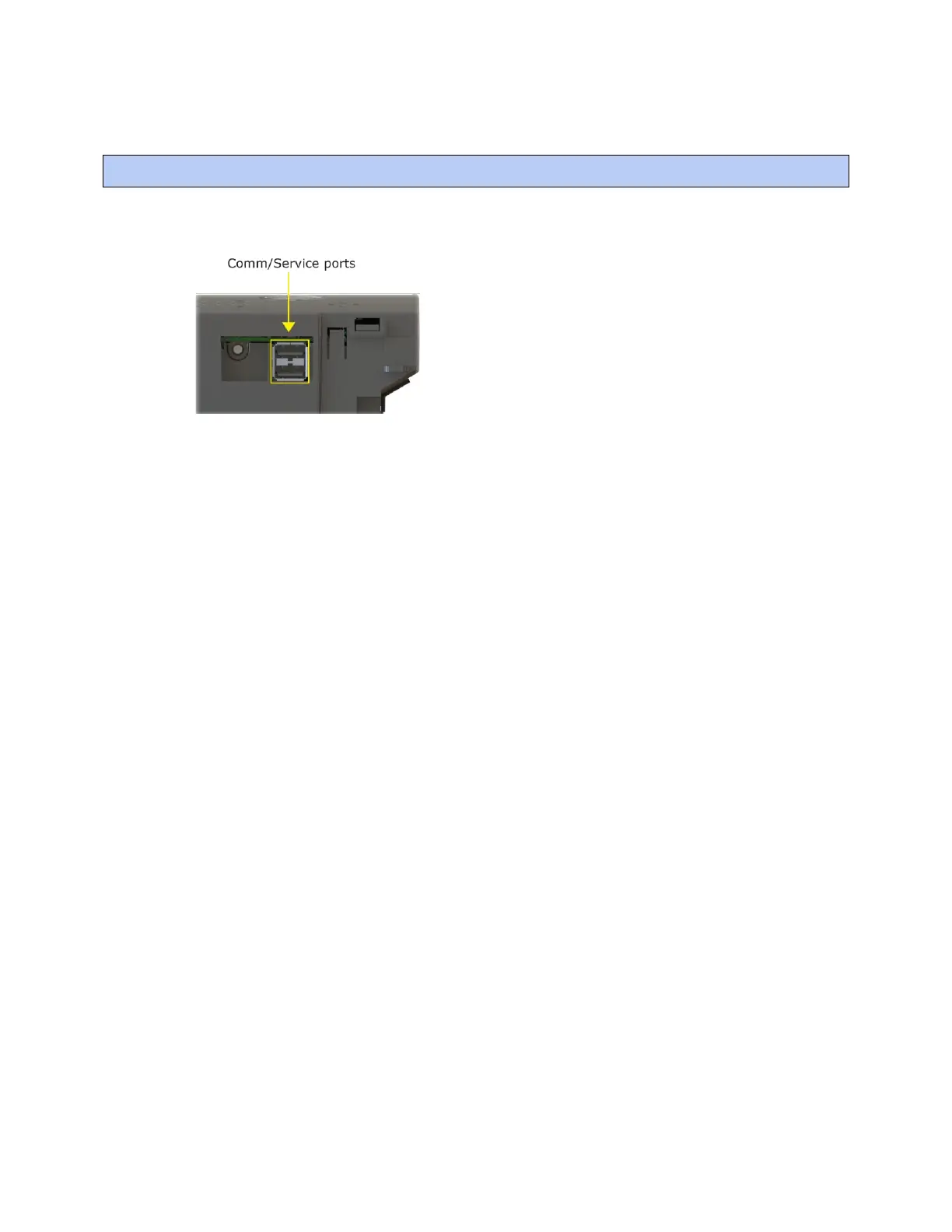
To communicate through the BACnet/Service port network
TruVu™ VAVB3-E2 CARRIER CORPORATION ©2022
Installation and Start-up Guide All rights reserved
94
You can connect to the Comm/Service Port to access your network through the i-Vu® application.
See Addressing the TV-VAVB3-E2 through the Service port (page 16) to set up your connection to the web browser
if you haven't already.
1 Open a web browser on the computer and launch your i-Vu® application.
2 In the i-Vu® interface, on the System Options tree, select Connections.
3 On the Properties page > Configure tab, select BACnet/IP Service Port Connection from the drop-down list
and click Add.
4 If needed, enter the Service Port Network Number as follows:
○ 0 - the TV-VAVB3-E2 will communicate only with the computer or TruVu™ ET Display
○ 1 to 65534 - the TV-VAVB3-E2's network number for network communication
○ 65535 - searches for an available network number from 65531 to 65534. If any of these numbers are
not available, you will have to assign a network number and enter it.
5 Click Apply.
6 On the right of the page, in the Networks using selected connection table, click the checkbox next to the
network you want to connect to.
7 Click the Start button. The status changes to Connected.
NOTE If an error message appears, make sure the COM port you selected is not in use. For example, PuTTY
may be open and holding the port open.
8 Click Accept.
9 Open a web browser on the computer and login to your i-Vu® Pro application.
10 In the i-Vu® Pro interface, on the System Options tree, select Connections.
11 On the Properties page > Configure tab, Select BACnet/IP Service Port Connection from the drop-down list
and click Add.
12 If needed, enter the Service Port Network Number as follows:
○ 0 - the TV-VAVB3-E2 will communicate only with the computer or TruVu™ ET Display
○ 1 to 65534 - the TV-VAVB3-E2's network number for network communication
○ 65535 - searches for an available network number from 65531 to 65534. If any of these numbers are
not available, you will have to assign a network number and enter it.











 To Next Page