Troubleshooting
TruVu™ VAVB3-E2 CARRIER CORPORATION ©2022
Installation and Start-up Guide All rights reserved
104
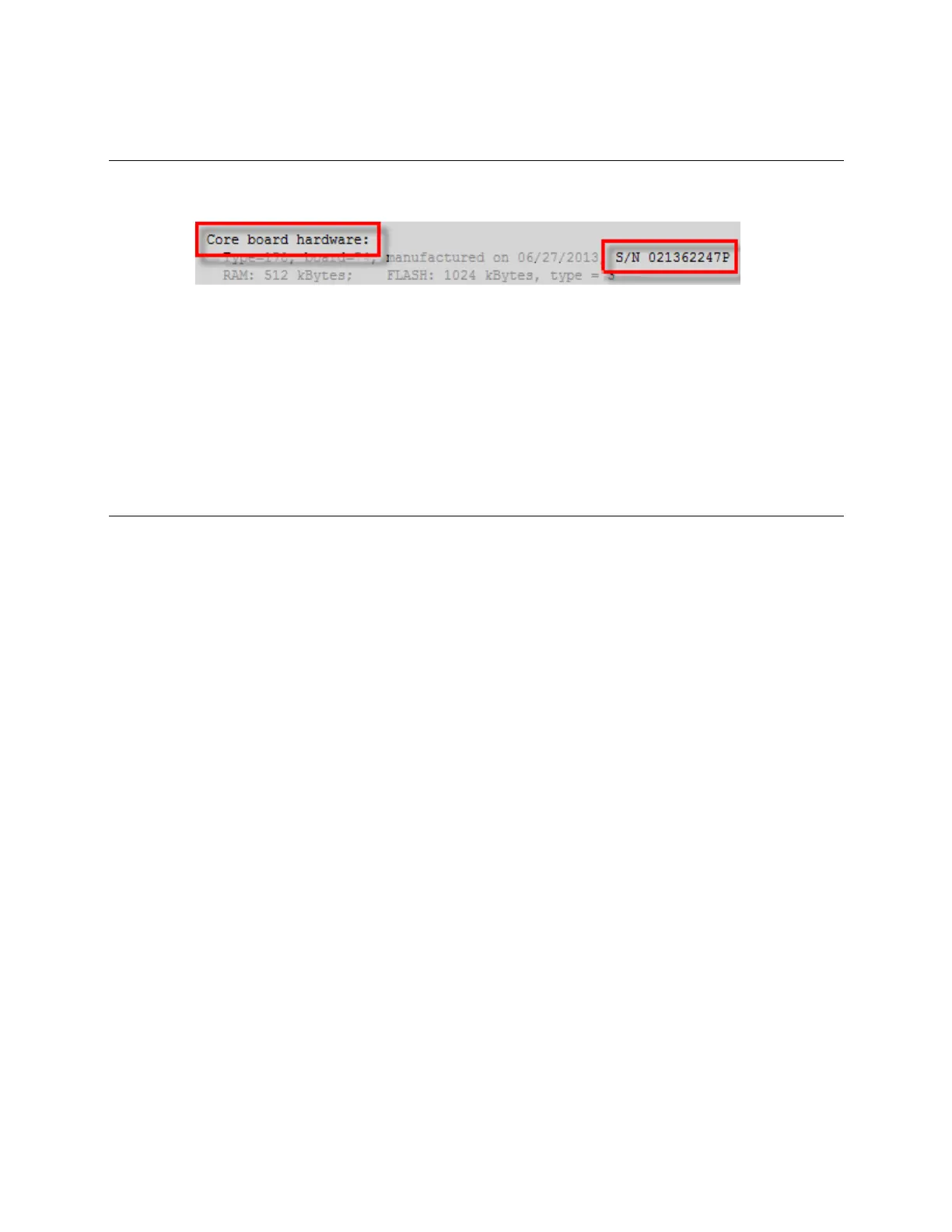
To get the TV-VAVB3-E2's serial number
If you need the controller’s serial number when troubleshooting, the number is on:
• A Module Status report (Modstat) under Core (or Main) board hardware
• A QR code, serial number, and MAC address printed on a sticker on the cover
• A laser-etched number and QR code on the inside circuit board.
See To get a Module Status report (page 101).
To take the TV-VAVB3-E2 out of service
If needed for troubleshooting or start-up, you can prevent the i-Vu® application from communicating with the TV-
VAVB3-E2 by shutting down communication from the TV-VAVB3-E2 to the i-Vu® application. When Out of Service,
i-Vu® no longer communicates properties, colors, trends, etc.
1 On the i-Vu® navigation tree, select the TV-VAVB3-E2.
2 On the Properties page, check Out of Service.
3 Click Accept.











 To Next Page