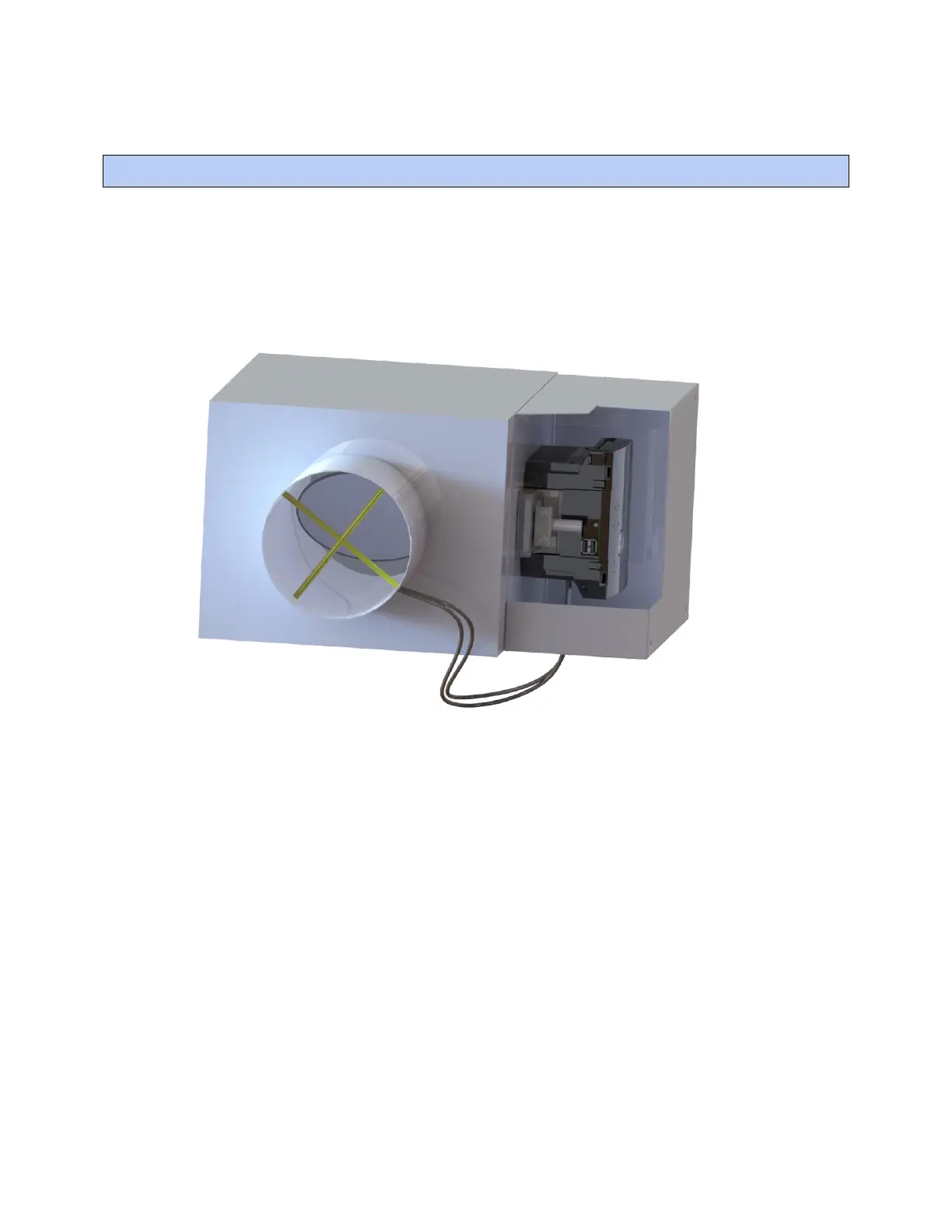
To mount the TV-VAVB3-E2
TruVu™ VAVB3-E2 CARRIER CORPORATION ©2022
Installation and Start-up Guide All rights reserved
12
To mount the TV-VAVB3-E2
1 Turn the damper shaft to fully close the damper position. Ensure the damper is closed.
2 Mount the controller to the VAV terminal by sliding the clamp assembly onto the damper shaft.
3 Mount and secure an enclosure to cover the TV-VAVB3-E2.
NOTE For service access, we recommend that you allow at least 1 foot (.3 m) of clearance between the front
of the enclosure and adjacent surfaces.











 To Next Page