To communicate through the BACnet/Service port network
TruVu™ VAVB3-E2 CARRIER CORPORATION ©2022
Installation and Start-up Guide All rights reserved
95
13 Click Apply.
14 On the right of the page, in the Networks using selected connection table, click the checkbox next to the
network you want to connect to.
15 Click Apply.
16 Select the BACnet/IP Service Port Connection and click Start. The status changes to Connected.
17 Click Accept.
18 On the navigation tree, right-click the controller that you are connected to and select Module Status. If a
Modstat report appears, the i-Vu® application is communicating with the controller.
Wiring specifications
22 AWG, low-capacitance, twisted, stranded,
shielded copper wire
* See the MS/TP Networking and Wiring Technical Instructions.
WARNINGS
• Do not apply line voltage (mains voltage) to the controller's ports and terminals.
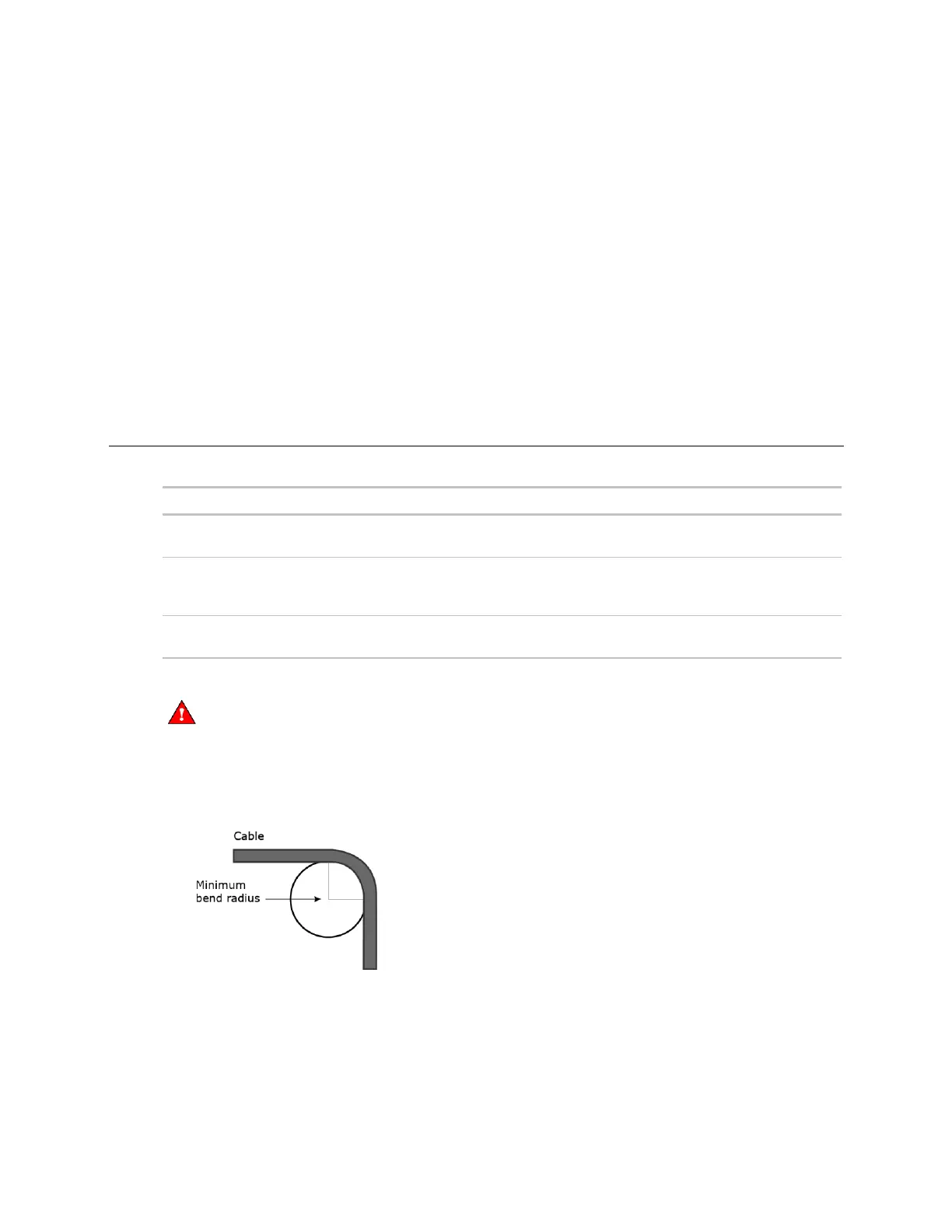
• Do not exceed the minimum bend radius of the Cat5e or Cat6e Ethernet cable. Refer to Ethernet cable
manufacturer specifications for minimum bend radius.











 To Next Page