Operating system changes are
downloading
WARNING This process could
take several minutes. Do NOT
power off the controller during the
download.
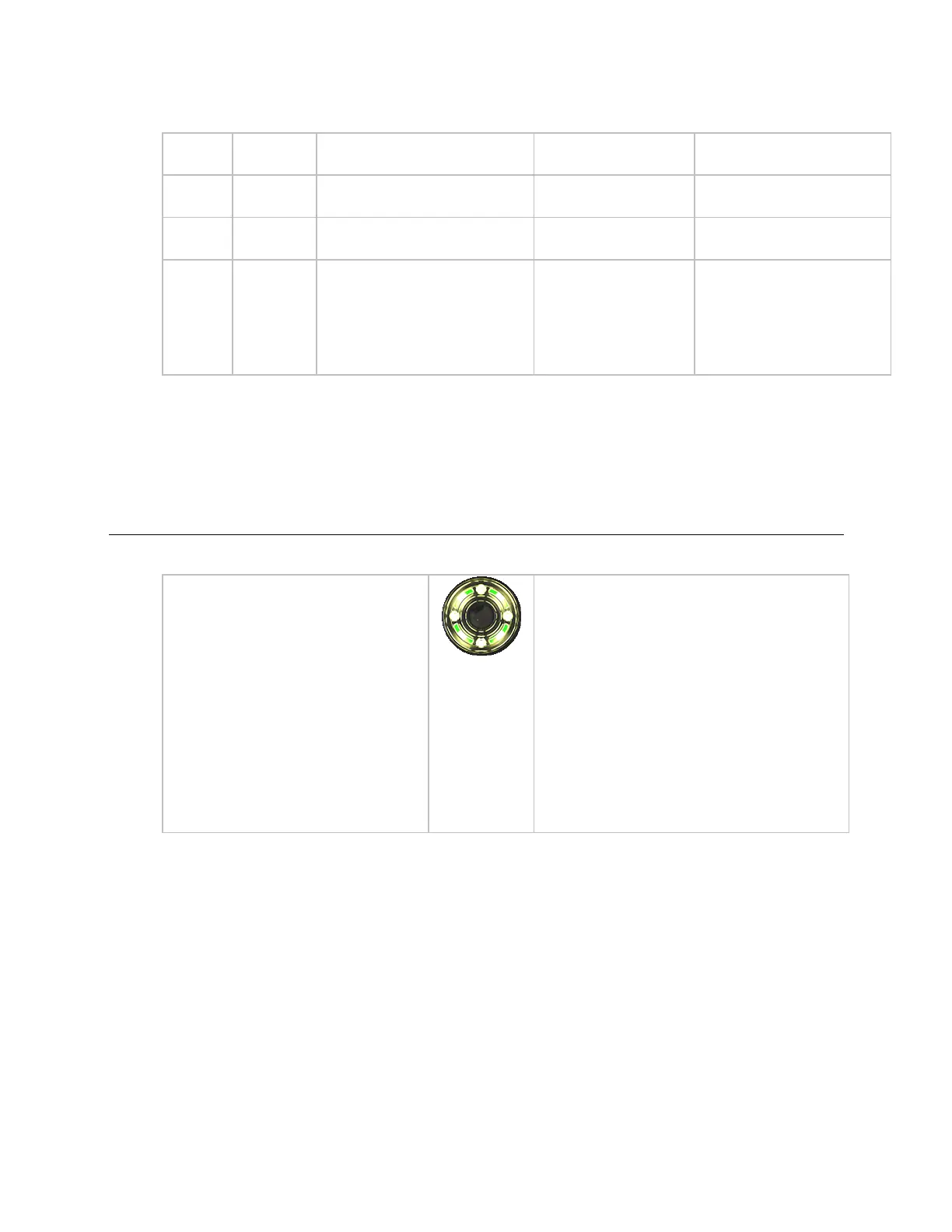
Click the Blink button to prompt the Locator LED to
flash for 15 seconds, allowing you to verify the
controller's physical location. After flashing,
whenever the actuator moves, the LED rotates in
the same direction. LED rotation is automatically
disabled after 1 hour and can be re-enabled by
pressing the Blink button again.
The Blink button is in the:
• controller setup Local Network tab > Local
Devices table
• i-Vu® interface on the Driver page.
• In the Test & Balance tool on the Test and
Balance tab.











 To Next Page