Addressing the TV-VAVB3-E2 through the Comm/Service ports
TruVu™ VAVB3-E2 CARRIER CORPORATION ©2022
Installation and Start-up Guide All rights reserved
17
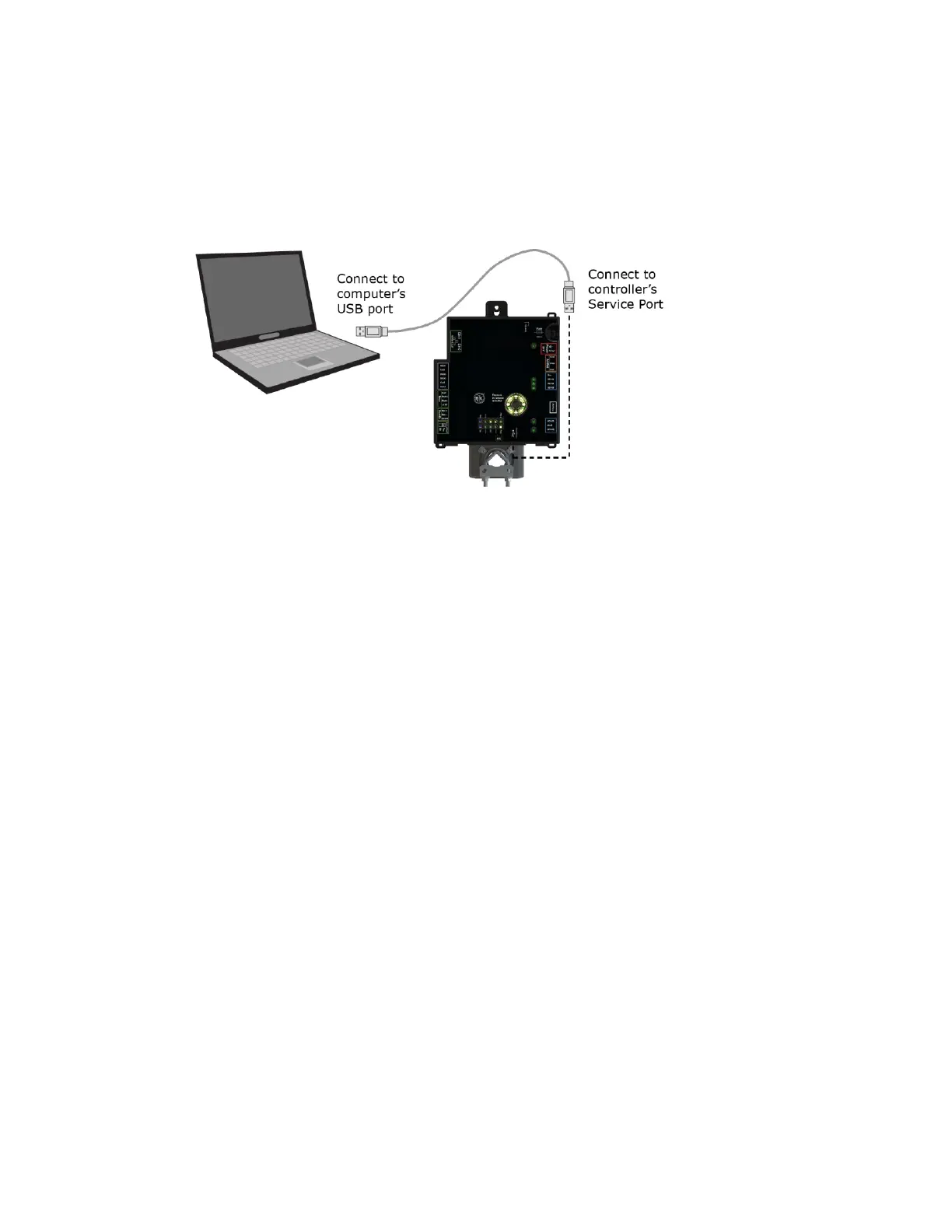
To connect the TV-VAVB3-E2 to a computer using a cable.
1 Connect a USB Type-A Male to Male USB cable from a computer to either of the controller's Service USB
ports, as shown below.
2 A new Ethernet connection will appear on your computer.
3 If your computer uses a static IP address, use the following settings for the new connection:
○ Address: 169.254.1.x, where x is 2 to 7
○ Subnet Mask: 255.255.255.248
○ Default Gateway: 169.254.1.1
If it uses a DHCP address, leave the address as it is.
4 Open a web browser on the computer
Navigate to http://local.access or http://169.254.1.1 to see the controller setup pages.
See To set up the controller through the Comm/Service ports (page 88) for detailed information.











 To Next Page