Case Communications 6401 Rugged ADSL Router Manual – Rev 1.5
SECTION 2 – GETTING STARTED Page 2.2
Welcome Screen
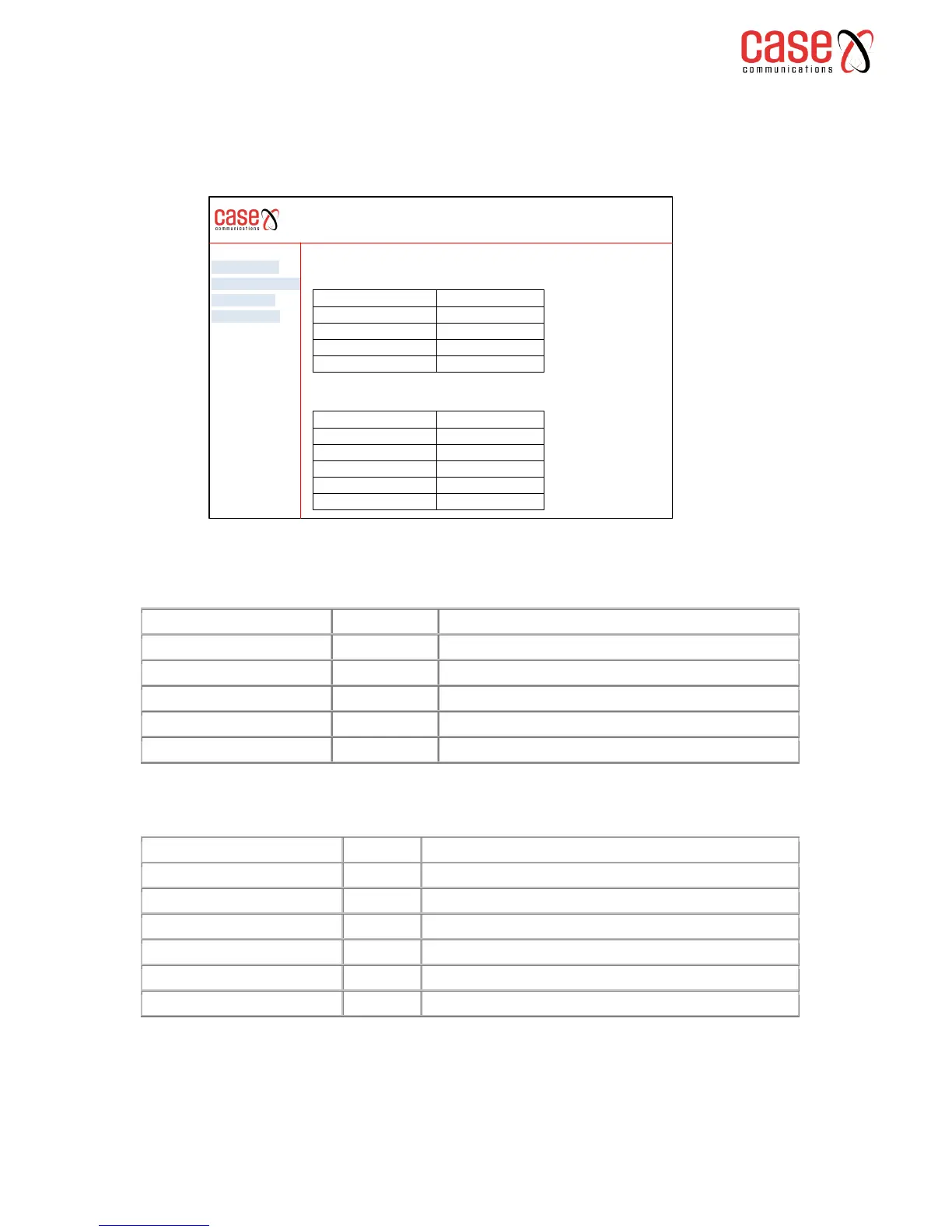
When you first connect to the 6401 router you should see the following screen displayed on
your PC. This is the ‘Device Information’ summary information page.
The ‘device Information’ page is explained below
The identification of the hardware used in this router
The date (Year- Month-Day and time) the board was built
Software revision of the board
Bootloader (CFE) Version:
The boot loader used by this board
DSL PHY and Driver Version:
The DSL PHY and Driver version
This information reflects the current status of your WAN connection.
Line Rate - Upstream (Kbps):
Upstream operating rate of the ADSL part of this router
Line Rate - Downstream (Kbps):
Downstream operating rate of the ADSL part of this router
IP v4 Address of the router
Default Gateway out of the subnet
Secondary Data Name Server
To configure any parameters select from Advanced Set up (only showing if you have logged on as
Admin or Support) and select from the menu tabs.
Device Info
Advanced SetUp
Diagnostics
Management
6401 Rugged Router
Board ID 96328avng
Build timestamp 120217_1616
Software Version 4.06L.03
Bootloader (CFE) version 4.06L.03
DSL PHY and Driver Version A2pD035g.d23K
Line Rate- Upstream Kbps 2048
Line rate – Downstream (Kbps) 24,000,000
LAN IPv4 Address 192.168.1.1
Default gateway 192.168.1.200
Primary DNS Server 192.168.1.50
Secondary DNS Server 192.168.1.60
Device Info
This information reflects the current status of your WAN connection



 To Next Page