EasyManua.ls Logo

Case 6401 - User Manual

Case 6401
107 pages
Print Icon
To Next Page IconTo Next Page
Loading...
CASE COMMUNICATIONS
6401 Rugged ADSL Router
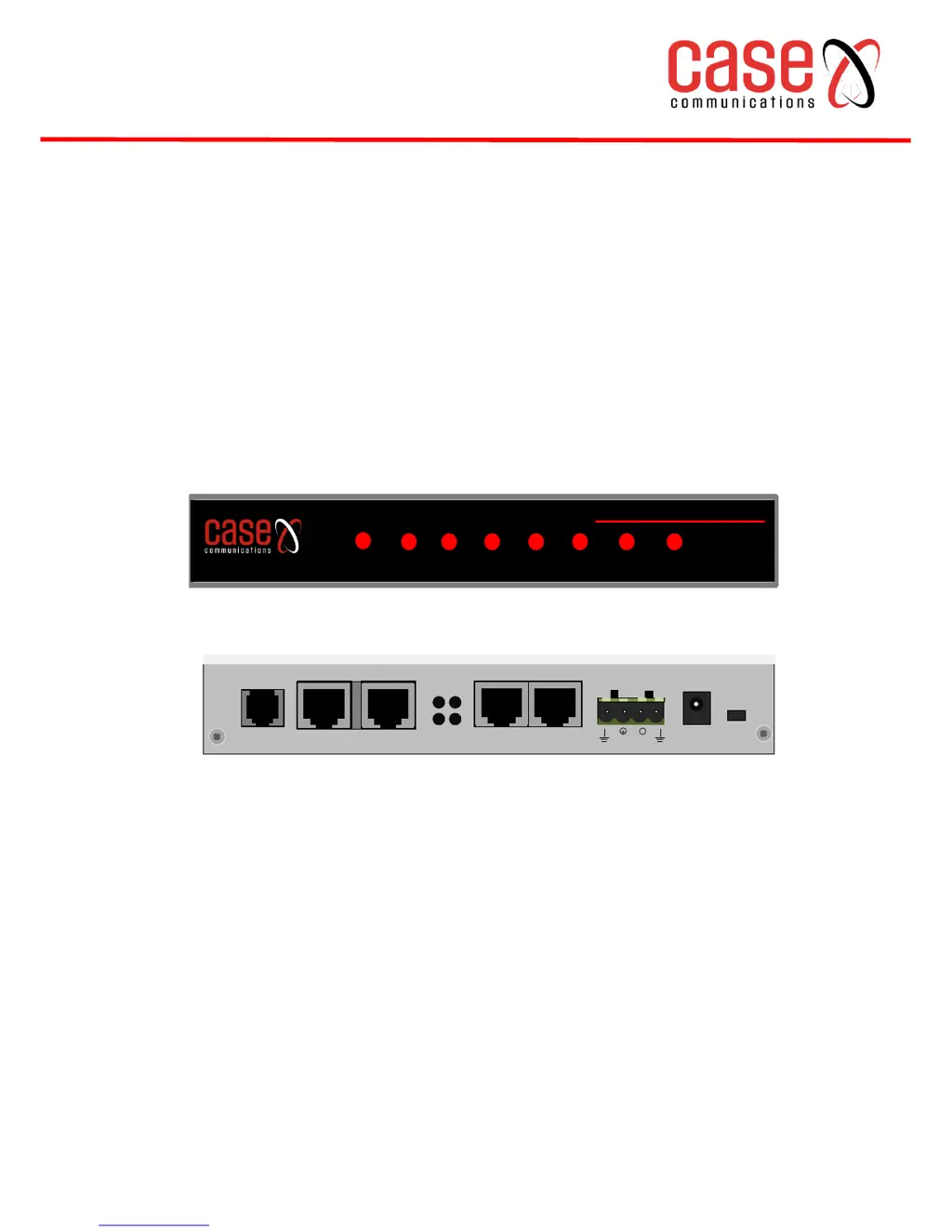
PWR Eth4 Eth3
Eth2
Eth1 NC ACT LINK
PWR Eth0 Eth1 Eth2 Eth3 NC ACT LINK
ETH4 PWR
12-72V
+
-
ETH3
ETH2
ETH1DSL
RESET
RS232
PWR
LINK
ALR ACT
ETH3 ETH2
ETH1 ETH0
6401 RUGGED ADSL ROUTER
Revision 1.5
June 2013

Table of Contents

Questions and Answers

Summary

6401 Rugged ADSL Router Hardware Overview

Front and Back Panel Overview

Details the physical indicators, ports, and connectors on the router.

Getting Started

Connecting a PC to the Case 6401

Guide to establishing an initial network connection to the router.

Device Information

Summary Information

Provides an overview of hardware and software versions, and operational status.

WAN Information

Displays the status and details of the Wide Area Network connection.

Statistics

Shows Ethernet and WAN interface statistics for performance monitoring.

Quick Start Guide

Equipment Required

Lists the necessary hardware and software for initial setup.

Layer Two Interface Configuration

Steps for setting up the initial network interface (e.g., ATM).

WAN Service Configuration

Steps to establish an internet connection service (e.g., PPPoA).

LAN Configuration

Steps for setting up the local area network IP address and DHCP.

Advanced Setup

Layer Two and WAN Configuration

Options for configuring network interfaces and internet connection types.

LAN, NAT, and Security

Settings for local network, address translation, and firewall rules.

Quality of Service and Routing

Tools for managing traffic priority and network traffic flow.

IPsec Tunnel Configuration

Configuration for setting up secure IPsec VPN tunnels.

Diagnostics

Local Network Connection Tests

Verifies connectivity between the PC and the router's Ethernet ports.

DSL Service Provider Tests

Checks the ADSL synchronization status with the DSL provider.

Internet Service Provider Tests

Tests PPP session, IP address, gateway, and DNS connectivity.

Management

Settings Management

Options for backing up, updating, and restoring router configurations.

System and Security Logging

Configuration for logging system events and security-related activities.

Access Control and Software Update

Manages user access levels and updates the router's firmware.

Appendix A Product Specification

Hardware Specifications

Detailed technical specifications of the router's hardware components.

Software Specifications

Overview of supported WAN services, routing, and security features.

Appendix B Known Issues

Known Issues Overview

Lists documented problems and potential workarounds for the router.

Appendix C Safety Information

Safety Warnings and Precautions

Provides essential safety guidelines for installation and operation.

Appendix D Technical Assistance

Contact and Support Information

Details for contacting technical support and finding online resources.

Case 6401 Specifications

General IconGeneral
BrandCase
Model6401
CategoryNetwork Router
LanguageEnglish

Related product manuals