5.12 UPnP
5.12.1 INTRODUCTION TO UPnP
ADVANCED SETUP > PGuP
Universal Plug and Play (UPnP) is a set of networking protocols that permits
networked devices, such as personal computers, printers, Internet gateways, Wi-Fi
access points and mobile devices to seamlessly discover each other's presence on
the network and establish functional network services for data sharing,
communications, and entertainment. UPnP is intended primarily for residential
networks without enterprise class devices.
Universal plug and play (UPnP) is architecture for pervasive peer to peer network
connectivity of intelligent appliances and PCs of all form factors. It is designed to
bring easy-to-use, flexible, standards-based connectivity to ad-hoc or unmanaged
networks whether in the home, in a small business, public places, or attached to
the Internet.
5.12.2 CONFIGURING UPnP ON THE 6401 RUGGED ROUTER
The 6401 Rugged Router has an option to select UPnP and to then apply
NOTE: UPnP is activated only when there is a live WAN service with NAT enabled
Having selected UPnP click ‘Apply / Save’
5.12.3 CONFIGURING UPnP ON A WINDOWS XP PC
Windows XP supports UPnP function.
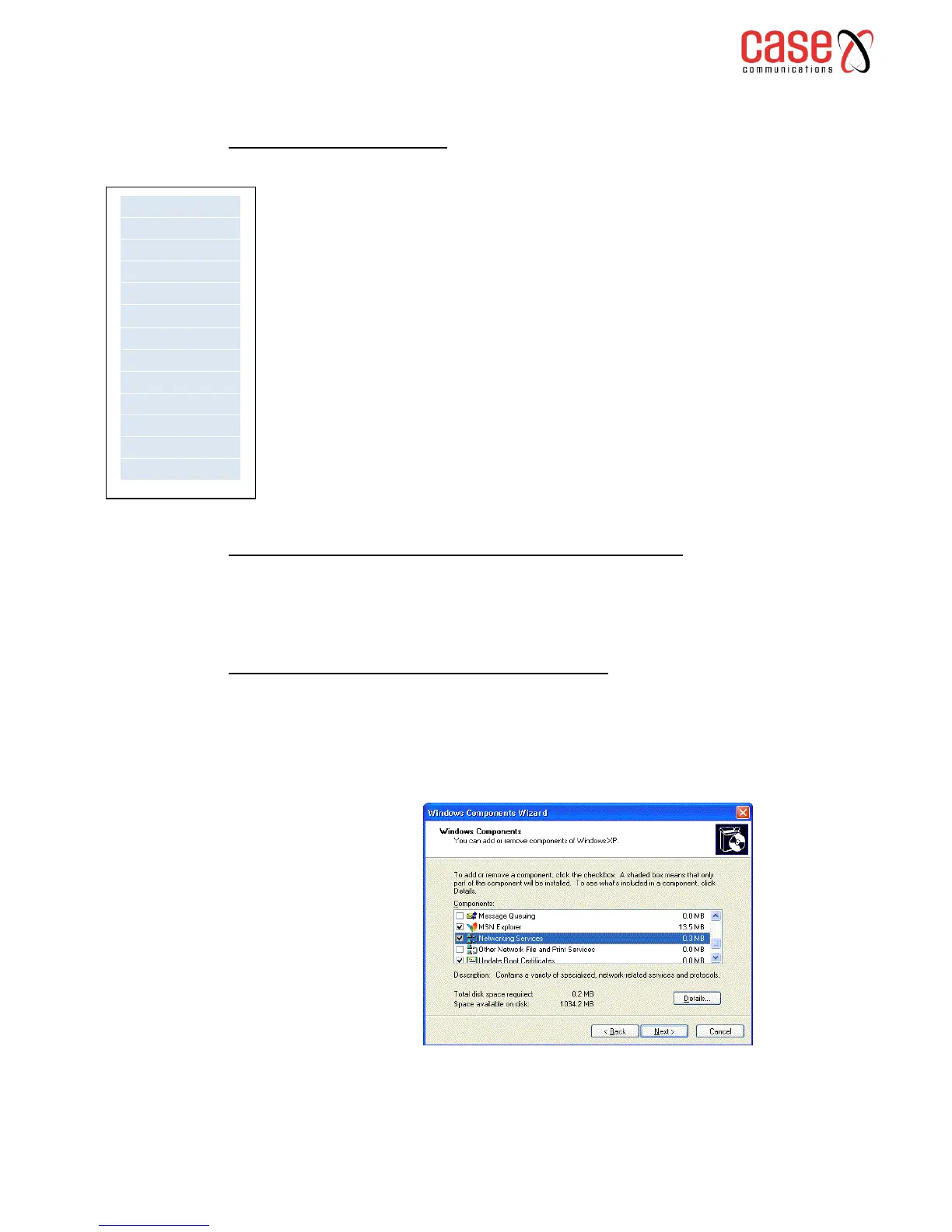
Please follow the steps below for installing UPnP components.
1. Click on the Start menu, point to Settings and click on Control Panel.



 To Next Page