Case Communications 6401 Rugged ADSL Router Manual – Rev 1.5
SECTION 5 – ADVANCED CONFIGURATION Page 5.2
5.1.2. CONFIGURING A LAYER TWO ATM INTERFACE
ADVANCED SETUP > LAYER 2 INTERFACE>ATM INTERFACE
Layer2 Interface and you can select WAN Service Interface (layer2 interface)
over ATM interfaces or ETH interface.
ATM Interface: This configures a WAN port on the ADSL Link. ISP
provides you VPI (Virtual Path Identifier), VCI (Virtual Channel Identifier)
settings and the DSL Interface with RJ11 connector. (Figure 2-1)
ETH Interface: This configures a WAN Interface over an Ethernet port
5.1.3 CONFIGURING AN ATM INTERFACE
ADVANCED SETUP >LAYER 2 INTERFACE> ATM INTERFACE
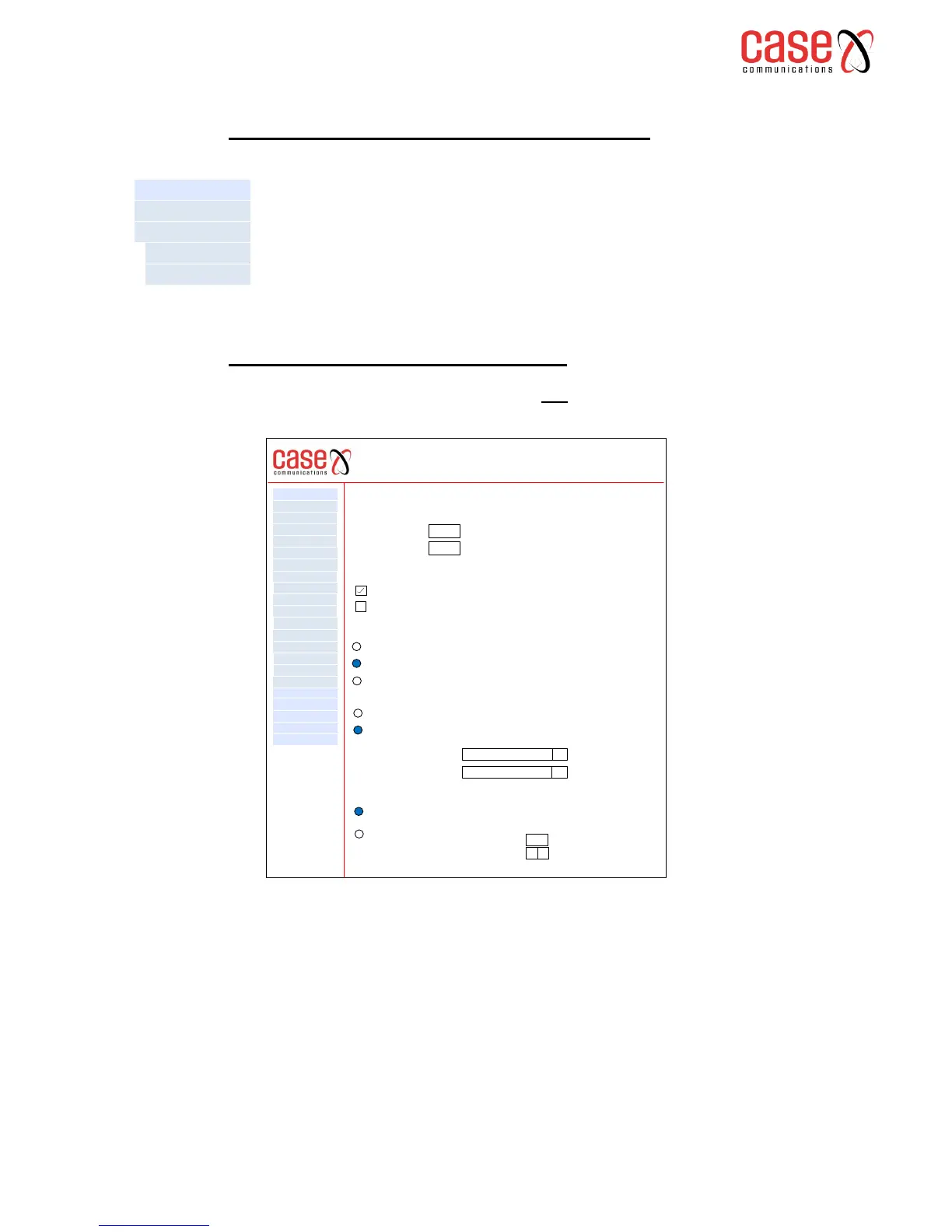
From layer 2 summary page, select ATM Interface and then ‘add’ the following page will be
displayed. Note this can be used as a reference configuration for most PPPoA ADSL connections.
Note;
If the interface is used by the WAN Service, you need to remove the corresponding WAN Service
entry first before you can remove it here at layer 2.
The Table below explains the configuration options
6401 Rugged Router
IP Sec
WAN Service
VPN
LAN
NAT
Security
Parental Control
Quality of Service
Routing
DNS
DSL
UPnp
DNS Proxy
Print Server
Layer 2 Interface
Advanced Setp
Interface Grouping
Certificate
Multicast
Diagnostics
Management
Device Info
ATM PVC Configuration
This screen allows you to configure an ATM PVC identifier (VPI and VCI), select DSL latency, select a
service categoryS. Otherwise choose an existing interface by selecting the checkbox to enable it.
VPI [ 0-255]
VCI [32 -65535]
0
38
Select DSL Latency
Path 0
Path 1
Select DSL Link Type (EoA is for PPPoE, IPoE, and Bridge.)
EOA
PPPoA
IPoA
Select Connection Mode
Default Mode – Single Service over one connection
VLAN Mux Mode – Multiple VLAN Service over one connection
Encapsulation Mode
LLC / SNAP-Bridging
q
Service Category
UBR without PCR
q
Select IP QoS Scheduler Algorithm
Strict Priority
Precedence of the default queue 8 (lowest)
Weight FAIR Queue
Weight value of the default queue (1-63)
MPAAL Group precedence
8
q
1



 To Next Page