Case Communications 6401 Rugged ADSL Router Manual – Rev 1.5
SECTION 7 - MANAGEMENT Page 7.2
7.2 SYSTEM LOG
MANAGEMENT > SYSTEM LOG
Selecting ‘System Log’ allows you to ‘View the System Log’ and to ‘Configure The System Log.
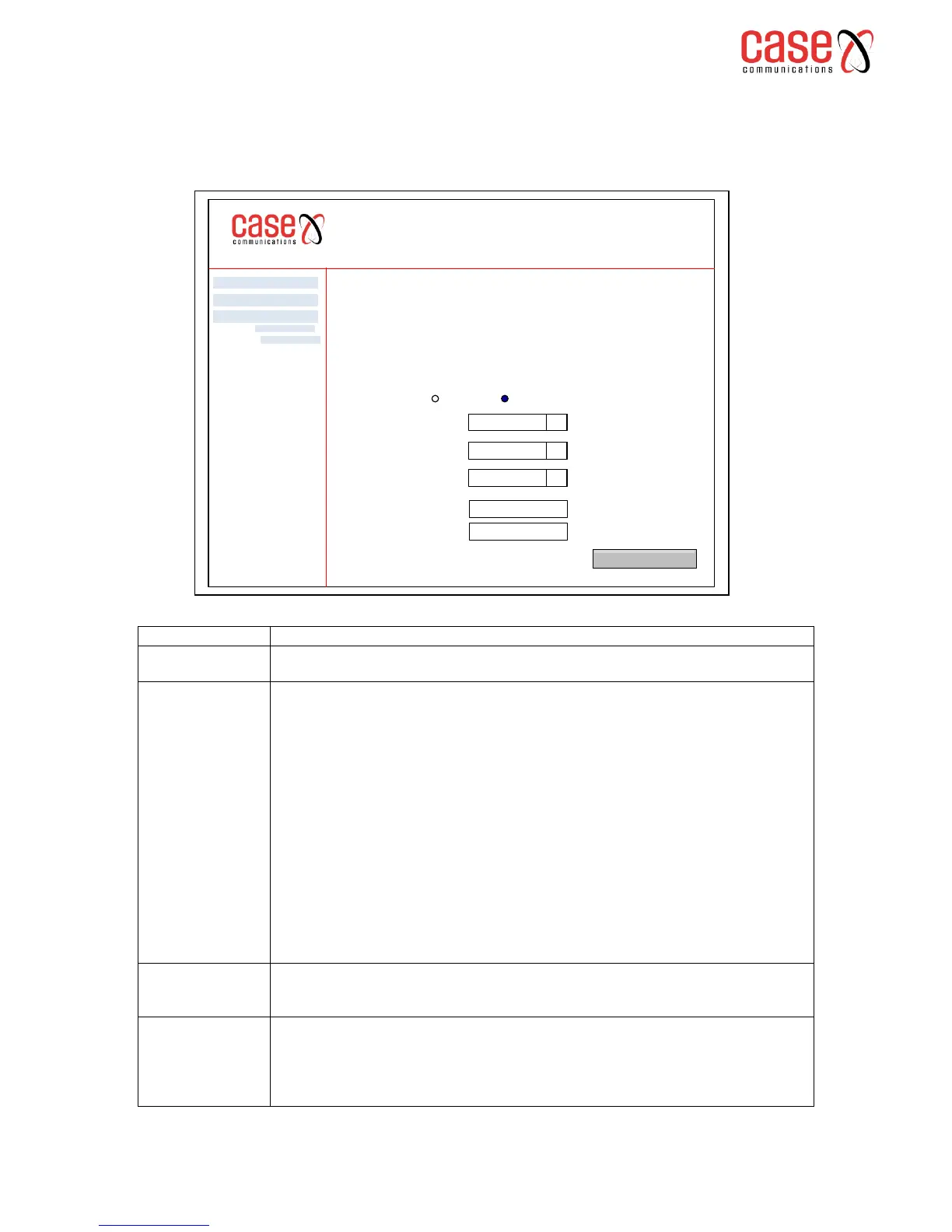
Select system log to see the following page
Indicates whether the system is currently recording events. Users can ‘enable’ or
‘disable’ event logging. Having enabled the log, click on ‘Apply’
Allows the network manager to configure the event level and to filter out unwanted
events below this level. The events ranging from highest critical level ‘Emergency’
level will be recorded into the 6401 routers RAM.
When the system log buffer is full the 6401 will overwrite ‘old’ events with new
events. By default the log is set to ‘Debugging’ which is the lowest level of alarm.
The following levels can be set
Emergency – The 6401 is unstable
Alert – Action must be taken immediately
Critical – The 6401 is in a critical condition
Error – The 6401 has recorded an error
Warning – The 6401 has detected a significant event
Notice – the 6401 is issuing a notice.
Informational – The 6401 is providing general information
Debugging – this records all events
Allows the user to select the logged events and displays them on the ‘View System
Log’ events page. The level of events is as shown above. To display all events select
‘debugging’ to select only the more severe select ‘Emergency’
Allows you to specify whether events should be stored in the local memory or be sent
to a remote sys log server, or both simultaneously. If remote is selected, ‘View
System Log’ will not be able to display events sent to the sys log server.
When both or remote mode is selected, the 6401 will invite the network manager to
enter the system log servers IP address and UDP Port Number.
6401 Rugged Router
System log -- Configuration
If the log mode is enabled, the system will begin to log all the selected events. For the log event, all
events above or equal to the selected level will be logged. For the Display level all events above or
equal to the selected level will be displayed. If the selected mode is ‘Remote’ or ‘Both’ events will be
sent to the specified IP address and UDP port of the remote System Log Server.
If the selected mode is ‘Local’ or ‘Both’, events will be recorded in the routers local memory.
Select the desired values and click ‘Apply / Save’ to configure the system log options
Advanced Setp
Diagnostics
Management
Log: Disabled Enable
Log Level:
Display Level
Mode:
Server IP Address
Server UDP Port
Debugging q
Debugging q
Remote q
Apply / Save
Settings
System Log
0.0.0.0
514



 To Next Page