Case Communications 6401 Rugged ADSL Router Manual – Rev 1.5
SECTION 5 – ADVANCED CONFIGURATION Page 5.63
5.16.2 TESTING THE IP SEC TUNNEL
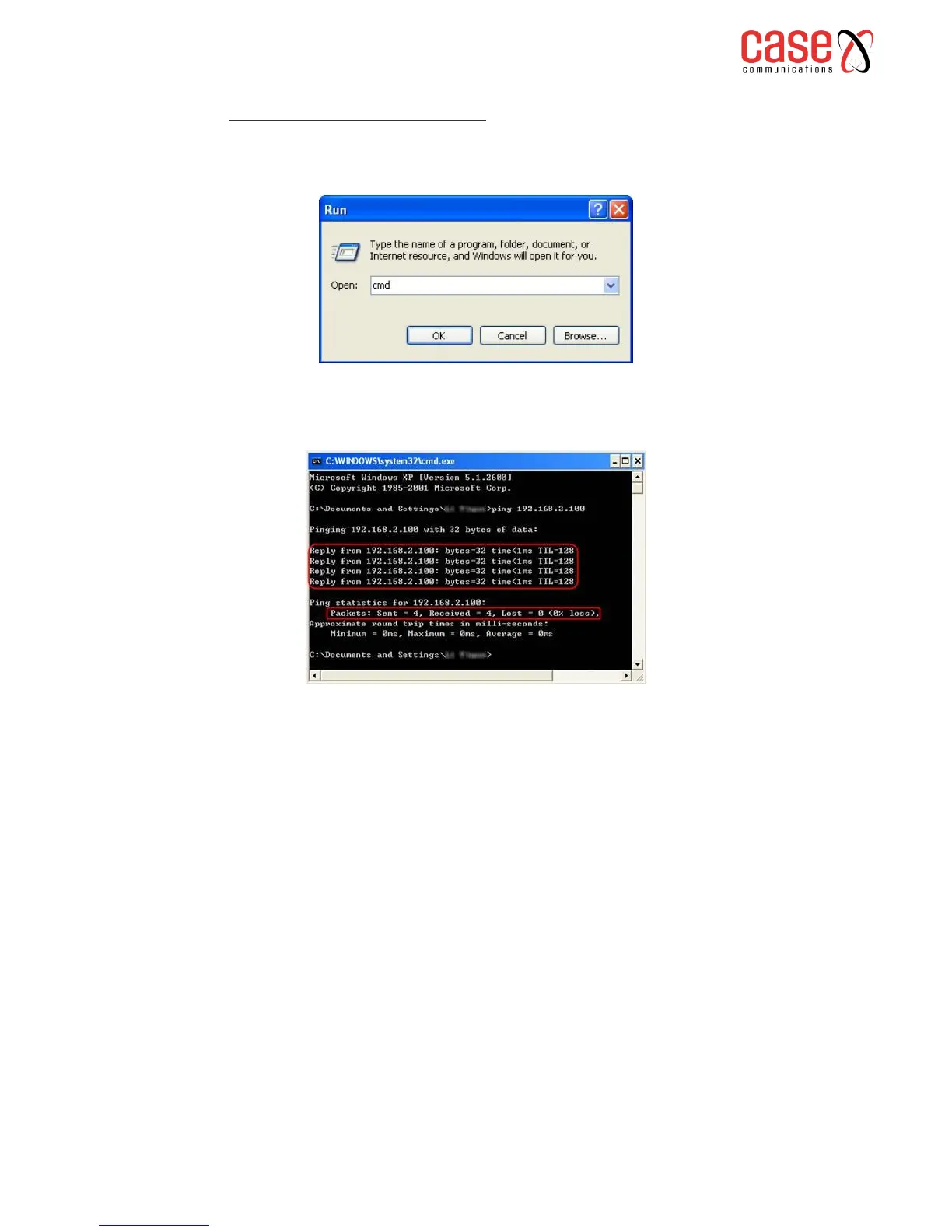
1. On the host in LAN1, press [Windows Logo] + [R] to open Run dialog. Input “cmd” and hit OK.
2. In the CLI window, type in “ping 192.168.2.x” (“192.168.2.x” can be IP address of any host
in LAN2). Then press [Enter].
If Ping proceeds successfully (gets replies from host in LAN2), the IPSec connection must be working
properly now.
. If one of the sites has been off line for a while, for example, if Site A has been disconnected, on Site
B you need to click Disable and then click Enable after Site A back on line in order to re-establish the
IPSec tunnel.



 To Next Page