Case Communications 6401 Rugged ADSL Router Manual – Rev 1.5
SECTION 5 – ADVANCED CONFIGURATION Page 5.8
5.2.2.1 CONFIGURING PPPoA (Layer 2 PPPoA)
Advanced setup>WAN Service
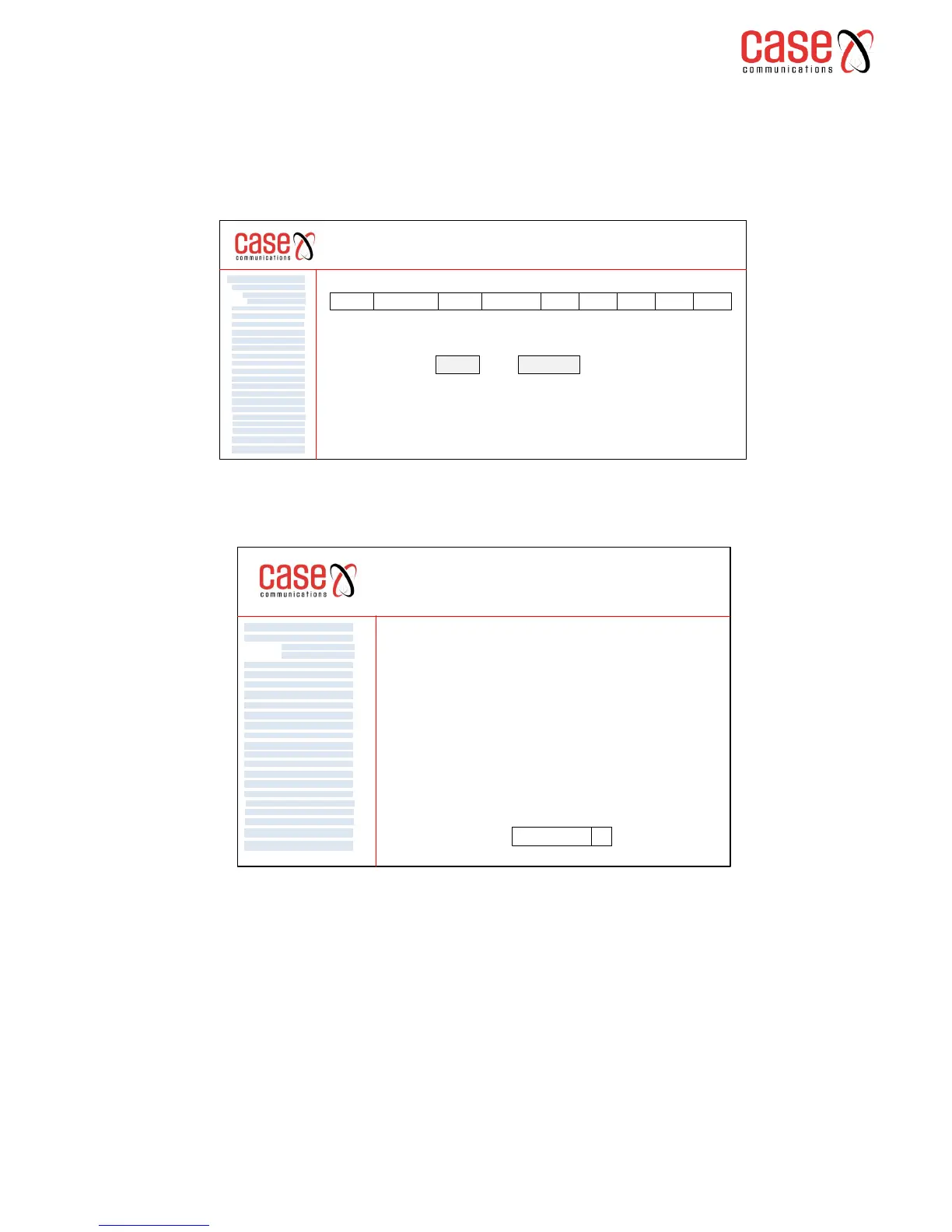
Select ‘WAN set up’ and you will be presented with the following table showing any existing WAN
interfaces already configured. To add a new Interface select the ‘ADD’ button underneath the table
Select ‘add’ to add a new WAN Interface, the following screen will appear, with a drop down menu to
select the Layer 2 interface.
Select the interface from the drop down menu. In our example we have configured a layer 2 interface
running VPI 0 and VCI 38, and this appears in our drop down box. This is the interface we want to
use, so we leave this in place.
Select ‘next’ and the following page appears
WAN Service Configuration
Enter Service description eg pppoA 0_0_38
Enter a description for the service or simply leave it as shown, and select ‘Next’
You will then be presented with a series of forms to fill in these are explained below.
6401 Rugged Router
WAN Service
VPN
LAN
NAT
Security
Parental Control
Quality of Service
Routing
DNS
DSL
UPnp
DNS Proxy
Print Server
Layer 2 Interface
Advanced Setp
Interface Grouping
IP Sec
Certificate
Multicast
Diagnostics
Management
ATM Interface
Eth Interface
WAN Service Interface Configuration
Select a layer 2 interface for this service
Note: For ATM interface, the descriptor string is (portId_vpi_vci)
For PTM interface, the descriptor string is (portId_high_low)
Where portId=0 --> DSL Latency PATH0
portId=1 --> DSL Latency PATH1
portId=4 --> DSL Latency PATH0&1
low =0 --> Low PTM Priority not set
low =1 --> Low PTM Priority set
high =0 --> High PTM Priority not set
high =1 --> High PTM Priority set
Atm0/(0_0_38) q



 To Next Page