Case Communications 6401 Rugged ADSL Router Manual – Rev 1.5
SECTION 5 – ADVANCED CONFIGURATION Page 5.59
5.16. IP SEC
ADVANCED SETUP > IP SEC (Only in Admin Mode)
5.16.1 HOW TO SET UP AN IP SEC TUNNEL
Internet Protocol Security (IPSec) is a protocol suite for securing Internet Protocol
(IP) communications by authenticating and encrypting each IP packet of a
communication session. IPSec also includes protocols for establishing mutual
authentication between agents at the beginning of the session and negotiation of
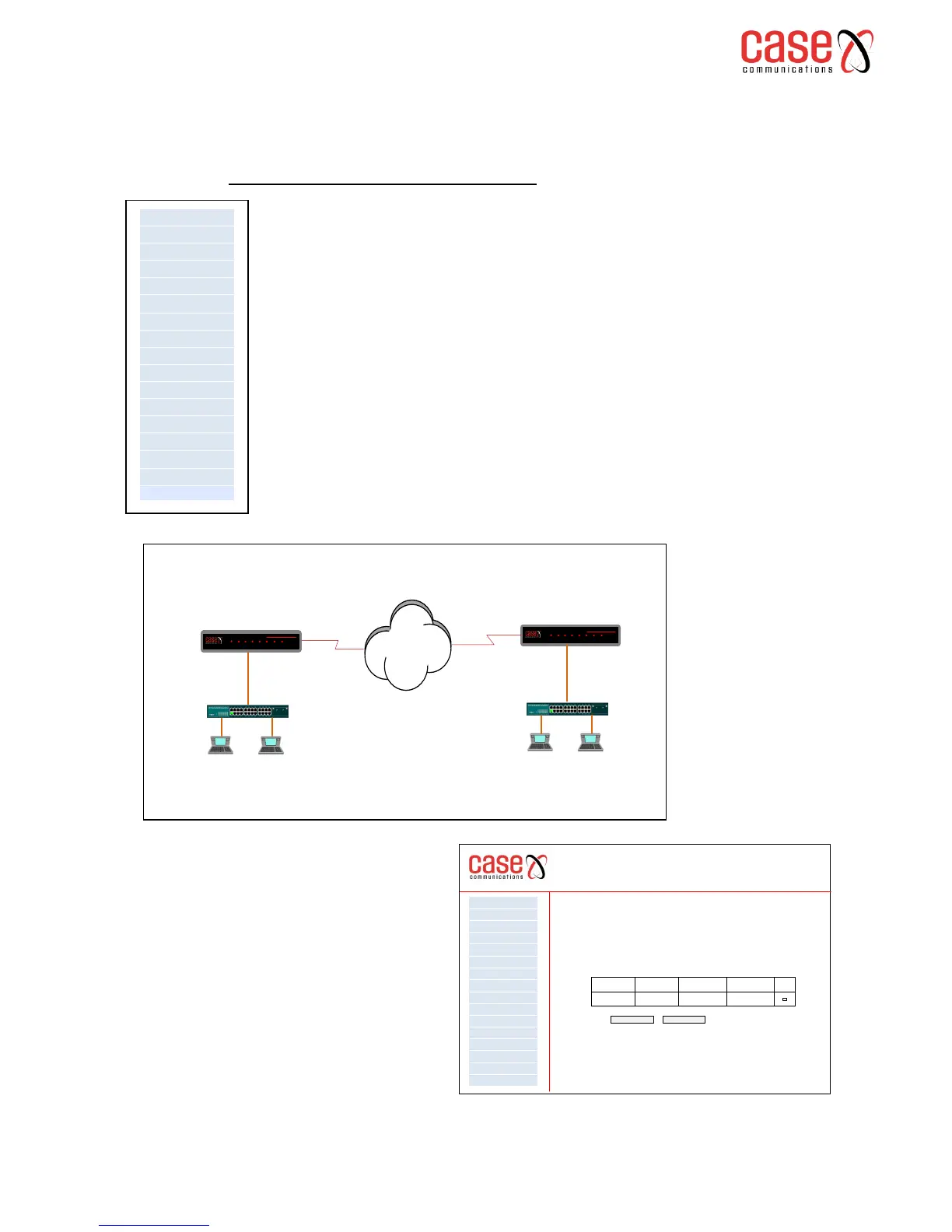
cryptographic keys to be used during the session. We will use diagram below to
provide an IP Sec example configuration. Here we can see two Local Area
Networks connected via the Internet.
Site A - has a LAN IP Address of 192.168.1.x / 24 and a
WAN IP Address of 113.90.14.180
Site B - has a LAN IP Address of 192.168.2.x/24 and a
WAN IP Address of 119.123.210.251
6401 Rugged Router
IPSec Tunnel Mode Connections
Add, remove or enable/disable IPSec tunnel connections from this page
WAN Service
VPN
LAN
NAT
Security
Parental Control
Quality of Service
Routing
DNS
DSL
UPnp
DNS Proxy
Print Server
Layer 2 Interface
Advanced Setp
Interface Grouping
Connection Name Remote Gateway Local Addresses Remote Address Remove
192.168.1.0 192.168.2.0
Add New Connection Remove
Case_Sec_1 119.123.210.251
Getting Started
To configure the IPSec menu option go to
the Advanced Setup and then select IPSec.
The following screen will be displayed
which shows any existing IP Sec Tunnels
already in use.
NB. This is option is only available at
Admin level.



 To Next Page