Case Communications 6401 Rugged ADSL Router Manual – Rev 1.5
SECTION 5 – ADVANCED CONFIGURATION Page 5.57
5.15 INTERFACE GROUPING
ADVANCED SETUP > INTERFACE GROUPING
Interface Grouping -- A maximum 16 entries can be configured
Interface Grouping supports multiple ports to PVC and bridging groups.
Each group will perform as an independent network. To support this feature, you
must create mapping groups with appropriate LAN and WAN interfaces using the
Add button.
The Remove button will remove the grouping and add the ungrouped interfaces to
the Default group. Only the default group has IP interface.
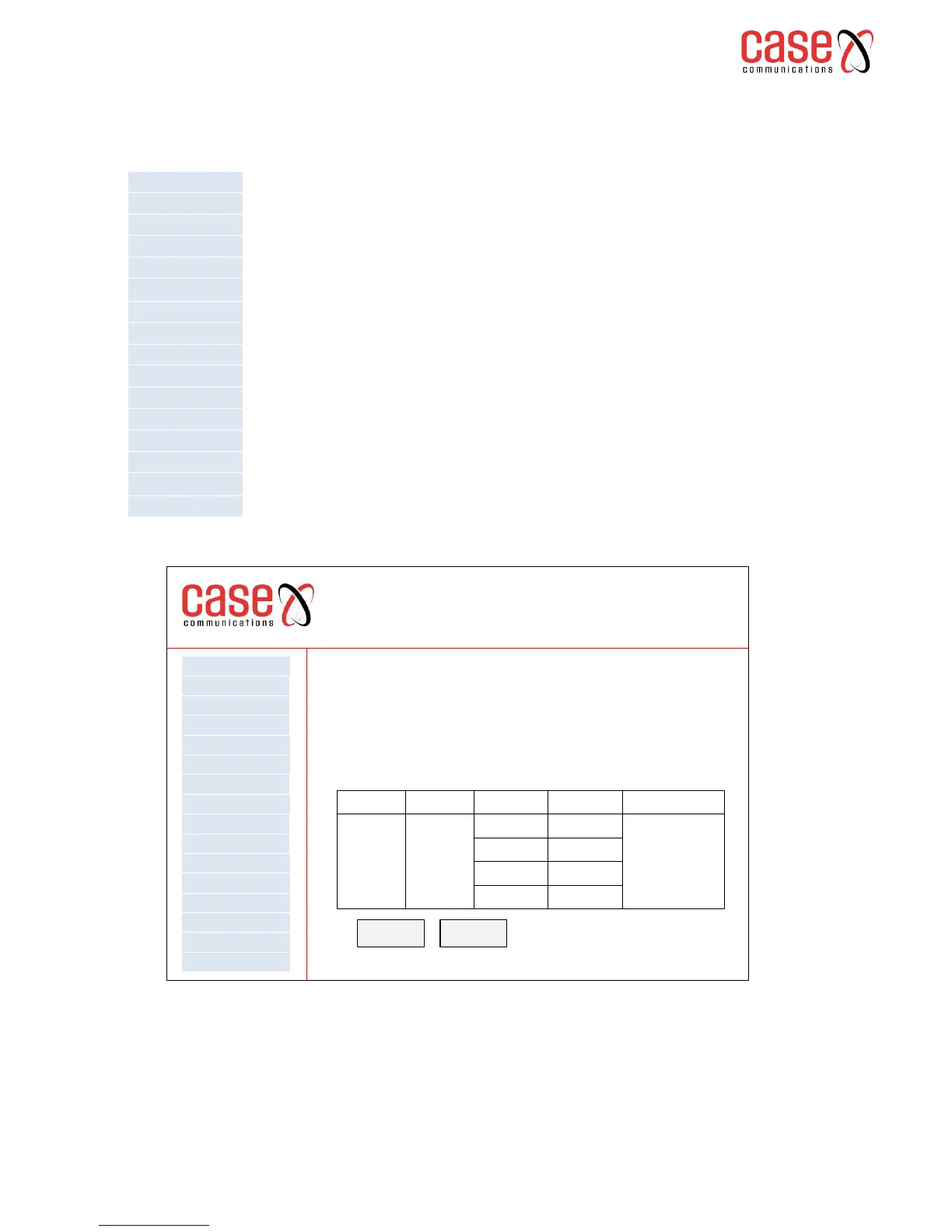
On selecting the option the following page is displayed.
The table displays all available WAN and LAN Interfaces.
To add a new interface select ‘Add’ and to remove a group select ‘Remove’
6401 Rugged Router
Interface Grouping -- A maximum 16 entries can be configured
Interface Grouping supports multiple ports to PVC and bridging groups. Each group will perform as an
independent network. To support this feature, you must create mapping groups with appropriate LAN
and WAN interfaces using the Add button. The Remove button will remove the grouping and add the
ungrouped interfaces to the Default group. Only the default group has IP interface.
WAN Service
VPN
LAN
NAT
Security
Parental Control
Quality of Service
Routing
DNS
DSL
UPnp
DNS Proxy
Print Server
Layer 2 Interface
Advanced Setp
Interface Grouping
Group Name Remove WAN Interface LAN Interfaces DHCP Vendor IDs
ppp0
atm1
atm2
eth3
eth4
eth0
eth1
Add Remove



 To Next Page