7.5 TR 069 Client
MANAGEMENT > TR069 CLIENT
INTRODUCTION
TR-069 defines an application layer protocol for remote management of end-user devices. As a
bidirectional SOAP/HTTP-based protocol, it provides the communication between customer-premises
equipment (CPE) and Auto Configuration Servers (ACS). It includes both a safe auto configuration
and the control of other CPE management functions within an integrated framework. The TR-069
standard was developed for automatic configuration of these devices with Auto Configuration Servers
(ACS).
SOAP, Simple Object Access Protocol, is the communications protocol mandated by TR-069. The
specification further mandates that all communications between the CPE (client) and ACS (server) are
done via a persistent, bi-directional connection.
TR 069 Connection Request.
While the CPE always initiates a session, the ACS can stimulate it to do so, by issuing a “Connection
Request” A Connection Request is a simple HTTPGet made on the CPE at an arbitrary URL/port set
by the CPE which then tells the ACS what its CR URL is during the Inform
TR 069 Inform
The Inform RPC is a Remote Procedure Call made on the ACS by the CPE, which MUST be called
FIRST in every session It contains the reason(s) for the session (an Event) a list of parameters that are
required by the Data Model to be included (“Forced Inform”) Contains parameters that the ACS set to
be notified upon changes. The ACS completes the RPC by sending an InformResponse.
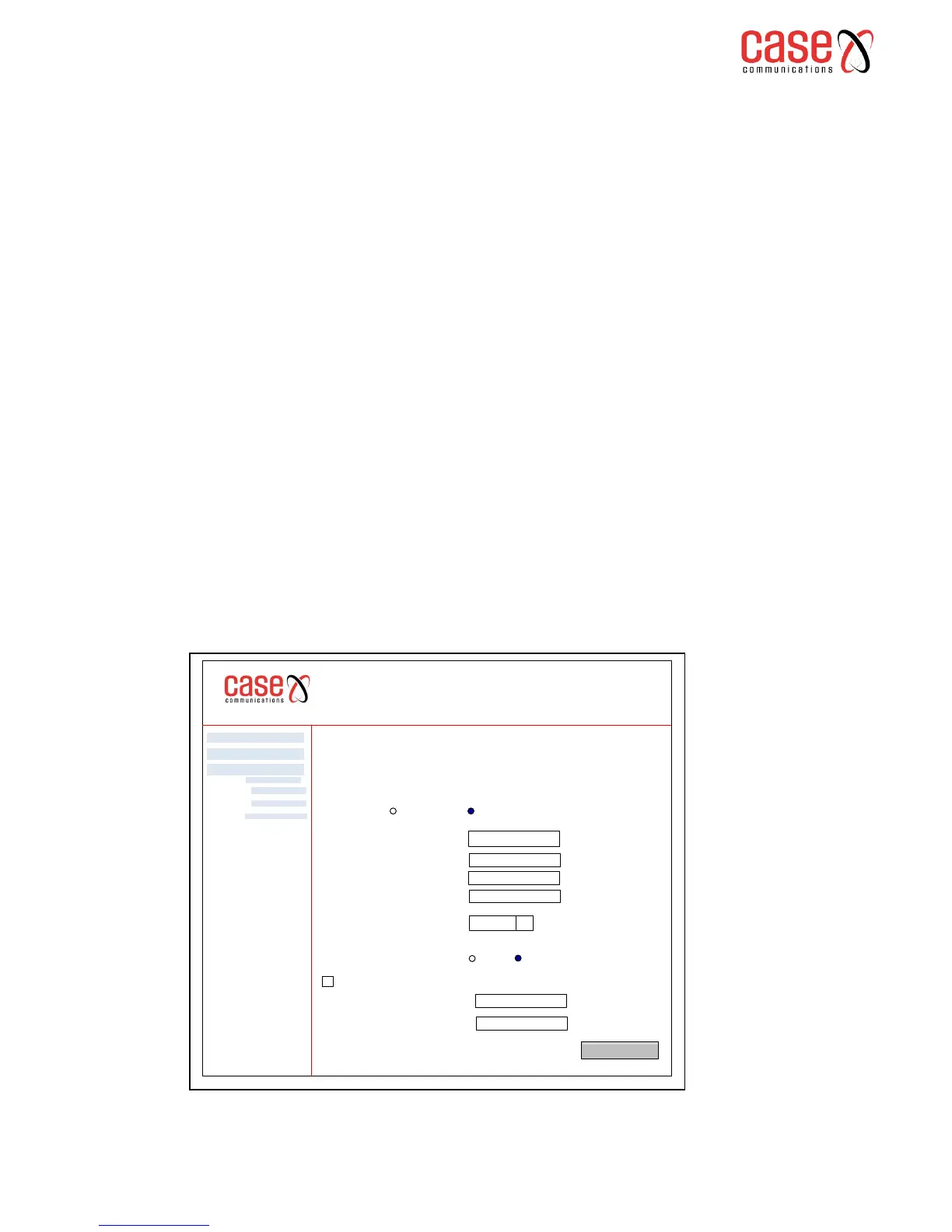
Select the desired values and click "Apply/Save" to configure the TR-069 client options. The
following screen will then appear.
6401 Rugged Router
TR 069 Client Configuration
WAN Management Protocol (TR-069) allows a Auto-Configuration Server (ACS) to perform auto-
configuration, provision, collection, and diagnostics to this device.
Select the desired values and click "Apply/Save" to configure the TR-069 client options
Advanced Setp
Diagnostics
Management
Inform Disabled Enable
Inform Interval:
ACS URL
ACS User Name
ACS Password
WAN Interface used by TR-069 Client
3000
Apply / Save
Settings
System Log
Security Log
TR 069 Client
q
Any_WAN
Display SOAP messages on serial console Disable Enable
Connection Request Authentication
Connection Request User Name:
Connection Request Password
Connection Request URL:



 To Next Page