Case Communications 6401 Rugged ADSL Router Manual – Rev 1.5
SECTION 5 – ADVANCED CONFIGURATION Page 5.11
5.2.2.2 CONFIGURING IPoA (Layer 2 IPoA)
Wide Area Network (WAN) Service Setup
Choose Add, Remove or Edit to configure a WAN service over a selected interface.
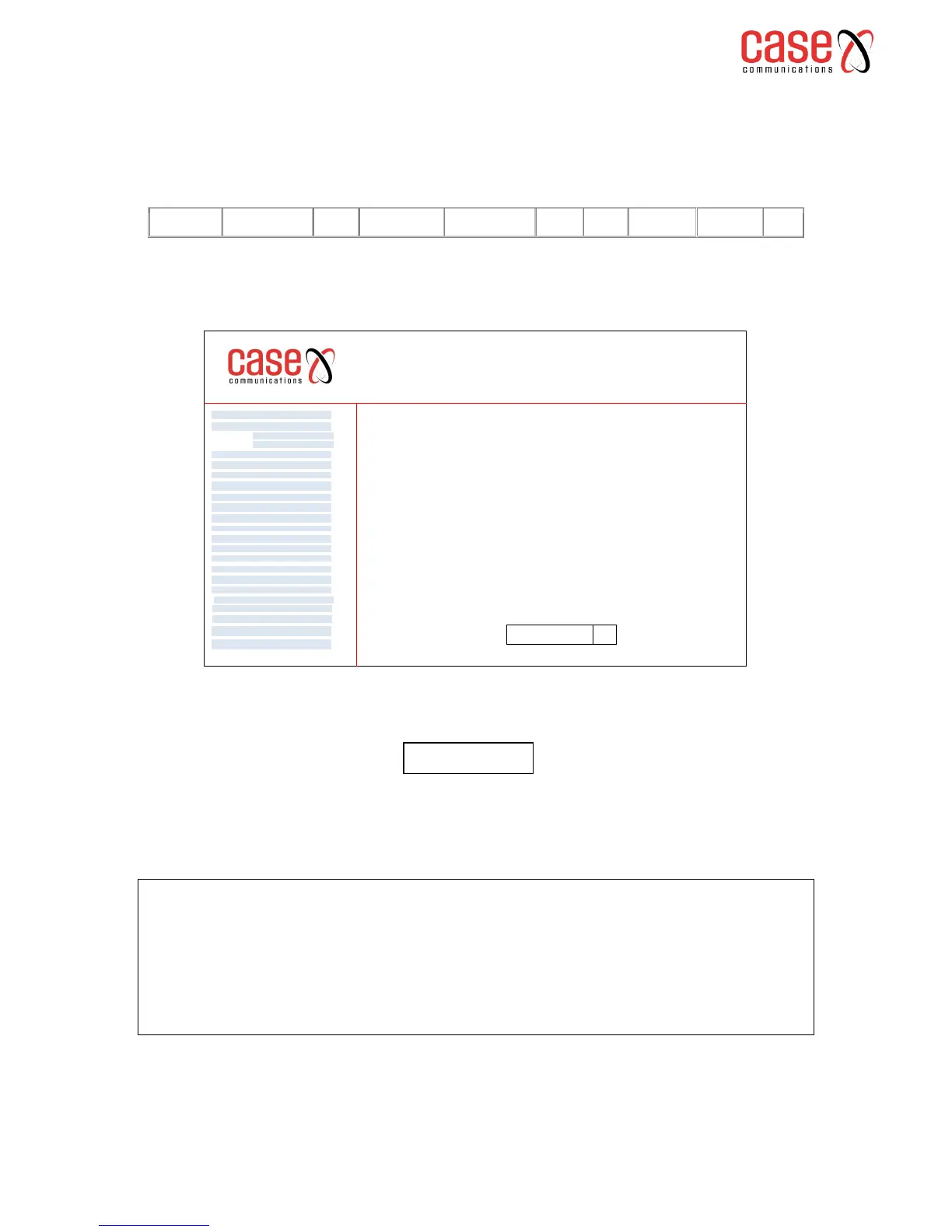
Select Add to start configuring an IPoA Service, and then select the interface from the following drop
down menu; The menu displays previously configured layer 2 interfaces.
6401 Rugged Router
WAN Service
VPN
LAN
NAT
Security
Parental Control
Quality of Service
Routing
DNS
DSL
UPnp
DNS Proxy
Print Server
Layer 2 Interface
Advanced Setp
Interface Grouping
IP Sec
Certificate
Multicast
Diagnostics
Management
ATM Interface
Eth Interface
WAN Service Interface Configuration
Select a layer 2 interface for this service
Note: For ATM interface, the descriptor string is (portId_vpi_vci)
For PTM interface, the descriptor string is (portId_high_low)
Where portId=0 --> DSL Latency PATH0
portId=1 --> DSL Latency PATH1
portId=4 --> DSL Latency PATH0&1
low =0 --> Low PTM Priority not set
low =1 --> Low PTM Priority set
high =0 --> High PTM Priority not set
high =1 --> High PTM Priority set
IPoA0/(0_0_40) q
WAN Service Configuration
Enter Service Description
Either leave the description at the default or give the service a more meaningful description
Select next and the next page appears where the destination configuration is configured.
Enter information provided to you by your ISP to configure the WAN IP settings.
Add WAN IP Address of destination
Add subnet mask for IP Address
Select Next and the following page appears
Select the options required, there are details on the meanings of these options at the end of
this section.



 To Next Page