1 6401 RUGGED ADSL ROUTER HARDWARE
In the 6401 packing materials will contain the following items
The 6401 Rugged Router as shown below
External Power Supply with mains lead.
ADSL Line cord
Option - manual – either CD or Hardcopy (NB. PDF versions of the 6401 manual are
available from our web site on www.casecomms.com)
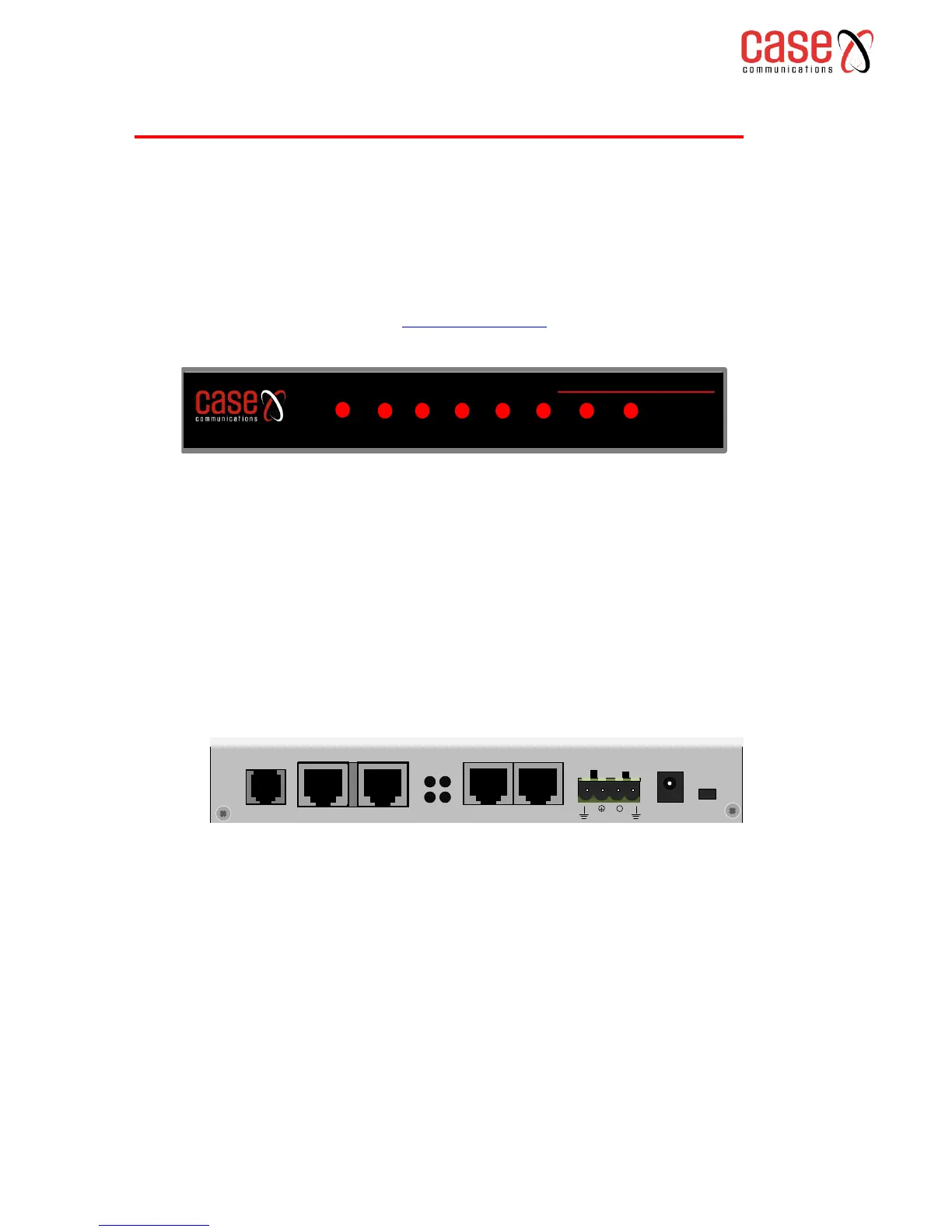
The indications on the front are
1. PWR – Indicates power is attached to the router and its powered on.
2. Eth0 to Eth3- Ethernet ports 0 to 3. When a device is attached the port glows steady red with
a slight flicker
3. NC – Reserved for future options
4. ACT - Link is Active when running PPPoE
5. Link –When flashing the 6401 is handshaking when steady the ADSL link is up.
The Back Panel has the following ports and functions
1. DSL – DSL port – attach line cord here.
2. Eth0 – Eth 3 – Ethernet ports
3. Cut outs for pwr – Link – ALR – ACT not used at this time.
4. Green strip 12v – 72v – DC power input. Attach DC supply here or use the AC to DC
adapter with a plug to fit the PWR socket
5. PWR – Alternative DC power input source for use with alternate Power Adapter.
6. Reset – Reset switch to be operated via a pen or pin.



 To Next Page