OPERATION & MAINTENANCE MANUAL STE35SR
In addition to the above basic parameter displays, there are also parameter pages for
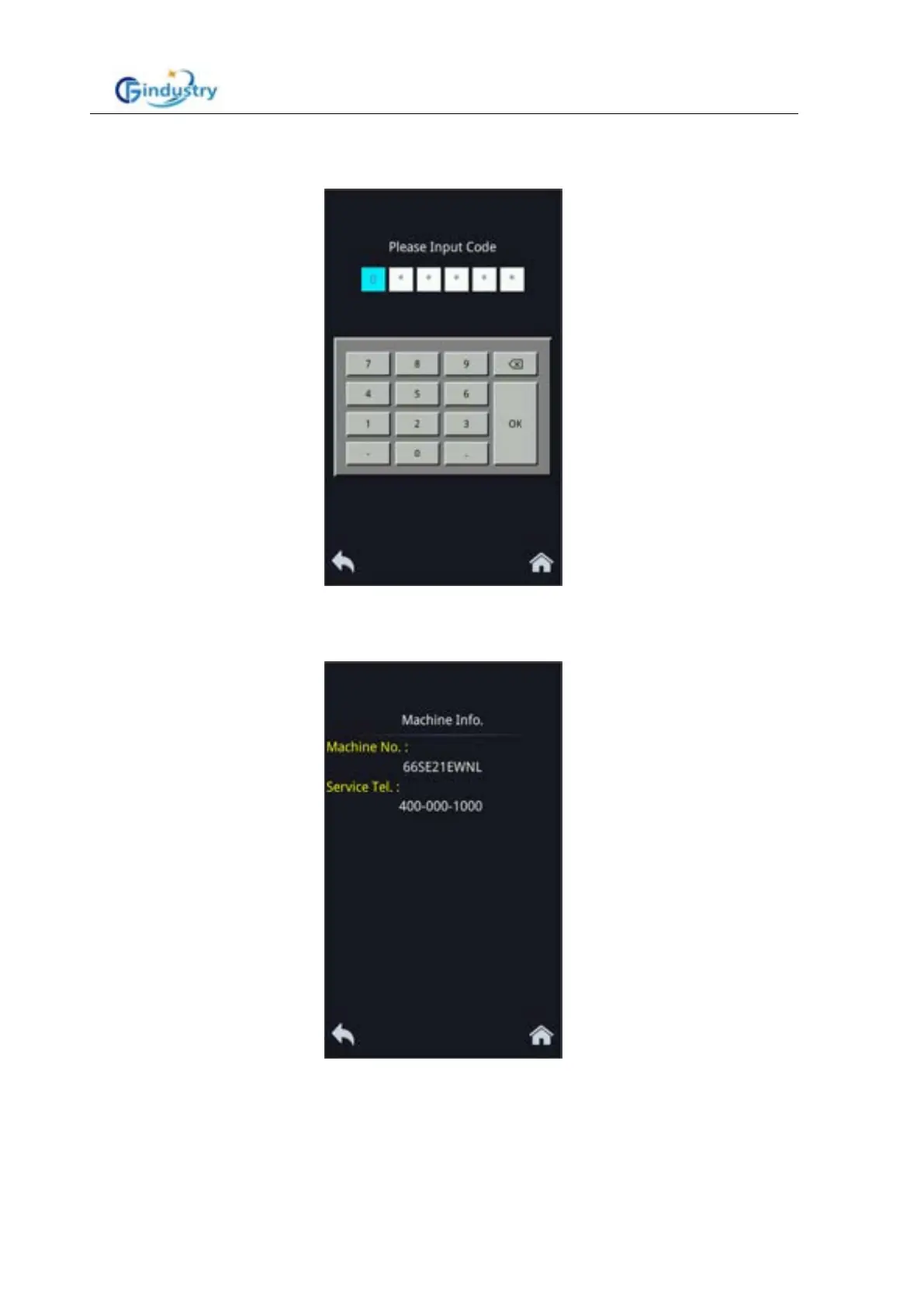
debugging use. Language Click the parameter display area on the touch screen, and the
password input page will pop up:
After you enter the password 432109 on the touch keyboard, you can view the following
information on the running information page:
1.2 Machine information
Displays the current machine number and service number:



 To Next Page