OPERATION & MAINTENANCE MANUAL STE35SR
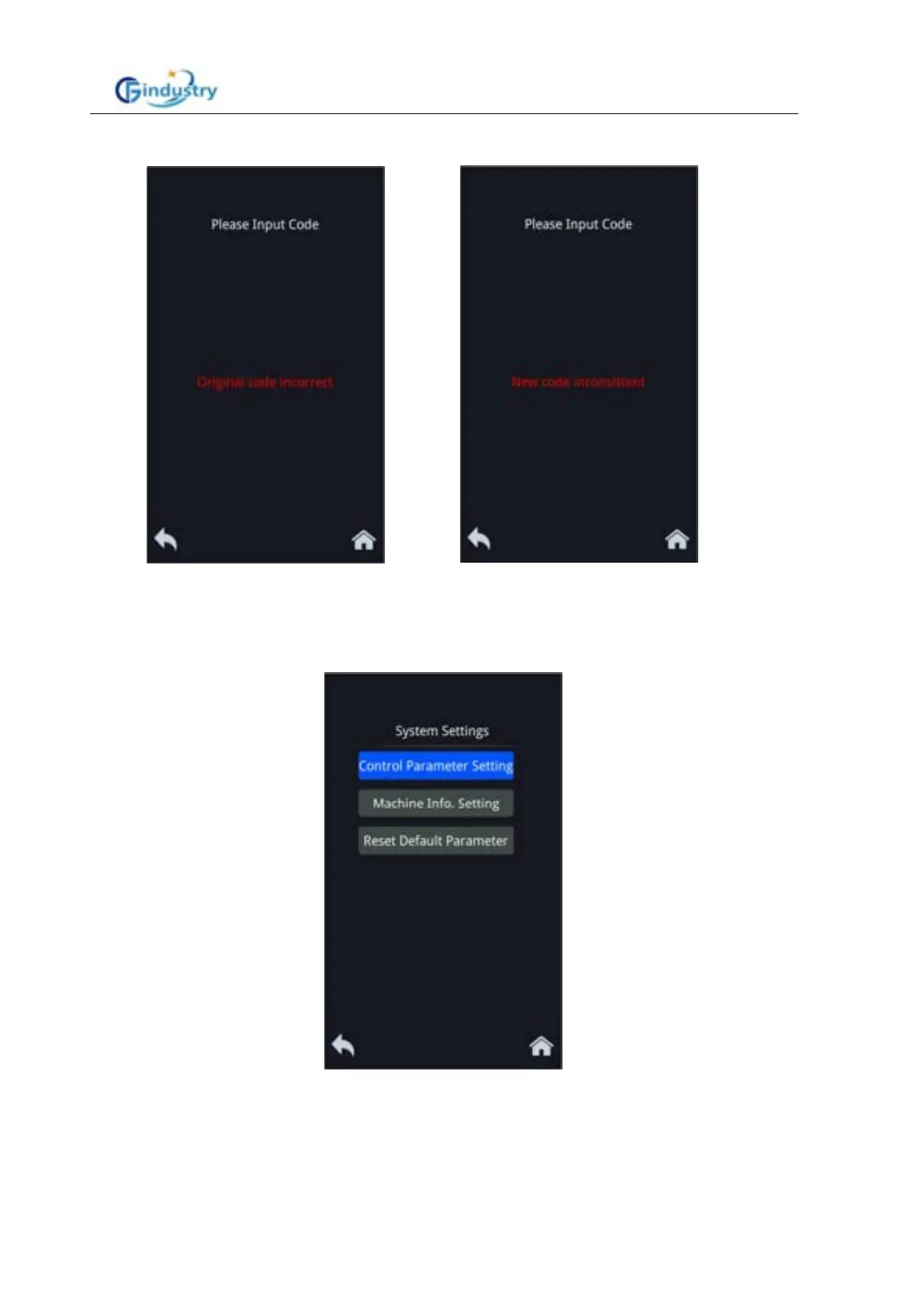
If you enter the same password twice, the following prompt page is displayed:
3. System setting
For professionals to set some key parameters, including control parameter settings, machine
information settings and restore default parameter menu page:
Star the engine normally
When the start switch is turned to the ON position, the main screen is displayed.
Normally shut down the engine
The display will turn off when the start switch is turned to the OFF position.



 To Next Page