Manual Operation
(1) If a FANLOCK protection occurs, power OFF the instrument
and then power it ON again to see if it is a false error.
(2) If the FANLOCK protection occurs again, contact a sales agent
for repair services.
2. Keep the two sides and the rear of the DC Power Supply clear when
operating to prevent an Over Temperature Protection fault from
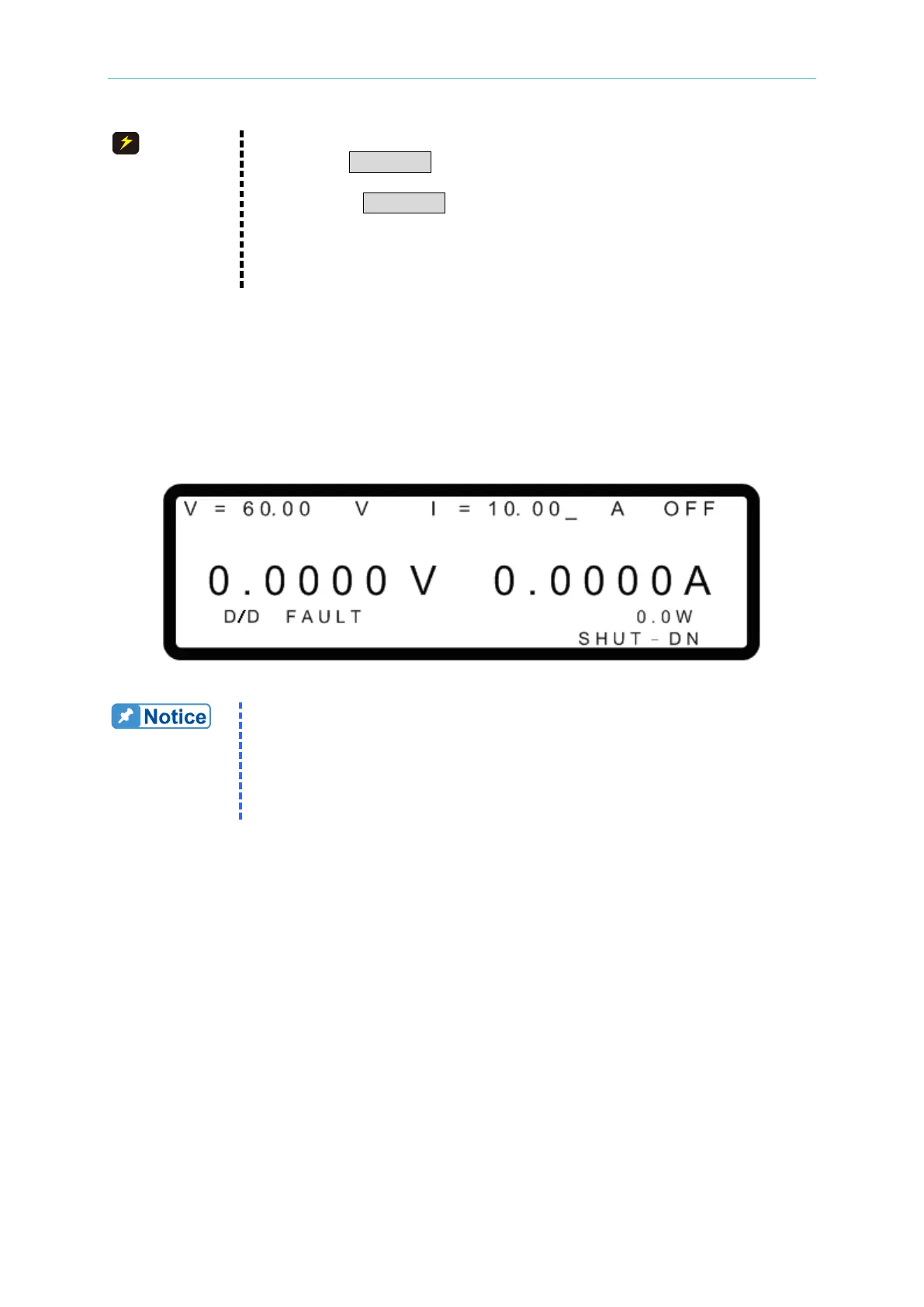
3.3.5.12 D/D FAULT Protection
If the internal output main circuit (DC TO DC Stage) has an error, a D/D FAULT protection
signal will be generated and the output will be turned OFF to protect the DC Power Supply.
If a D/D FAULT protection occurs, the MAIN PAGE menu will display a protection message as
shown below.
Figure 3-92
(1) If a D/D FAULT protection occurs, power OFF the instrument,
remove the load, check if the connections are correct, and then
power it ON again.
(2) If the D/D FAULT protection occurs again, contact a sales agent for
3.3.5.13 CURR. SHARING ERR Protection
This protection occurs when the power supply detects uneven current sharing in parallel
mode. When the CURR. SHARING ERR signal occurs the output will be turned OFF to
protect the DC power supply.
The message “CURR. SHARING ERR” will display on the main screen as shown in Figure
3-93.



 To Next Page
 Loading...
