Manual Operation
3.3.2.5 Setting DC_ON
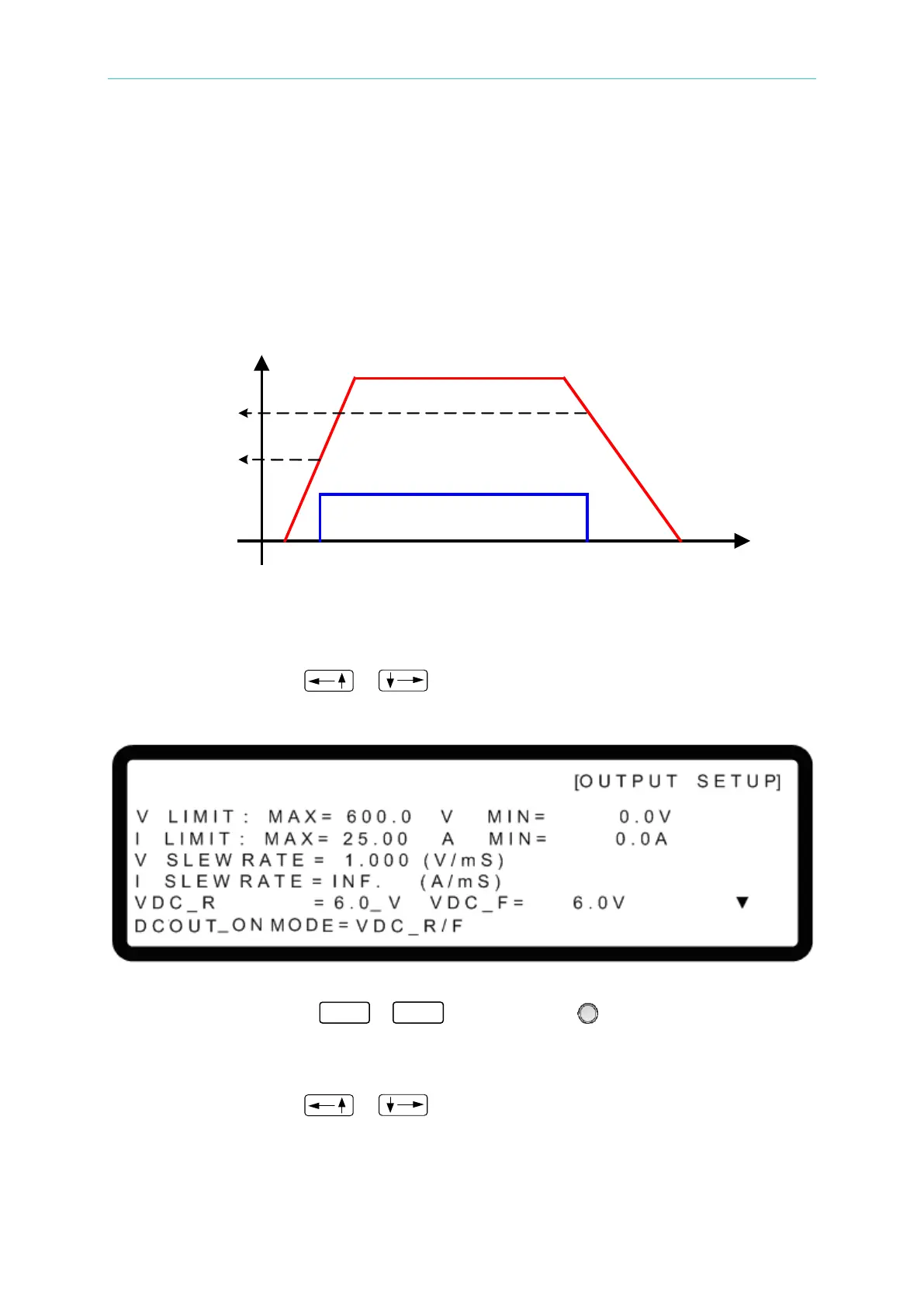
The DCOUT_ON signal on the ANALOG INTERFACE can be set to follow the rising and
falling edges of the voltage waveform or the position of the OUTPUT button on the front panel.
If the DCOUT_ON signal is set to VDC_R/F and the voltage is over VDC_R, pin10
DCOUT_ON on the ANALOG INTERFACE will go HIGH. If the voltage is lower than VDC_F,
pin10 DCOUT_ON on the ANALOG INTERFACE will go LOW. If the DCOUT_ON signal is set
to VDC_ON/OFF, the signal will follow the position of the OUTPUT button on the front panel,
as shown in Figure 3-24:
Figure 3-24
Set DC_ON as described below:
1. Method 1: Use the “
”, “ keys to move the cursor to the column to be set
as shown in Figure 3-25.
Figure 3-25
2. Use the numeric keys (
- ) or the “Rotary” ( ) knob to set the values. The
lower limit is 1%Vmax and the upper limit is 99%Vmax, e.g., the lower limit of DC_ON is
6V and the upper limit is 594V for the 62150H-600S.
3. Method 2: Use the “
”, “ ” keys to move the cursor to the column to be set
as shown in Figure 3-26.


 To Next Page
 Loading...

