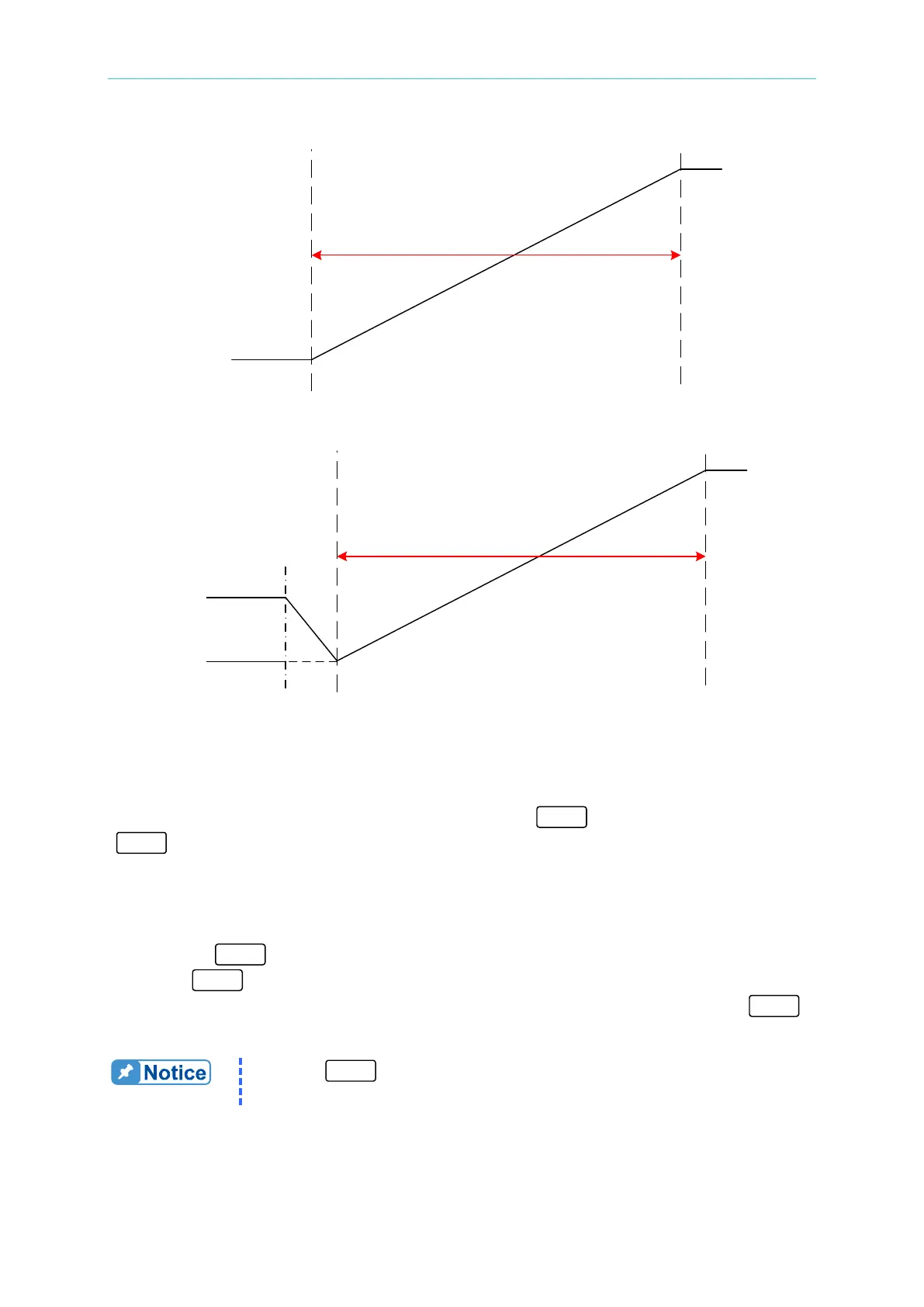
Program Sequence
Figure 4-21
Figure 4-22
4.2.2 Execution of V_STEP MODE
Once all the sequences have been programmed, press “
” to start execution. Press
“ ” to stop execution.
4.2.2.1 Running V_STEP MODE
1. Pressing “
” will display a confirmation window as shown in Figure 4-15.
2. Press “
” one more time to confirm the execution. The display will go to the MAIN
PAGE during execution as shown in Figure 4-23. To stop the execution, press “ ”
to return to the MAIN PAGE screen.
Pressing “
” will abort the executing program and shut off the Power


 To Next Page
 Loading...

