Installation
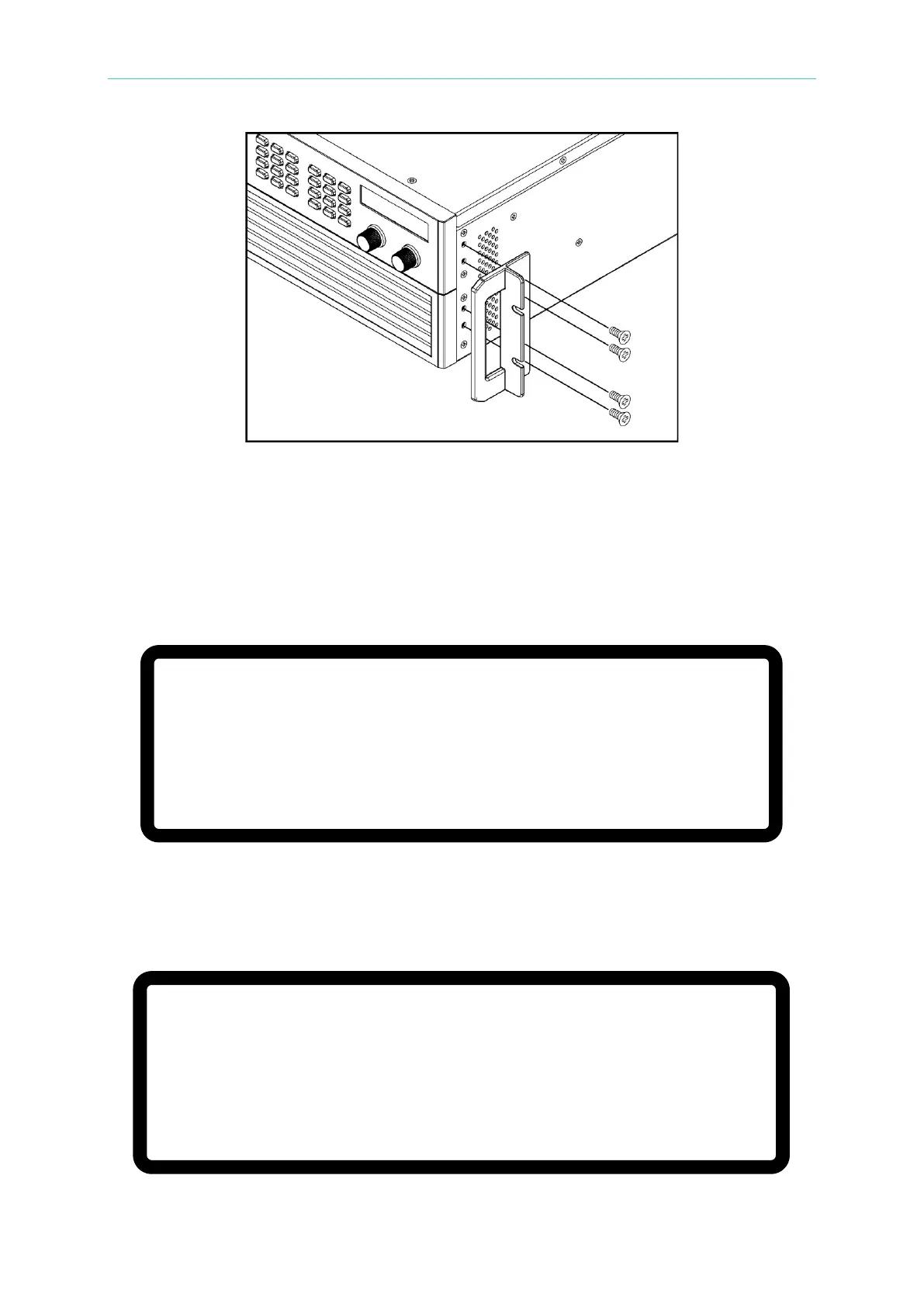
Figure 2-13 Installing the Handle
2.6 Power-On Procedure
Plug in the power cord and turn ON the power switch on the front panel. The DC Power
Supply will run a series of self-tests. The VFD on the front panel will light up and display the
following:
Figure 2-14
The DC Power Supply will run self-tests for memory, data, and communication. Once the
self-tests are completed, the Model No., Serial No., and an “OK” prompt will display on the
screen if all tests completed successfully. When the self-test is done the display shows:
Figure 2-15
M O D E L : 6 2 1 5 0 H – 6 0 0 S S E R I A L N O :1
D I S P L A Y < O K >
F I R M W A R Y 0 0 . 0 7, D E C 1 7 2 0 0 9
F P G A 0 0 . 0 0 B
W A I T . . .


 To Next Page
 Loading...

