Manual Operation
3.3.5.6 EXTERNAL ON/OFF
This function controls the DC Power Supply’s ON/OFF through Pin 22 (_EXT_ON) of the
ANALOG INTERFACE.
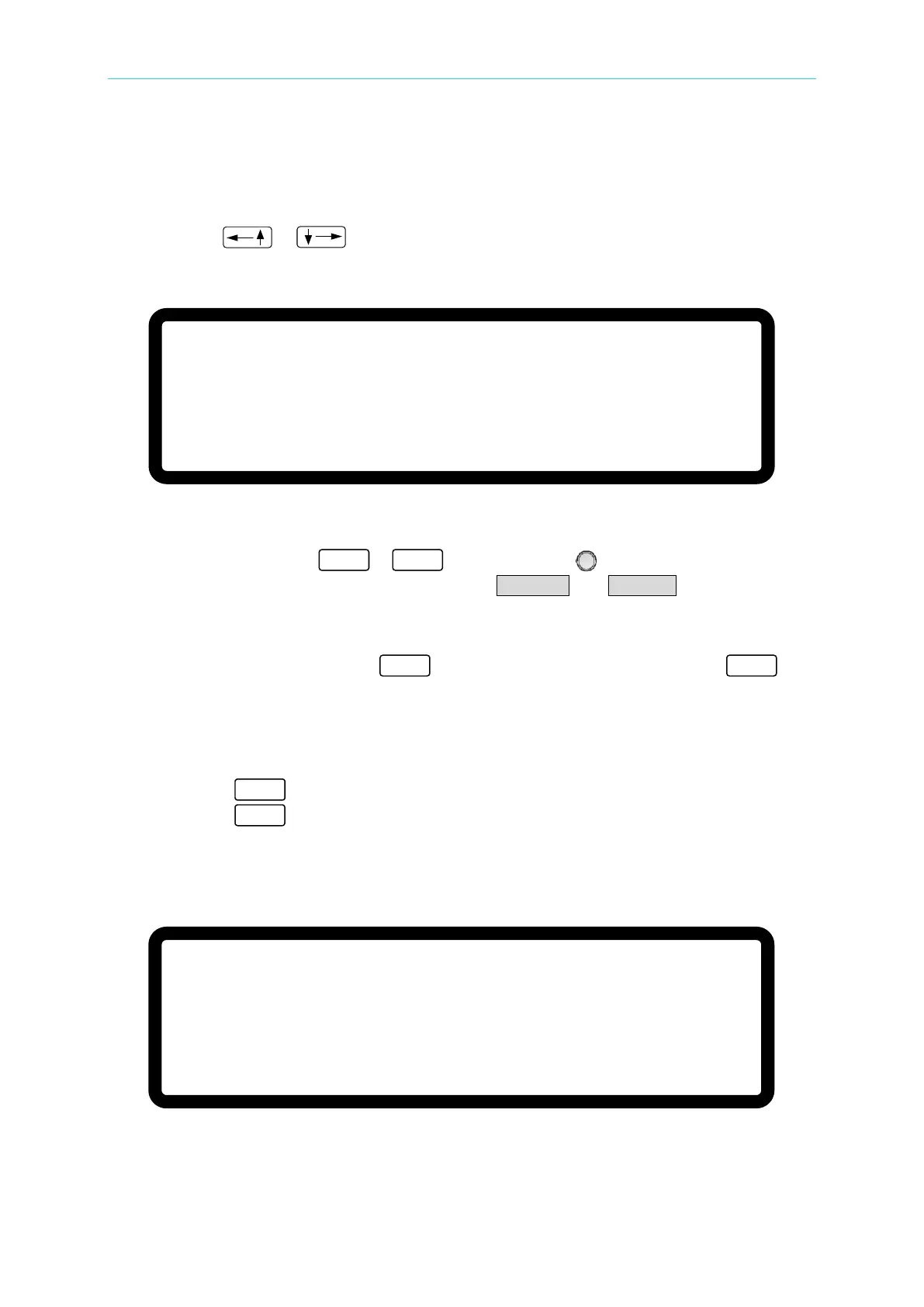
1. Use the “
”, “ ” keys to move the cursor to the column to be set as shown in
Figure 3-81.
[ P R O T E C T I O N
]
O V P
=
6 0 0 . 0 V
O C P
= 1 8
.
9 0 A
O P P
= 5 2 5 0
. 0
W
R E M O T E I N H I B I T
=
D I S A B L E P U L L =
H I G H
S A F E
T Y I N T . L O C K
= D I S A B L E P U L L
=
H I G H
E X T O N
/
O F F = D I S A B L E _ P U L L
= H I G H
▼
Figure 3-81
2. Use the numeric keys (
-
) or the “Rotary” ( ) knob to set the EXTERNAL
ON/OFF mode. This function has two options: DISABLE and ENABLE.
1. Selecting DISABLE: Disables this function.
2. Selecting ENABLE: Sets EXTERNAL ON/OFF to ENABLE and disables the
“
” key. Pin 22 (_EXT_ON) replaces the “
” key
to control the Power Supply’s ON/OFF function. When
the Pin 22 (_EXT_ON) voltage level on the ANALOG
INTERFACE goes HIGH, the Power Supply output is
turned OFF. When the Pin 22 (_EXT_ON) voltage level
goes LOW, the DC Power Supply is turned ON.
3. Press “ ” to confirm.
4. Press “
” to return to the MAIN PAGE.
3. When EXT. ON/OFF is enabled, the MAIN PAGE will display the EXT message as
shown in Figure 3-82.
V
= 6 0. 0 0
V I = 1 0.
0 0 _ A O F F
E X T
0 . 0 0 0 0 V 0 . 0 0 0 0 A
0 . 0 W
Figure 3-82


 To Next Page
 Loading...

