Programmable DC Power Supply (with Solar Array Simulation) 62000H Series
Operating & Programming Manual
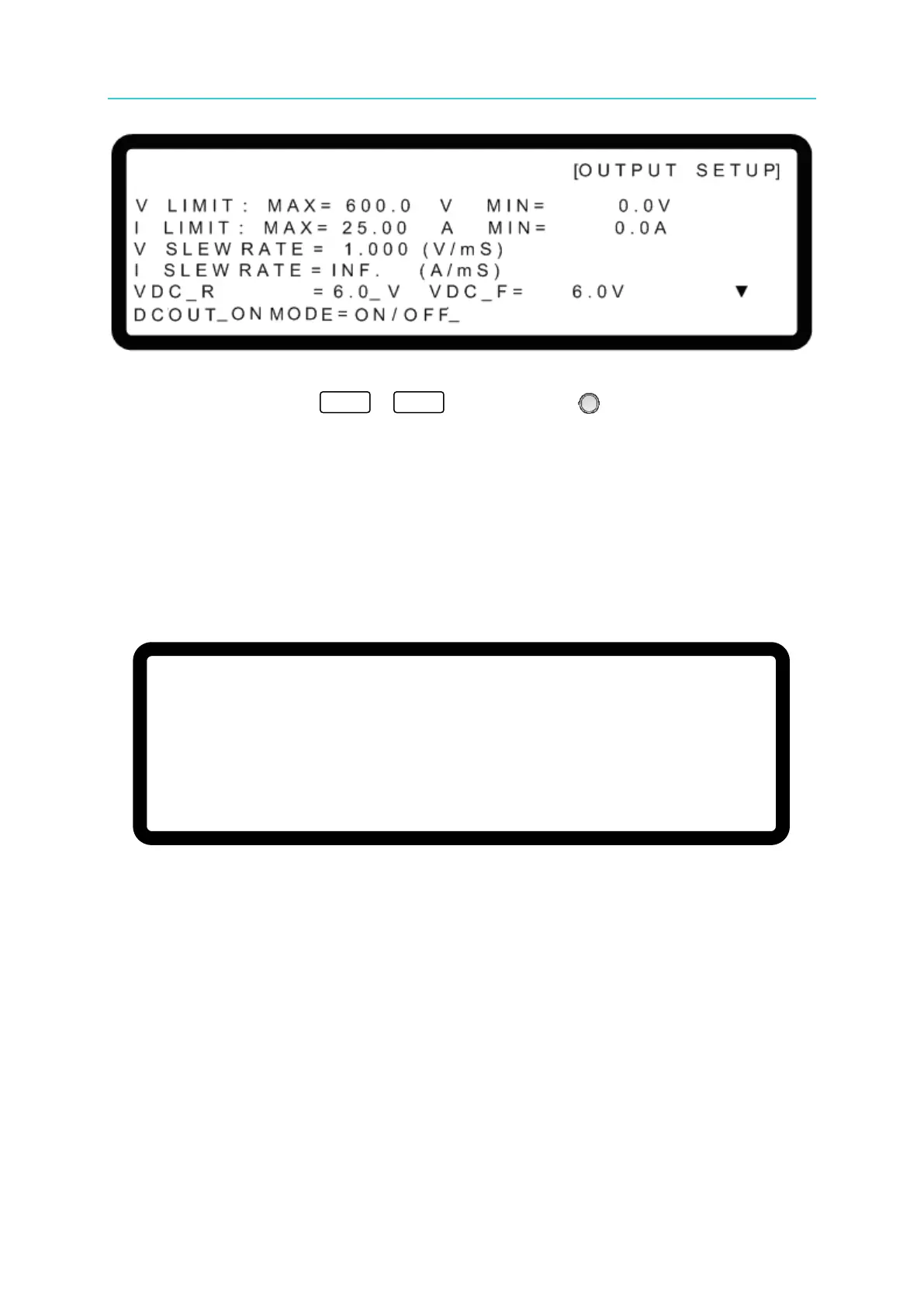
Figure 3-26
4. Use the numeric keys (
-
) or the “Rotary” ( ) knob to set DCOUT_ON
MODE to ON/OFF, which causes pin10 on the ANALOG INTERFACE to follow the
OUTPUT button on the front panel.
3.3.2.6 Setting IV CURVE Parameters
IV Curve related parameters such as CONTROL MODE, INPUT FILTER, OUTPUT SPEED
and SETTING MARGIN can be modified in the IV CURVE PARAMETER as shown in Figure
3-27. The IV CURVE PARAMETER settings adjust the IV Curve algorithm in Table mode,
SAS mode, and IV Program.
Figure 3-27
3.3.2.6.1 Setting CONTROL MODE
When the DC Power Supply is operating in IV mode, the CONTROL MODE will affect the IV
Curve settings and the measured object. When set to CC mode, the DC Power Supply will
measure the output voltage and use the IV Curve mapped current as the control current to
draw the IV Curve shown in Figure 3-28(a). If the CONTROL MODE is set to CV mode, the
DC Power Supply will measure the output current and use the IV Curve mapped voltage as
the control voltage to draw the IV Curve shown in Figure 3-28(b).
[O U T P U T S E T U P]
I V C U R V E P A R A M E T E R:
C O N T R O L M O D E = C C M O D E _
I N P U T F I L T E R = 1 0 0 0 Hz
O U T P U T S P E E D = M I D D L E
S E T T I N G M A R G I N = 3 %
▲


 To Next Page
 Loading...

