Programmable DC Power Supply (with Solar Array Simulation) 62000H Series
Operating & Programming Manual
1. The DC Power Supply could malfunction or be damaged if the
CURRENT SHARING cable is connected incorrectly when in parallel
mode.
2. Do not connect the CURRENT SHARING cable during series
operation. Connecting the cable may cause damage to the supply.
3. Do not connect the CURRENT SHARING cable during standalone
operation. Connecting the cable may cause damage to the supply.
4. Remove the SYSTEM BUS and CURRENT SHARING signal cables
when returning to standalone operation. Leaving the cables
connected may cause damage to the supply.
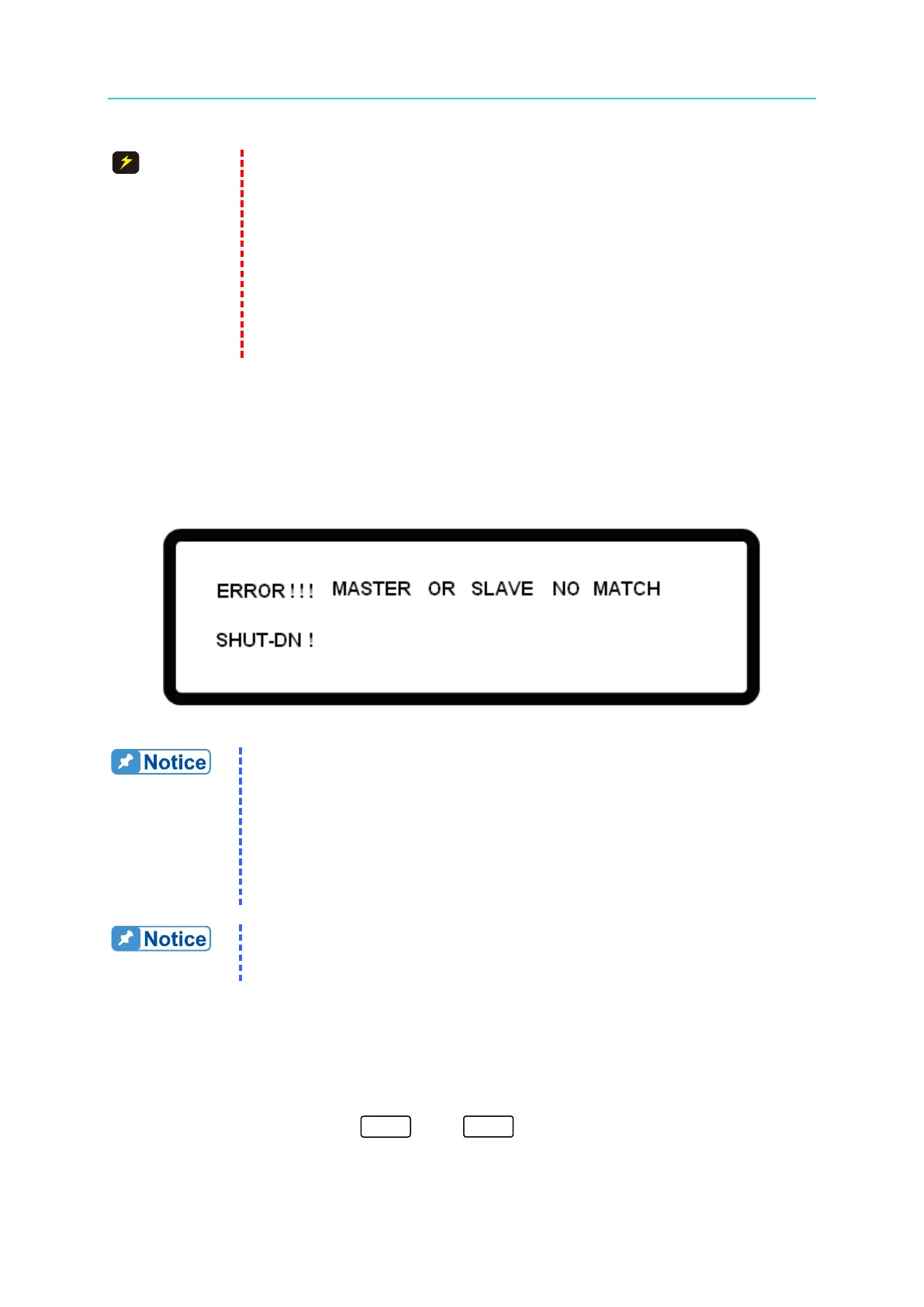
3.3.5.16 MATCH Warning
This message occurs if different models of power supplies are connected in series or parallel
mode. If a MATCH warning occurs, the main screen will display a warning message as
shown in Figure 3-98.
Figure 3-98
(1) Make sure the same model power supplies are connected in series
or parallel. For instance, the 62050H-600S model can only be
connected to a power supply of the same model for series or parallel
operation.
(2) There are two exceptions: the 62150H-1000S can connect with the
A620028 and the 62150H-600S can connect with the A620027 for
parallel/series connection.
Do NOT connect power supplies with different input voltages for series or
parallel use. The output specification cannot be guaranteed if the power
supplies are not connected properly.
3.3.6 FACTORY SETTING
This function resets the instrument to its factory default settings.
In the Config Setup page, press “ ” then to enter the FACTORY SETTING
option as shown in Figure 3-99.


 To Next Page
 Loading...

