Manual Operation
3. Manual Operation
3.1 Introduction
The DC Power Supply can be operated manually or remotely via a GPIB/ETHERNET (option),
USB, RS-232/RS-485, or APG interface as described in Chapter 5 and section 3.3.1.1.
Manual operation using the front panel keyboard or rotary knobs to input the data is described
in this chapter.
If the operation mode is not saved before the instrument is powered off,
the operation mode is manual (default) the next time it is powered on
3.2 Setting Voltage & Current
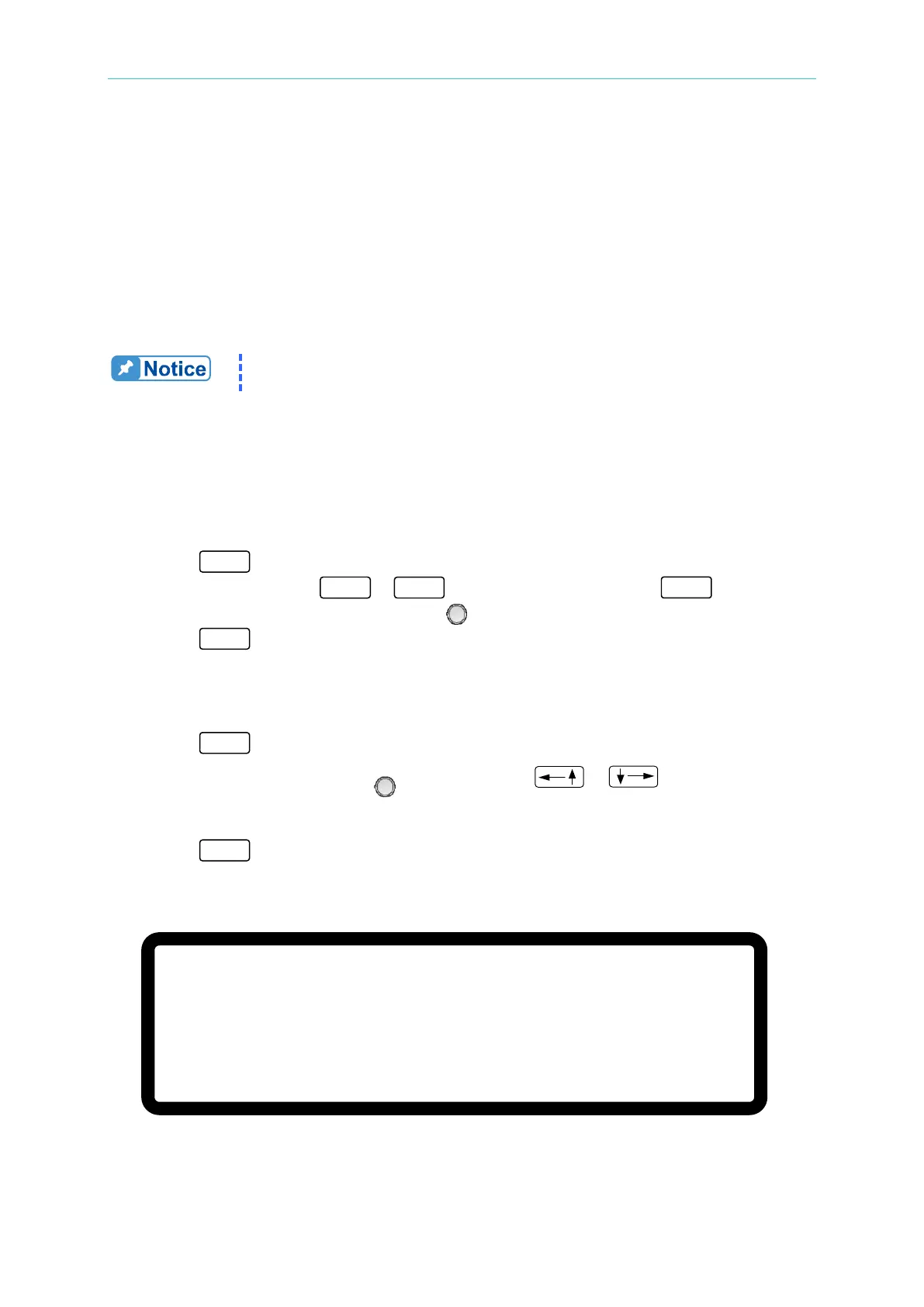
There are two ways to set the output voltage (CV MODE) as shown in Figure 3-1:
Method 1:
1. Press “
”, the cursor for V on MAIN PAGE blinks.
2. Use the numeric keys ( -
) to set the value and press “ ” to complete
the voltage setting or turn the “Rotary” (
) knob to adjust the set value.
3. Press “
” to output the set voltage. (To keep the output in CV mode the current
setting must be larger than the load current; otherwise, the output voltage will not be
equal to the set voltage.)
Method 2:
1. Press “
”, the cursor for V on MAIN PAGE blinks.
2. When using the Rotary knob (
) for setting, the “ ”, “ ” keys can be used
to move the cursor to each individual digit, then turning the rotary knob to increase or
decrease the value.
3. Press “
” to output the set voltage. (To keep the output in CV mode the current
setting must be larger than the load current; otherwise, the output voltage will not be
equal to the set voltage.)
V = 0. 0 0_ V I = 0. 0 0 A O F F
0 . 0 0 0 0 V 0 . 0 0 0 0 A
0 . 0 W
Figure 3-1



 To Next Page
 Loading...
