Programmable DC Power Supply (with Solar Array Simulation) 62000H Series
Operating & Programming Manual
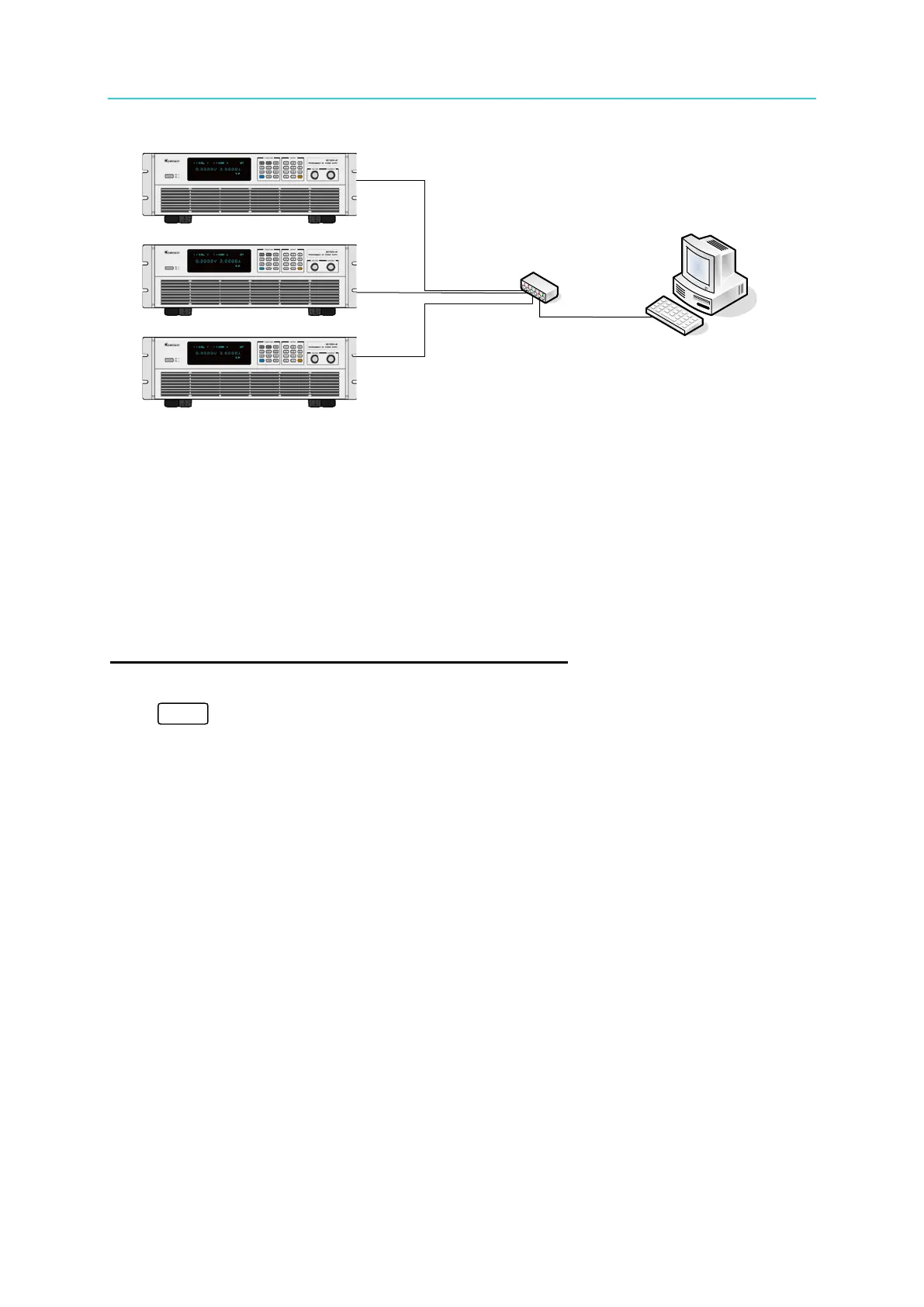
PC
DC Source 62000H
DC Source 62000H
DC Source 62000H
Hub
5.1.5.2 Setting IP, Subnet Mask & Gateway
1. In Site LAN
Only the 62000H needs to be set up on the network. DHCP can be set to ON (the server sets
the IP automatically) or OFF (set the IP manually.) For the 62020H-150S Model, refer to
7.2.1 for the network parameter settings.
Procedure for setting DHCP = ON on Chroma DC Source
STEP 1:
Click “
” to enter into the CONFIG selections. Find the DHCP location in the tree
diagram listed below and set the DHCP to ON.


 To Next Page
 Loading...

