Programmable DC Power Supply (with Solar Array Simulation) 62000H Series
Operating & Programming Manual
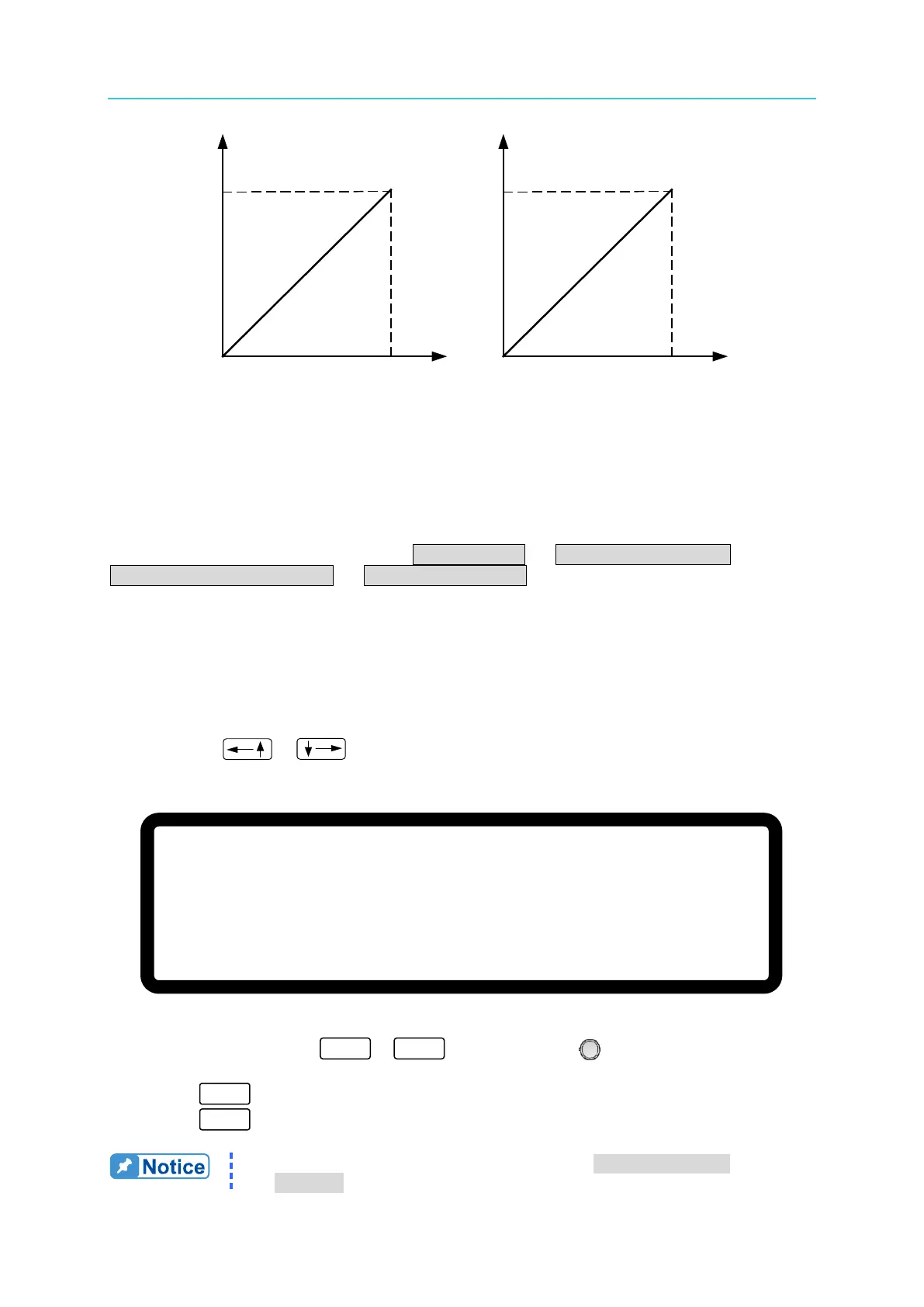
APG INPUT 5V/5V
DC SOURCE OUTPUT
600V/125A
APG INPUT 10V/10V
DC SOURCE OUTPUT
600V/125A
(a) (b)
Figure 3-59
3.3.4 DISPLAY
The DISPLAY setting has 4 options: (1) BRIGHTNESS (2) DISPLAY SELECTION (3)
READING AVERAGE TIMES (4) AVERAGE METHOD.
3.3.4.1 BRIGHTNESS
This option sets the backlight panel brightness of the VFD on the front panel. There are 4
backlight brightness settings to select from (including turn off the backlight) for use in various
situations.
1.
Use the “ ”, “ ” keys to move the cursor to the column to be set as shown in
Figure 3-60.
Figure 3-60
2. Use the numeric keys ( - ) or the “Rotary” ( ) knob to select the VFD
backlight brightness.
3. Press “ ” to confirm.
4. Press “ ” to return to the MAIN PAGE.
1. There are 3 selections for BRIGHTNESS: HIGH /NORMAL/
DIMMED. The default is HIGH.
[ D I S P L A Y S E T U P ]
B R I G H T N E S S = H I G H _
D I S P L A Y S E L E C T I O N = N O N E
R E A D I N G A V E R A G E T I M E S = 2
A V E R A G E M E T H O D = F I X E D


 To Next Page
 Loading...

