Programmable DC Power Supply (with Solar Array Simulation) 62000H Series
Operating & Programming Manual
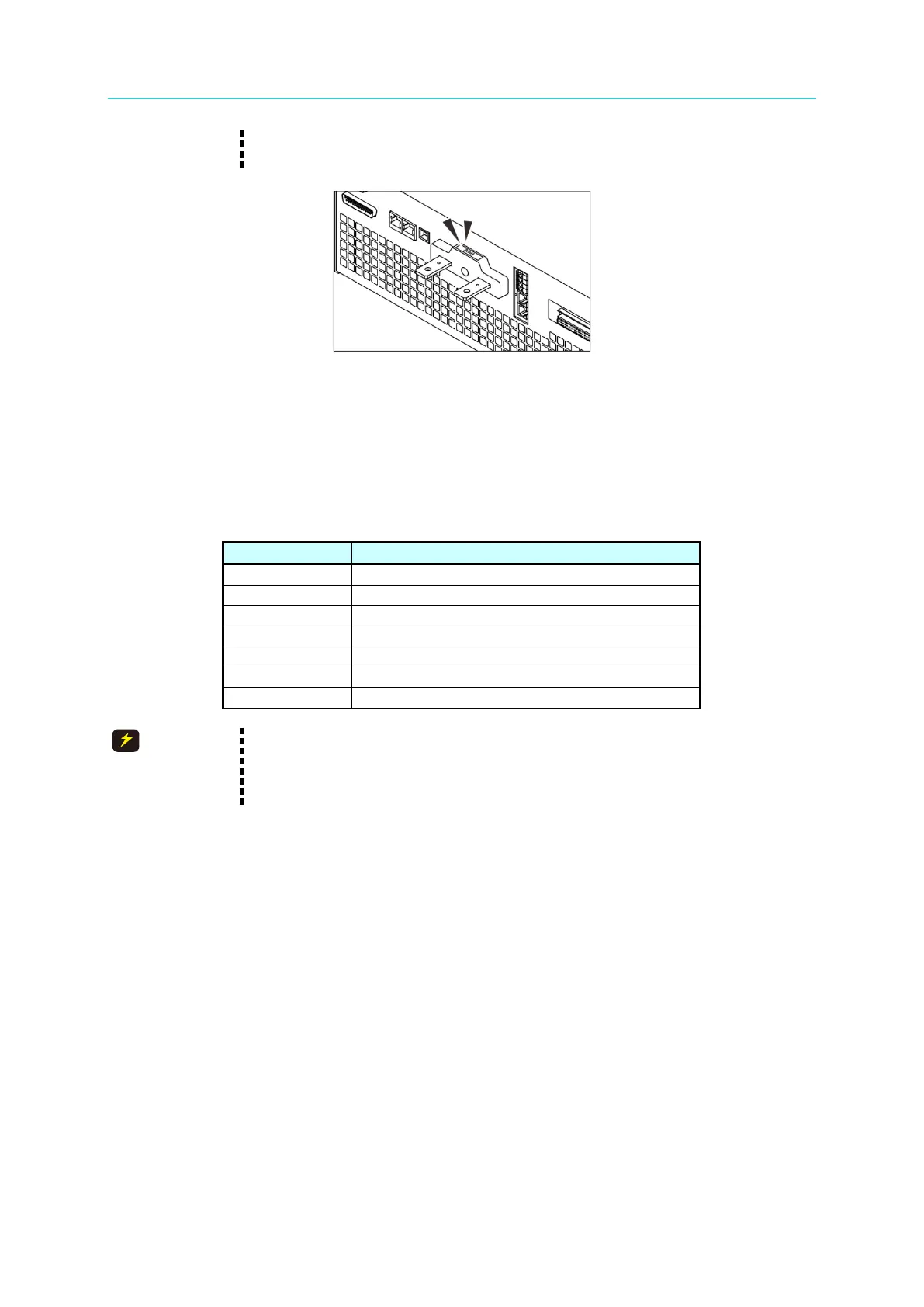
shown in Figure 2-12. For other models, contact your Chroma agent.
2. Be sure to use the proper diameter wire to avoid overheating.
Figure 2-12
2.5.3 Parallel Capacitance Specifications
The maximum parallel output capacitance varies according to the 62000H Series Models as
shown in Table 2-2.
Table 2-2
Max. Parallel Capacitance for Output (uF)
1. To ensure the system’s stability, the capacitance should not exceed
the value listed in Table 2-2.
2.
Be aware of the polarity and withstand voltage when paralleling
capacitance.
2.5.4 Installing the Handle (62150H for example)
Use M4x12 flat head screws to secure the handle to the rack mounting kit as shown in Figure
2-13.



 To Next Page
 Loading...
