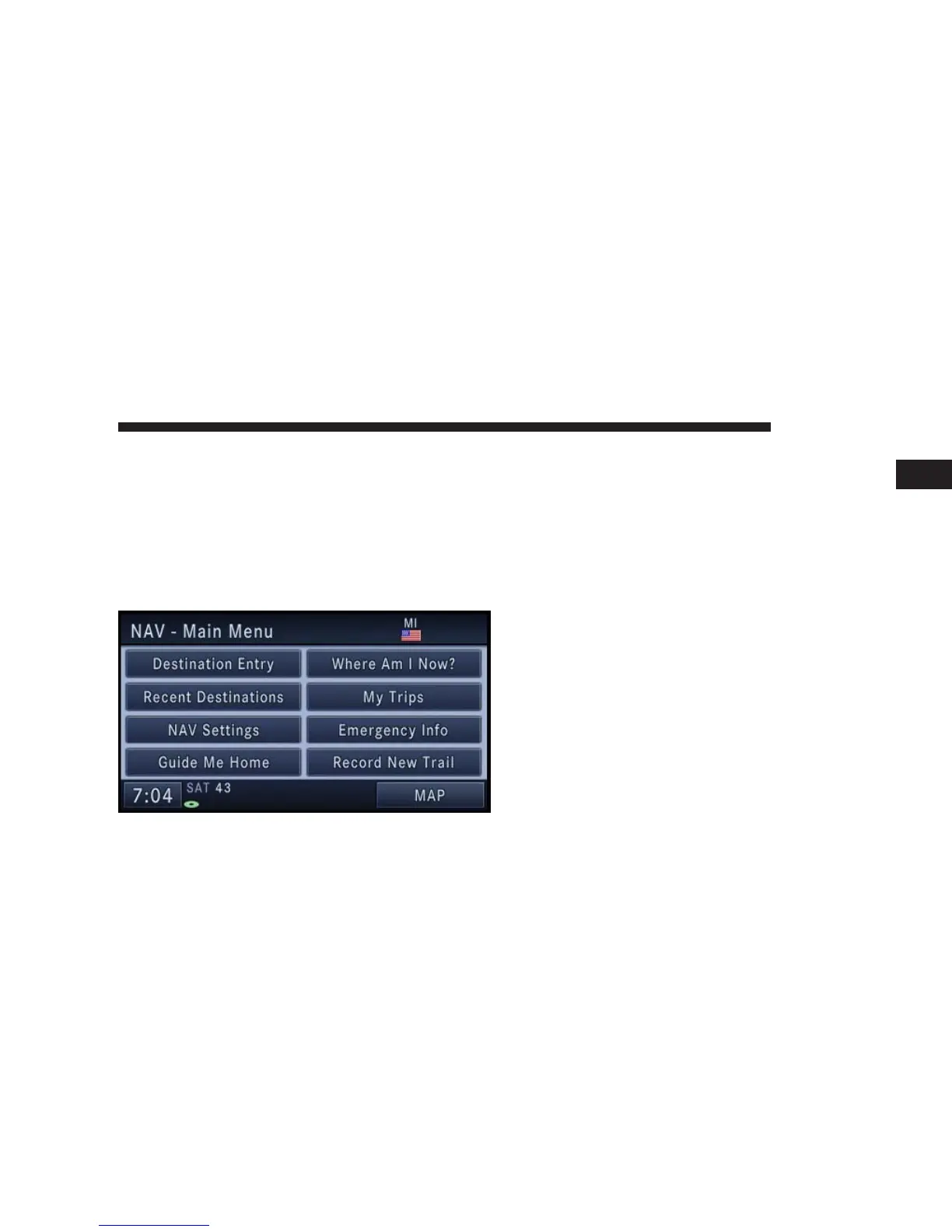
Navigation Main Menu
Selecting NAV Main Menu
1. If not already done, press the ACCEPT soft-key to
agree to the Navigation Disclaimer.
2. Press the NAV hard-key to switch to the navigation
menu and toggle between Map Viewer and Navigation
Main Menu.
•
Destination Entry
Touch this soft-key when you want to program a
destination. (See the Destination Input section for
details.)
•
Recent Destinations
Touch this soft-key when you want to route to a
destination you programmed before. (See the Destina-
tion Input section for details.)
•
NAV Settings
Touch this soft-key when you want to adjust the
settings of the navigation system. (See the Navigation
Default Settings section for details.)
•
Guide Me Home
Touch this soft-key when you want to route to your
home destination. (See the Guide Me Home section for
details.)
NAVIGATION 123
1



 To Next Page