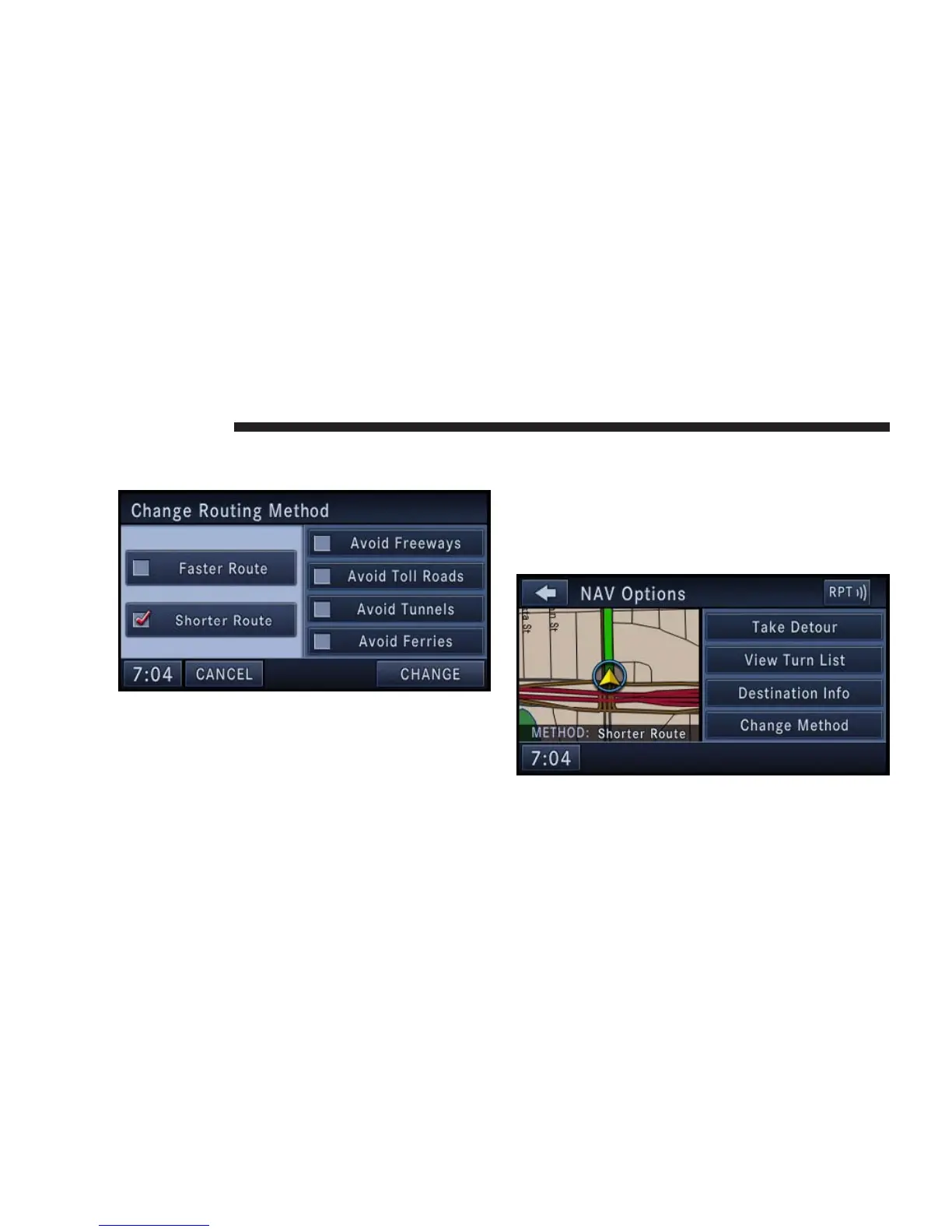
Touch the Change Method soft-key in the NAV Options
menu to change the default routing method.
After you touch one of the method soft-keys in this menu
the CHANGE soft-key will appear for confirmation of the
method change.
NOTE: Since toll roads, tunnels and ferries are built for
the purpose of shortening travel distances, avoiding
these road types may increase distance and travel time.
Options During Route Guidance
During active route guidance the Simulate Route soft-key
is replaced by the Take Detour soft-key.
158 NAVIGATION



 To Next Page