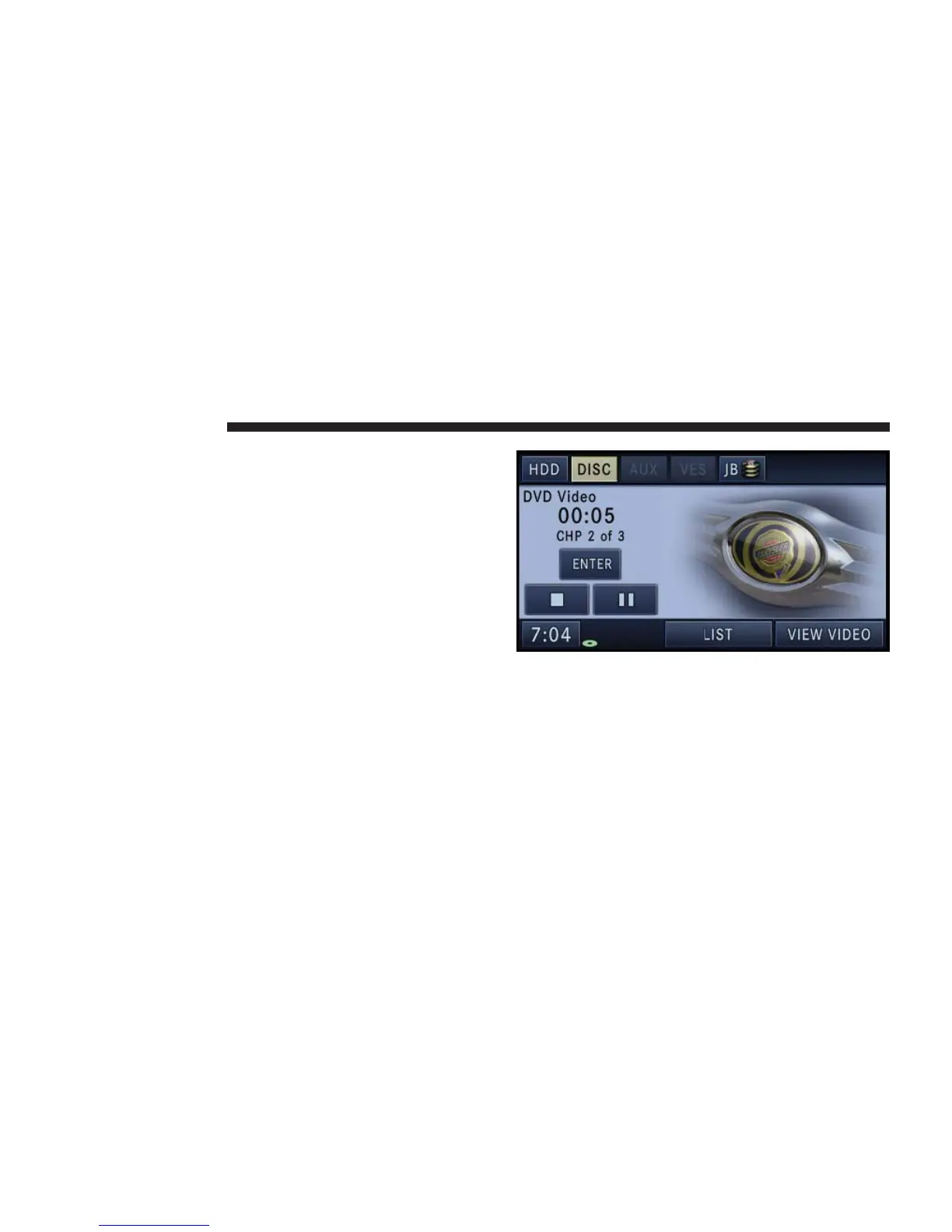
Touch the Turn Rear VES ON soft-key to turn the VES on.
VES Lock
Press the LOCK soft-key to disable the controls on the
VES remote control unit. Once the VES is locked, it is not
possible to use the VES controls or the VES remote
control.
VES Unlock
Press the UNLOCK soft-key to enable the controls on the
VES remote control unit.
Playing a Video DVD for the Rear VES
1. To view a DVD video on the rear VES radio screen,
insert a video DVD.
The playback starts automatically after the DVD video is
recognized by the disc drive.
2. Press the MENU hard-key on the right side of the
radio.
82 NAVIGATION



 To Next Page