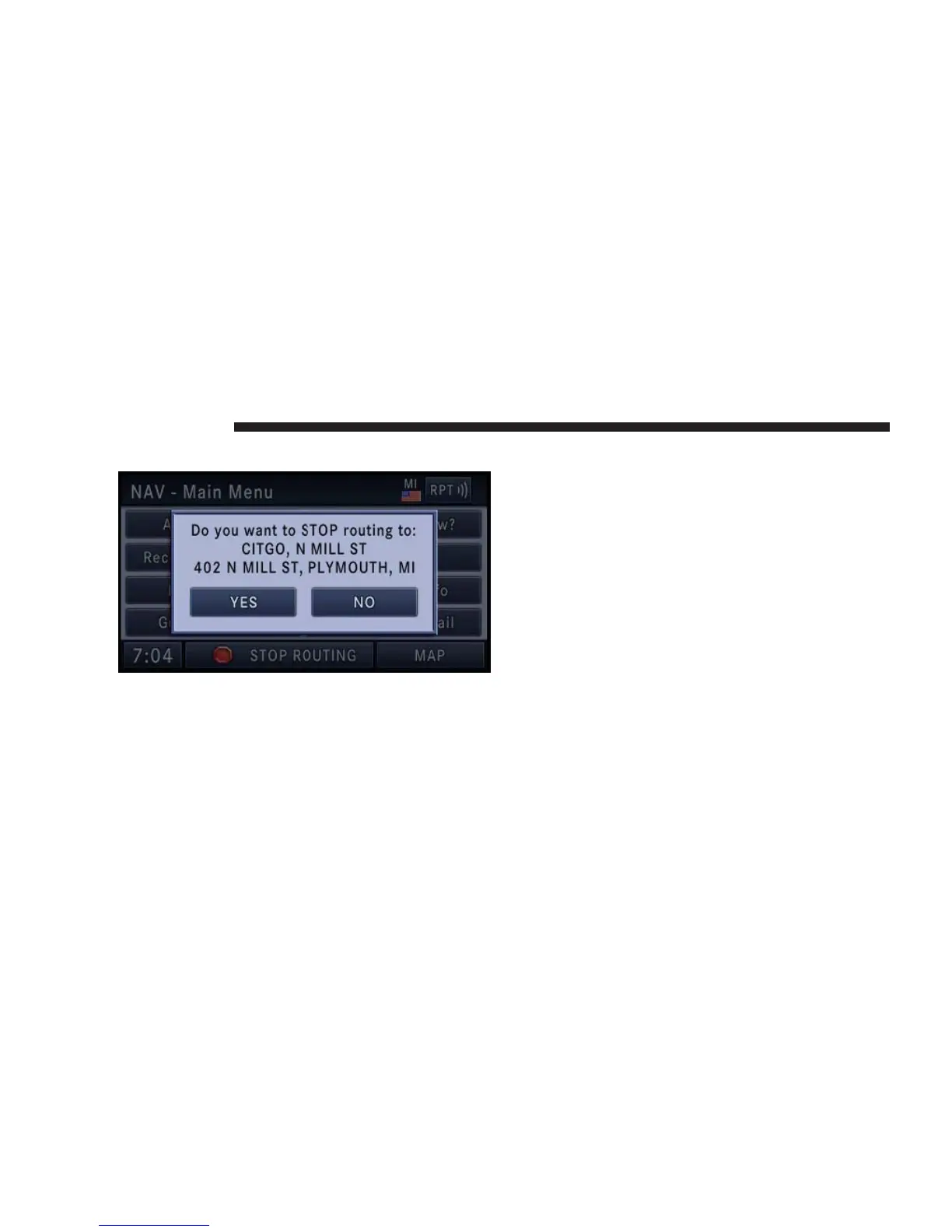
Stop Over
When the route guidance is active, press the Add Stop
Over soft-key, to add multiple destinations. After you
confirm a stop over, you may either go to the entered stop
over first, or to add it to a destination list.
Touch the ADD soft-key to confirm the stop over desti-
nation.
NOTE: Once you reach a destination, the system will
automatically guide you to the next destination on the
list.
To review the destination list, touch the OPTIONS soft-
key in the Route Guidance screen and touch the VIEW
DESTINATIONS soft-key.
To show the destinations information touch the desired
destinations soft-key.
Touch the DONE soft-key to exit the Destination Info
menu.
164 NAVIGATION



 To Next Page