After touching the map on the screen, a set of arrows
appears.
2. Use the arrows to navigate the center of the cross over
the desired destination.
3. Either touch the SELECT soft-key to select the desti-
nation, or touch the POI’S soft-key to see a list of POI’s in
the selected area.
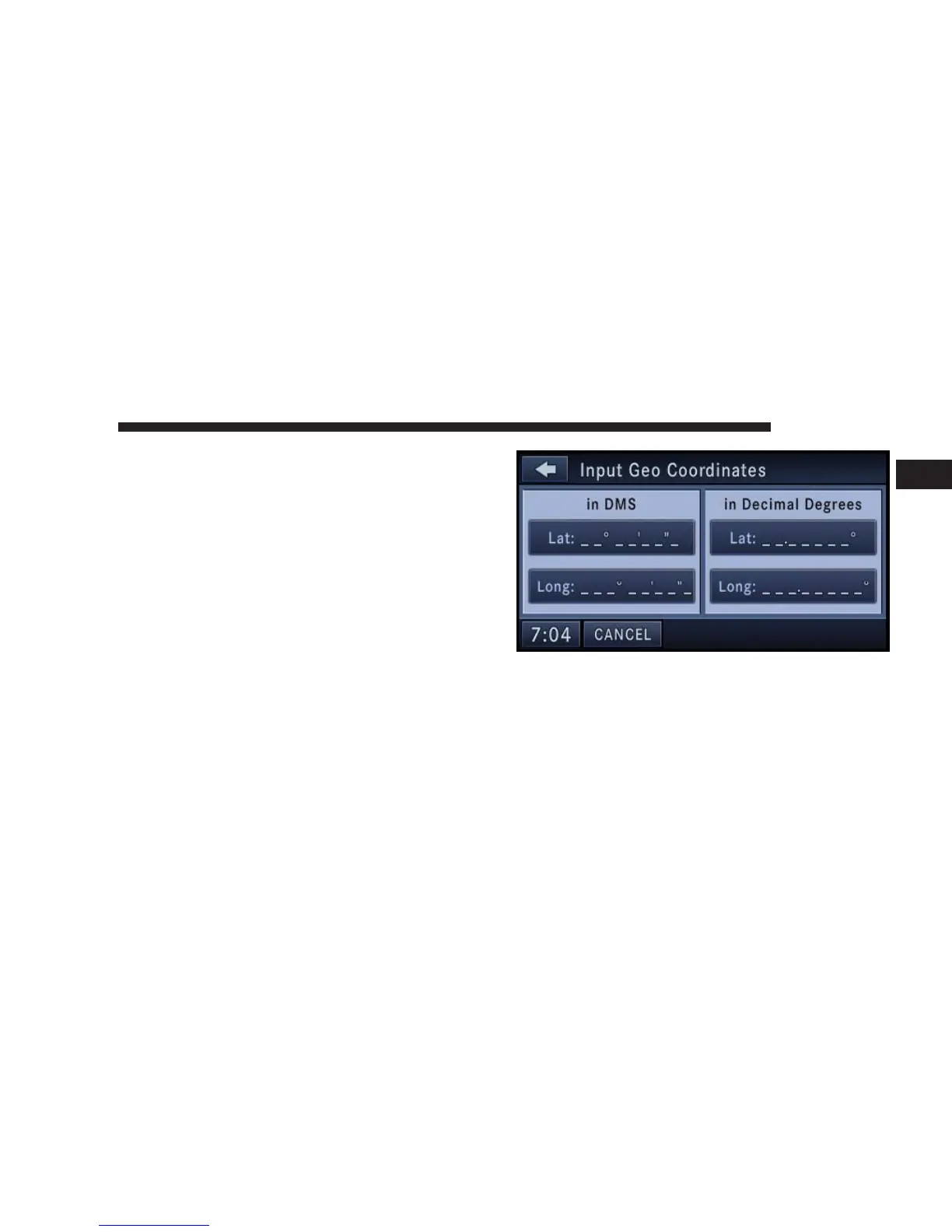
Destination Input by Geo Coordinate
Touch the Geo Coordinate soft-key in the Destination
Entry screen.
To enter a Geo Coordinate as a destination, simply touch
the Lat: soft-key and enter the latitude, then touch the
Long: soft-key to enter the longitude.
NAVIGATION 139
1



 To Next Page