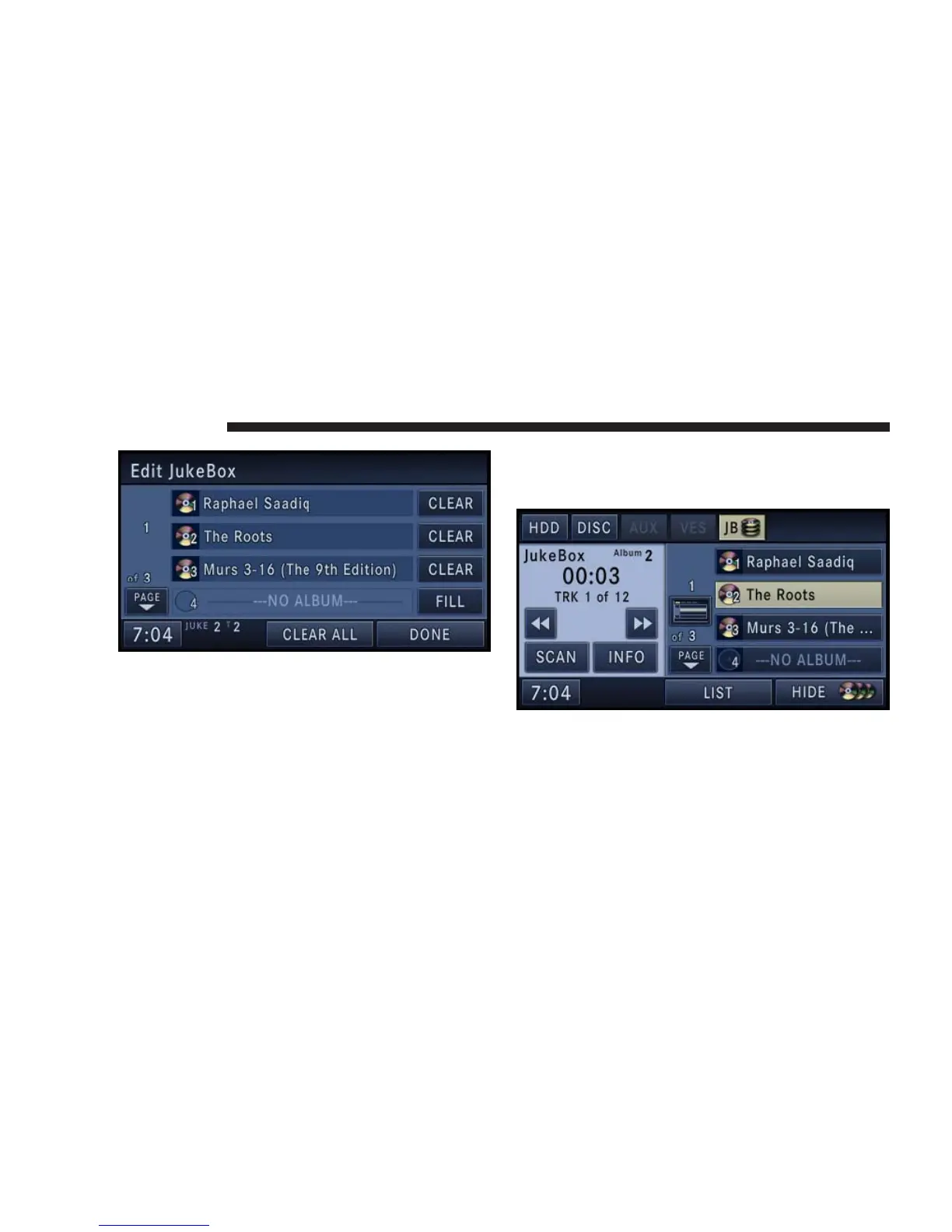
4. Touch the CLEAR soft-key of the album you would
like to remove.
NOTE: Clearing an album slot does not remove the
playlist from the hard disk drive. Refer to the Edit a
Playlist section in the HDD chapter in this manual.
Selecting a Jukebox Album (Playlist)
Touch the SHOW DISC soft-key to display a list of
available albums.
Touch the album soft-key to select and play the desired
album.
Touch the ---NO ALBUM--- soft-key to fill an empty
album.
50 NAVIGATION



 To Next Page