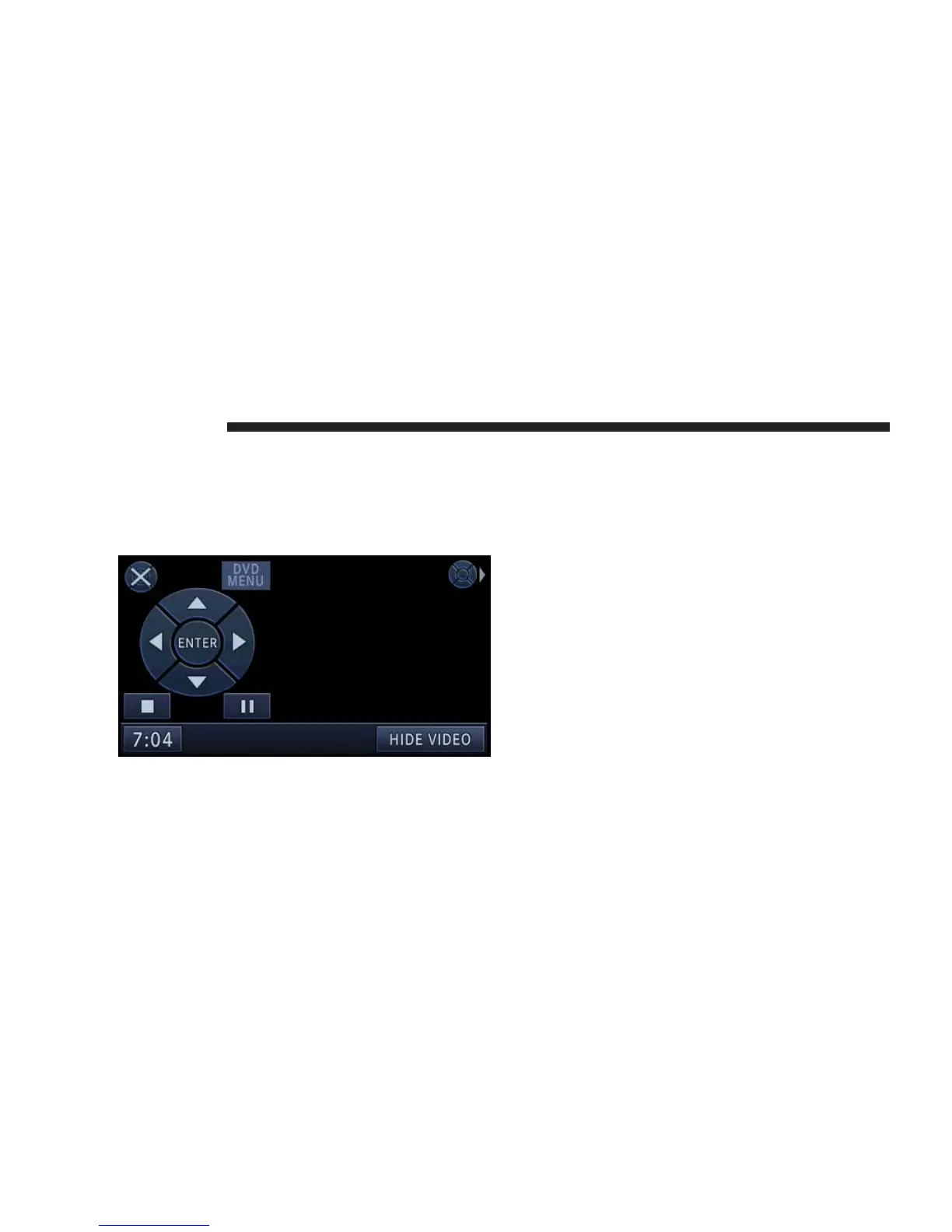
Touch the VIEW VIDEO soft-key to view the video on the
screen.
DVD Menu Controls
If you insert a DVD video disc that contains a top menu,
a menu may appear.
Touch the cursor arrows soft-keys to select the title you
want to view, then touch the ENTER soft-key to start
playback.
Touch the move soft-key to move the controls to the right
part of the screen.
Touch the close soft-key to close the DVD MENU Con-
trols.
42 NAVIGATION



 To Next Page